

- 1
- 2,918 words
After helping retailers, wholesalers, manufacturers, and eCommerce businesses implement inventory management software for more than 15 years, I’ve noticed one consistent pattern: most companies don’t lose money because they lack inventory—they lose money because they don’t know exactly what inventory they have.
I’ve walked into warehouses where thousands of dollars’ worth of products sat untouched because no one knew they existed. I’ve seen retail stores disappoint loyal customers because popular items showed as “in stock” in the system but weren’t actually on the shelves. In manufacturing facilities, a missing $5 component delayed production worth tens of thousands of dollars.
These aren’t isolated incidents they happen every day.
Inventory mistakes quietly drain profits through:
- Overstocking slow-moving products
- Running out of fast-selling items
- Manual spreadsheet errors
- Poor warehouse organization
- Duplicate purchasing
- Incorrect stock counts
- Delayed order fulfillment
- Lost customer trust
The good news is that modern inventory management software has evolved dramatically.
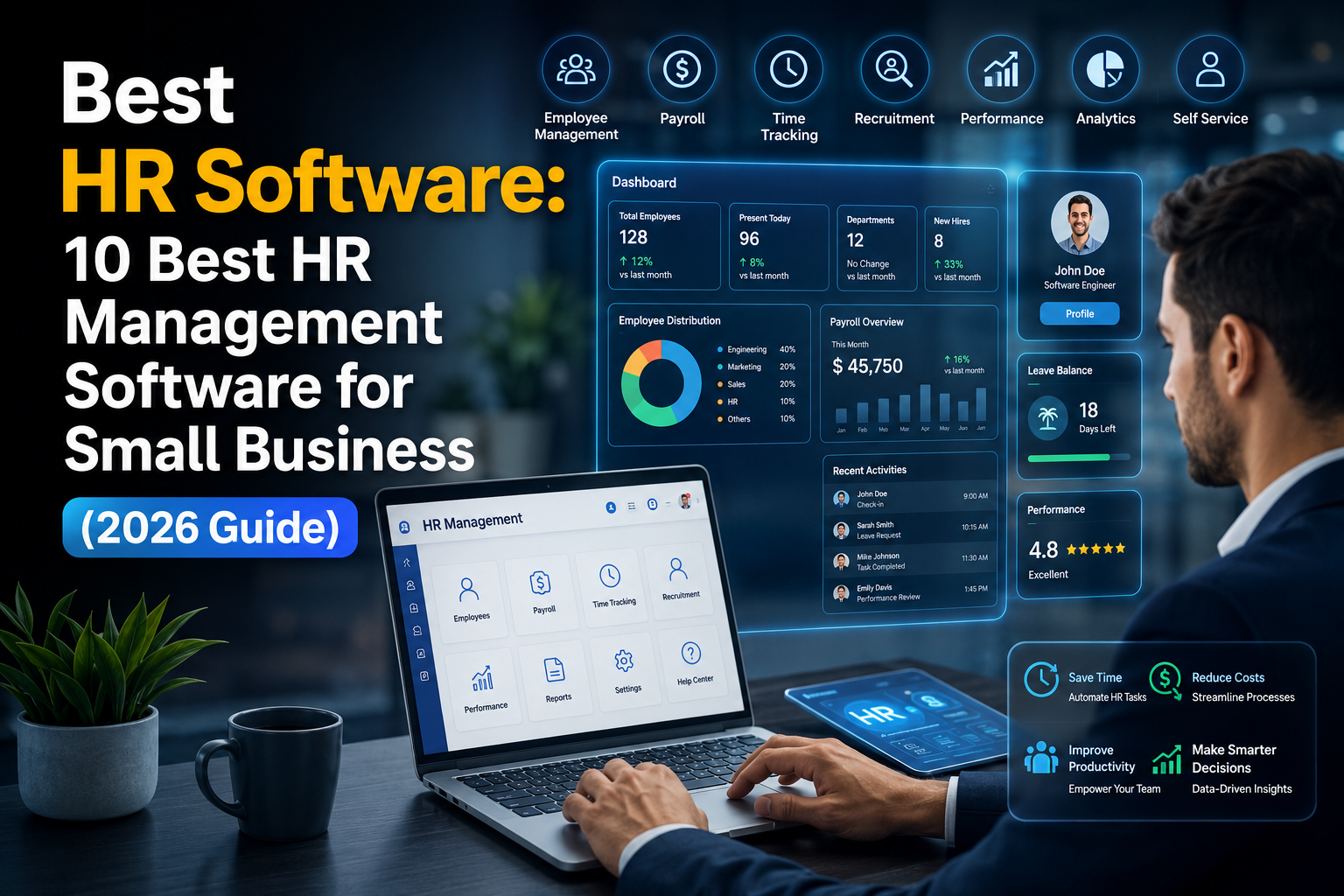
Today’s best inventory software goes far beyond simple stock tracking. Artificial Intelligence predicts future demand, cloud-based systems synchronize inventory across multiple locations instantly, barcode and RFID technologies improve stock accuracy, while automation eliminates repetitive manual tasks.
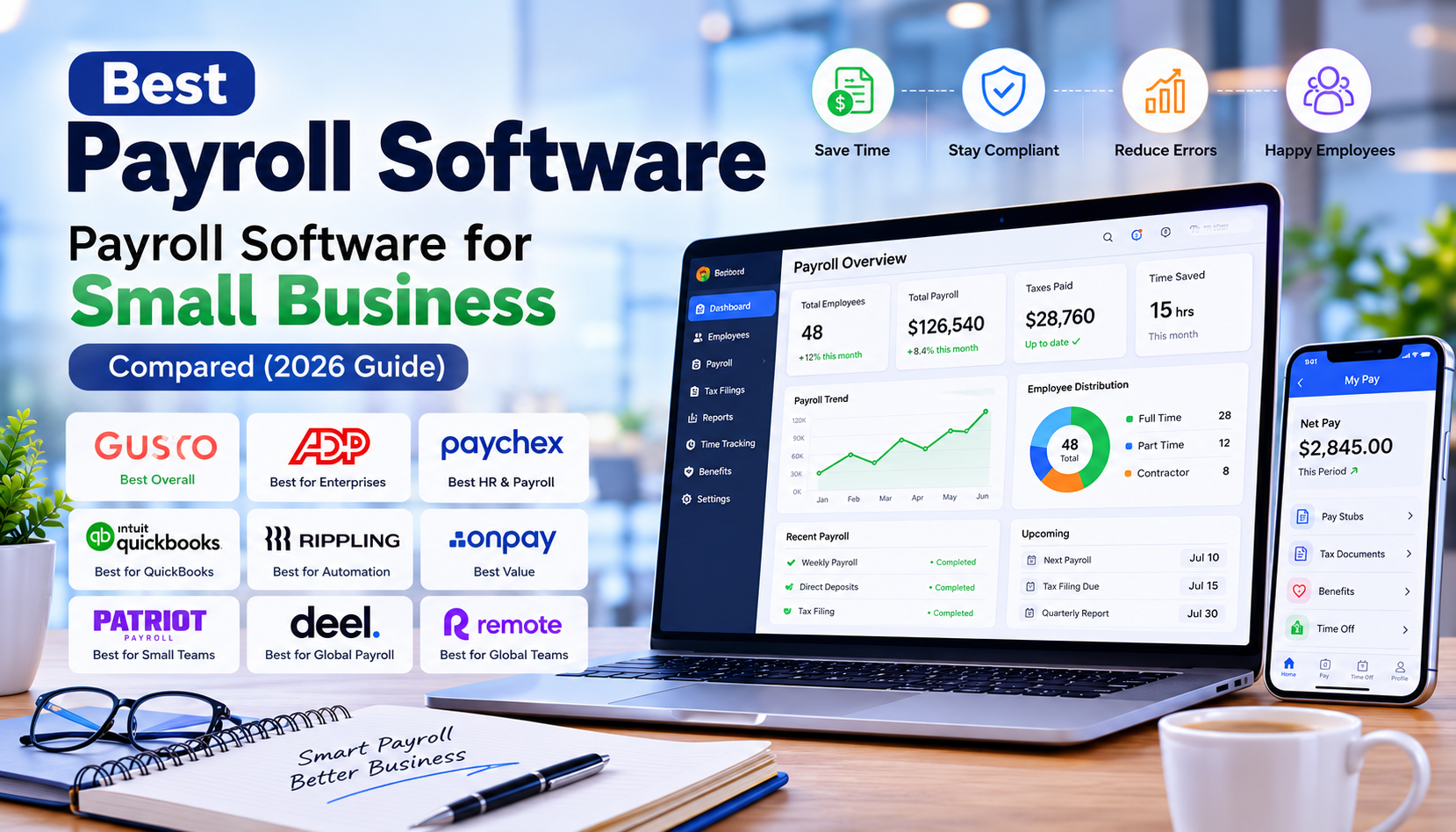
Whether you operate a small retail shop, an expanding eCommerce business, a wholesale distribution center, or a manufacturing company, investing in the right inventory software for small business can dramatically improve efficiency, reduce operational costs, and increase profitability.
Throughout my consulting career, I’ve helped businesses achieve inventory accuracy levels above 98%, reduce stockouts by nearly half, and shorten warehouse picking times by implementing the right combination of warehouse management software, inventory automation, and employee training.
This guide shares the same practical insights I use when helping clients evaluate inventory systems. Rather than simply listing software features, I’ll explain where each solution excels, where it falls short, and which businesses will benefit most.

What is Inventory Management Software?
Inventory management software is a digital system that helps businesses track, organize, control, and optimize inventory throughout its lifecycle—from purchasing and receiving to storage, sales, and replenishment.
Unlike spreadsheets, which quickly become outdated and error-prone, modern stock management software provides real-time visibility into inventory across warehouses, retail stores, fulfillment centers, and online sales channels.

At its core, inventory software ensures that the right products are available in the right quantities at the right time.
For growing businesses, this visibility is no longer optional it’s essential.
How Inventory Management Software Works
Most modern inventory tracking software connects every stage of inventory movement into one centralized platform.
When new products arrive, they’re scanned using barcode or RFID technology and automatically added to inventory. As sales occur—whether online, in-store, or through wholesale channels the system instantly updates stock levels.
This continuous synchronization enables businesses to:
- Monitor inventory in real time
- Prevent overselling
- Trigger automatic reorder points
- Track purchase orders
- Manage supplier relationships
- Analyze inventory performance
- Forecast future demand using AI
- Reduce human error
Cloud-based inventory systems also allow managers to monitor stock from anywhere using desktop or mobile devices.
Key Functions of Inventory Management Software
Although features vary between platforms, the best inventory management software typically includes:
Real-Time Inventory Tracking
Track inventory movement across warehouses, stores, and sales channels with live updates.
Barcode Inventory Management
Use barcode scanners to improve receiving, picking, packing, and shipping accuracy while reducing manual data entry.
RFID Tracking
Advanced systems support RFID technology for high-speed inventory counting and warehouse automation.
Warehouse Management
Manage storage locations, bin assignments, stock transfers, picking routes, and warehouse workflows.
Purchase Order Management
Automatically create purchase orders when stock reaches predefined reorder levels.
Sales Order Management
Synchronize inventory with customer orders to prevent overselling and fulfillment delays.
Inventory Forecasting
AI-powered demand forecasting analyzes historical sales trends, seasonality, and purchasing behavior to predict future inventory needs.
Multi-Location Inventory
Track inventory across multiple warehouses, retail stores, distribution centers, and fulfillment partners from one dashboard.
Reporting & Analytics
Generate reports covering:
- Inventory turnover
- Stock valuation
- Profit margins
- Slow-moving inventory
- Dead stock
- Best-selling products
- Supplier performance

Why Every Business Needs Inventory Management Software
One of the biggest misconceptions I encounter is that inventory software is only necessary for large enterprises.
In reality, small businesses often benefit the most.
A family-owned retail store with only 2,000 SKUs can experience significant financial losses from inaccurate stock counts. Similarly, an eCommerce startup selling on Shopify, Amazon, and eBay can quickly face overselling issues without a centralized cloud inventory system.
I’ve seen businesses reduce inventory carrying costs by 20–30% simply by replacing spreadsheets with dedicated inventory control software. The improved visibility helps owners make informed purchasing decisions, avoid unnecessary stock accumulation, and respond faster to changing customer demand.
Why Businesses Need the Best Inventory Software in 2026
Inventory management has entered a new era.
Businesses no longer compete solely on price or product quality—they compete on speed, accuracy, and customer experience. Customers expect real-time stock availability, fast shipping, and seamless omnichannel purchasing. Meeting these expectations requires more than manual inventory tracking.
The best inventory software in 2026 combines cloud computing, artificial intelligence, automation, and advanced analytics to help businesses stay ahead.
Below are the key trends shaping inventory management today.
AI-Powered Inventory Forecasting
Artificial intelligence has transformed inventory planning from reactive to predictive.
Instead of relying only on historical sales data, AI analyzes multiple variables—including seasonality, market trends, supplier lead times, promotions, and customer purchasing behavior—to forecast future demand with greater accuracy.
From my experience, businesses using AI-driven forecasting often reduce stockouts while avoiding costly overstocking, resulting in healthier cash flow and improved customer satisfaction.
Cloud-Based Inventory Systems
Cloud inventory systems provide secure, real-time access to inventory data from anywhere.
Whether you’re managing a single warehouse or multiple retail locations, cloud platforms ensure that inventory updates are synchronized instantly across all devices and teams. This flexibility supports remote management, simplifies software updates, and enhances collaboration.
Real-Time Inventory Tracking
Real-time visibility into stock levels is no longer a luxury—it’s a necessity.
Modern inventory tracking software updates inventory immediately after every purchase, sale, return, or transfer. This reduces errors, prevents overselling, and gives decision-makers accurate data for purchasing and fulfillment.
Barcode and RFID Technology

Barcode scanning remains one of the most cost-effective ways to improve inventory accuracy and speed up warehouse operations.
For larger businesses, RFID technology takes efficiency even further by enabling rapid, contactless inventory counts and real-time asset tracking without manual scanning.
Mobile Inventory Management
Warehouse staff and managers increasingly rely on smartphones and tablets to receive shipments, perform cycle counts, approve purchase orders, and monitor inventory while on the move. Mobile apps improve responsiveness and reduce delays in daily operations.
ERP Integration
Integrating inventory software with ERP systems streamlines finance, procurement, manufacturing, and supply chain operations. This unified approach reduces duplicate data entry and provides a single source of truth across the organization.
Omnichannel Inventory Management
Businesses selling through physical stores, online marketplaces, and direct-to-consumer websites need synchronized inventory across every channel. Modern inventory software ensures stock levels remain consistent, helping avoid overselling and improving customer trust.
Predictive Analytics and Warehouse Automation
Advanced analytics identify slow-moving inventory, optimize warehouse layouts, and recommend replenishment strategies. Combined with warehouse automation tools, these insights help businesses increase picking efficiency, reduce labor costs, and maximize inventory accuracy.
Key Features to Look for in Inventory Management Software
After implementing dozens of inventory systems over the last 15 years, I’ve learned that businesses often get distracted by long feature lists instead of focusing on what truly improves day-to-day operations. The best inventory management software should solve real business problems—not simply add more dashboards.

Here are the features I always recommend evaluating before making a decision.
Real-Time Inventory Tracking
Real-time inventory tracking is the foundation of any reliable inventory tracking software. Every purchase, sale, return, or warehouse transfer should automatically update stock levels. This prevents overselling, reduces stock discrepancies, and provides accurate visibility across all locations.
Warehouse Management
If your business stores products in multiple bins, shelves, or warehouses, built-in warehouse management software capabilities are essential. Look for features such as:
- Bin location tracking
- Pick and pack optimization
- Warehouse transfers
- Cycle counting
- Stock adjustments
- Receiving workflows
Barcode and QR Code Scanning
Manual inventory entry increases the risk of errors. Barcode inventory software speeds up receiving, stock counts, order picking, and shipping while significantly improving inventory accuracy.
RFID Technology
Larger businesses can benefit from RFID-enabled inventory systems, which allow multiple items to be scanned simultaneously without direct line-of-sight. RFID is especially valuable for high-volume warehouses and manufacturing facilities.
Purchase & Sales Order Management
The software should automate purchase orders when stock reaches reorder points and seamlessly manage customer sales orders from creation through fulfillment.
AI Inventory Forecasting
Modern inventory management software uses artificial intelligence to analyze historical sales, seasonal demand, supplier lead times, and purchasing trends. This helps businesses maintain optimal inventory levels while reducing carrying costs.
Multi-Location Inventory
Whether you operate several retail stores or warehouses, inventory should synchronize across every location in real time. This ensures consistent stock visibility and prevents overselling.
Reports & Analytics
Strong reporting features help identify:
- Fast-moving inventory
- Slow-moving products
- Dead stock
- Inventory turnover
- Gross margins
- Supplier performance
- Purchase trends
Integrations
Choose inventory software that integrates with:
- ERP systems
- Accounting software
- CRM platforms
- eCommerce marketplaces
- Shipping providers
- POS systems
These integrations reduce manual work and improve operational efficiency.
Mobile Accessibility
Warehouse teams increasingly rely on smartphones and tablets. A quality mobile app allows employees to receive inventory, perform cycle counts, approve purchase orders, and monitor stock from anywhere.
Which One Should You Choose?
If you primarily need to monitor inventory levels, automate purchasing, and manage stock across retail stores or online channels, inventory management software is the better choice.
However, businesses operating large warehouses with complex fulfillment processes may benefit from dedicated warehouse management software or an integrated ERP platform that combines both capabilities.
How to Choose the Best Inventory Software for Small Business
Selecting the right inventory software for small business isn’t about choosing the platform with the most features—it’s about choosing the one that fits your operations today while supporting future growth.
1. Understand Your Business Requirements
Start by identifying your biggest challenges. Are you struggling with stockouts, manual data entry, warehouse organization, or multi-channel inventory? Your pain points should guide your software selection.
2. Consider Your Budget
Don’t focus solely on the subscription cost. Factor in implementation, training, integrations, and long-term scalability. A slightly higher upfront investment can often deliver greater savings through automation and improved efficiency.
3. Prioritize Ease of Use
Even the most powerful system won’t deliver results if your team finds it difficult to use. Look for intuitive interfaces, clear workflows, and comprehensive training resources.
4. Evaluate Scalability
Your business will evolve. Choose software that can grow with you by supporting additional warehouses, users, products, and sales channels without requiring a complete migration later.
5. Check Integration Capabilities
Ensure the software integrates seamlessly with your accounting system, eCommerce platforms, shipping providers, and ERP or CRM tools. This creates a unified workflow and reduces manual data entry.
6. Assess Customer Support
Reliable support can make a significant difference during implementation and daily operations. Review response times, support channels, and user feedback before making a decision.
7. Test Mobile Functionality
If your staff works in warehouses or retail environments, evaluate the mobile app thoroughly. Efficient mobile workflows can improve productivity and reduce delays.
8. Look for Automation
Automation features such as reorder points, low-stock alerts, purchase order generation, and AI-powered forecasting save time and reduce human error.
Common Inventory Mistakes Businesses Should Avoid
Over the years, I’ve seen the same mistakes repeatedly limit the effectiveness of inventory systems. Avoiding these pitfalls can save significant time and money.
- Relying on spreadsheets for inventory management instead of dedicated software.
- Ignoring regular cycle counts, leading to inaccurate stock records.
- Setting incorrect reorder points, causing stockouts or excess inventory.
- Purchasing inventory based on assumptions rather than data and forecasting.
- Skipping employee training, resulting in inconsistent system usage.
- Failing to integrate inventory software with accounting, ERP, or eCommerce platforms.
- Neglecting slow-moving or obsolete stock, tying up valuable cash flow.
- Choosing software based solely on price, rather than functionality and long-term value.

My 15 Years of Experience Working with Inventory Systems
Over the past decade and a half, I’ve worked with businesses ranging from small family-owned retailers to multi-location distributors and manufacturing companies. While every business is different, several patterns consistently emerge.
The first challenge is often inaccurate data. Many organizations assume that implementing new software will instantly solve inventory problems. In reality, poor data quality, inconsistent processes, and inadequate employee training can undermine even the best system.
Another retailer struggled with excess inventory that tied up cash flow. By using AI-powered demand forecasting and analyzing historical sales patterns, the company reduced overstock, improved inventory turnover, and freed up working capital for business expansion.
These experiences reinforced a key lesson: technology alone doesn’t deliver results. Success comes from combining the right software with well-defined processes, employee engagement, and continuous performance monitoring.
Businesses that treat inventory management as an ongoing strategy—not a one-time software purchase—consistently achieve stronger operational efficiency and better financial outcomes.
Frequently Asked Questions (FAQs)
What is the best inventory management software for small businesses?
For most small businesses, Zoho Inventory, inFlow Inventory, and Sortly offer an excellent balance of affordability, ease of use, and essential inventory management features.
What is the difference between inventory management software and warehouse management software?
Inventory management software focuses on tracking stock levels, purchasing, and inventory planning, while warehouse management software emphasizes warehouse operations such as picking, packing, storage optimization, and fulfillment.
Can inventory software integrate with accounting systems?
Yes. Most leading platforms integrate with accounting software such as QuickBooks, Xero, Microsoft Dynamics, Oracle NetSuite, and other ERP solutions.
Is cloud-based inventory software secure?
Reputable cloud inventory systems use encryption, automated backups, user access controls, and regular security updates to protect business data.
How does AI improve inventory management?
AI analyzes historical sales, seasonal trends, and supplier performance to forecast demand, optimize reorder points, and reduce both stockouts and overstocking.
Do small businesses need barcode scanners?
Not every business requires them immediately, but barcode scanning significantly improves inventory accuracy and operational efficiency as businesses grow.
What industries benefit most from inventory management software?
Retail, eCommerce, wholesale distribution, manufacturing, healthcare, food service, and logistics businesses all benefit from modern inventory management systems.
How long does inventory software implementation take?
Implementation timelines vary based on business size and complexity. Small businesses may be operational within a few days, while larger organizations with ERP integrations may require several weeks or months.
Can inventory software support multiple warehouses?
Yes. Most modern cloud-based inventory platforms provide centralized management for multiple warehouses, retail stores, and fulfillment centers.
What is the ROI of inventory management software?
Businesses often experience improved inventory accuracy, reduced stockouts, lower carrying costs, faster order fulfillment, and better decision-making, leading to measurable operational and financial returns.

Conclusion
Choosing the right inventory management software is one of the smartest investments a business can make in 2026. Whether you’re managing a small retail store, a growing eCommerce brand, a wholesale distribution company, or a manufacturing facility, the right software helps you move beyond manual spreadsheets and gain complete control over your inventory.
Throughout my 15 years of implementing inventory systems, I’ve found that successful businesses don’t simply buy software—they invest in better processes, employee training, and data-driven decision-making. The right inventory software for small business can reduce stockouts, eliminate costly overstocking, improve warehouse efficiency, automate purchasing, and provide real-time visibility across every sales channel.
If you’re just starting out, Zoho Inventory and Sortly offer affordable, user-friendly solutions. Growing wholesalers and multi-channel retailers should consider Cin7 or inFlow Inventory, while manufacturers will benefit from Fishbowl Inventory or Katana Cloud Manufacturing. Larger organizations with complex operations can maximize efficiency with NetSuite Inventory Management, which combines powerful inventory control with enterprise-grade ERP capabilities.
Before making your final decision, take advantage of free trials, schedule product demonstrations, and involve your warehouse staff, purchasing team, and finance department in the evaluation process. Focus on ease of use, scalability, integrations, automation, mobile access, and long-term business goals—not just the monthly subscription price.
Author

razakh6402@gmail.com
Related Posts

Lead Generation Software: 12 Best Lead Generation Tools for B2B Sales (2026 Guide)
- 0
- 2,300 words
If someone had asked me 15 years ago what the biggest challenge in sales was, my answer would have been simple: finding...
Survey Software: 12 Best Online Survey Tools & Feedback Software for Businesses (2026 Guide)
- 0
- 1,871 word
Whether I was helping a SaaS startup validate a new feature, assisting an HR team with employee engagement, or optimizing customer experience...
Read out all
Online Course Platform: 12 Best LMS Software & eLearning Platforms for Course Creators (2026 Guide)
- 0
- 1,900 word
The online education industry has changed dramatically over the last 15 years. When I built my first digital training portal, simply uploading...

Team Communication Software: 12 Best Business Messaging Apps for Modern Workplaces in 2026 (Expert Tested)
- 0
- 2,305 words
I’ve personally tested dozens of team communication software platforms while consulting for marketing agencies, software companies, HR departments, remote development teams, and...
Invoice Software: 12 Best Invoicing Software for Small Business in 2026 (Expert Tested)
- 0
- 2,493 words
I’ve worked with freelancers chasing late payments, agencies managing hundreds of monthly invoices, startups scaling internationally, and established businesses struggling with outdated...
Generate one SEO-optimized title thatdigital asset management software
- 6
- 2,632 words
One of the most memorable projects I led involved migrating nearly half a million digital assets from a traditional file server into...
1 comment