
- 0
- 2,338 words
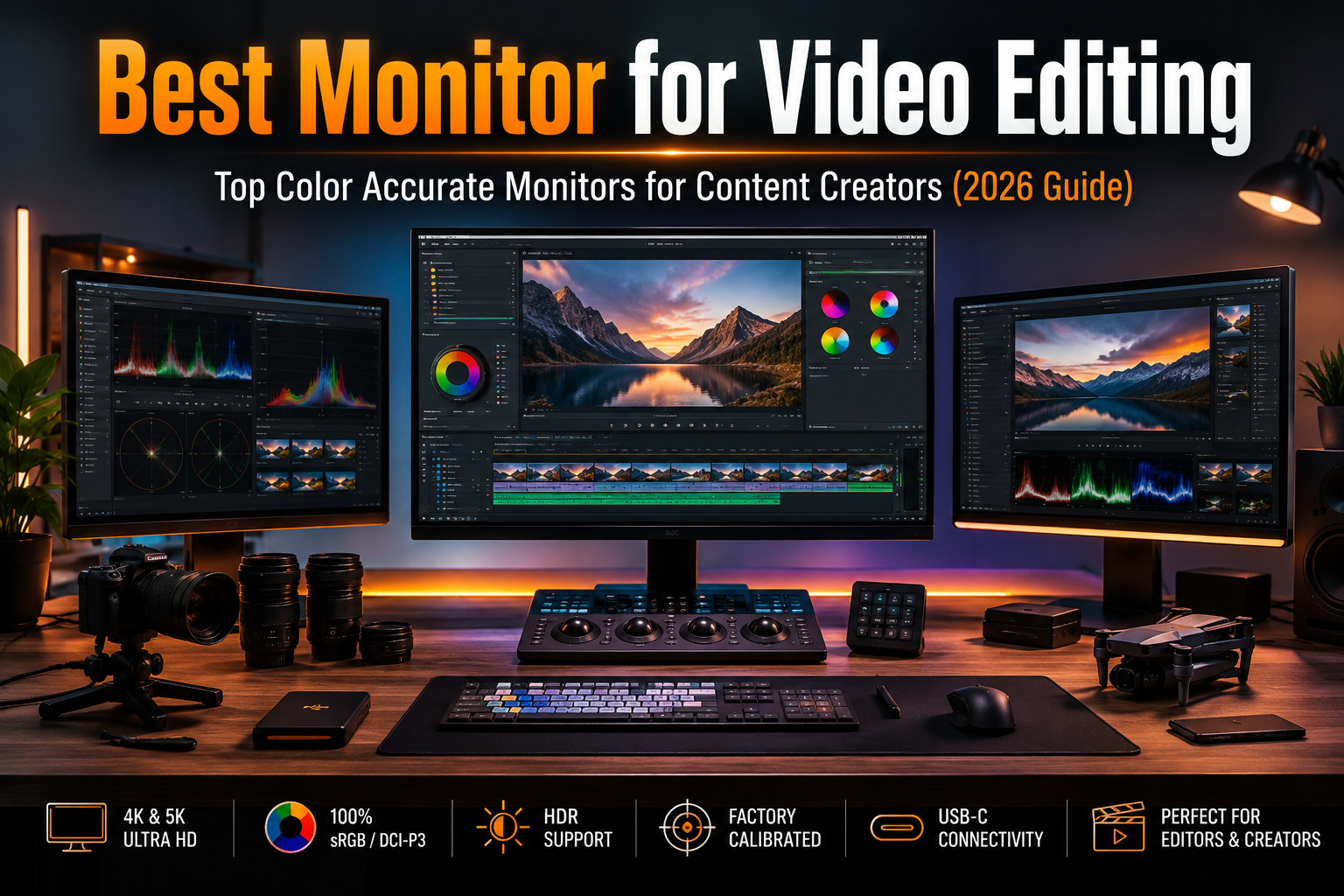
Choosing the best monitor for video editing is one of the smartest investments you can make as a creator. Whether you’re editing YouTube videos, grading a short film in DaVinci Resolve, retouching photos in Adobe Lightroom, or creating motion graphics in After Effects, your monitor directly affects how your final work looks.
AI & AutomationMany creators spend thousands of dollars on cameras and powerful computers, yet continue using an average display that cannot accurately reproduce colors. The result is often frustrating—videos that look perfect during editing appear overly saturated, too dark, or completely different once uploaded to YouTube or viewed on another device.
A professional color accurate monitor solves that problem. It gives you confidence that the colors you’re seeing are close to what your audience will actually experience.
Today’s editing monitors offer far more than higher resolution. Features like factory calibration, wide color gamut coverage, HDR support, USB-C connectivity, Thunderbolt integration, hardware calibration, and improved brightness have transformed modern displays into essential creative tools.
For creators working with 4K footage, a 4K editing monitor also provides additional workspace for complex timelines, multiple editing panels, and high-resolution previews without constant zooming.

Panel technology matters just as much. IPS panels remain the preferred choice for consistent color accuracy and wide viewing angles, while OLED delivers exceptional contrast and true blacks for HDR workflows. Mini-LED displays bridge the gap by offering impressive brightness and local dimming without many of OLED’s long-term burn-in concerns.
Factory calibration is another feature worth paying for. Monitors with low Delta E values require less calibration out of the box and provide more reliable results for professional work.
Ultimately, the right monitor for creators isn’t necessarily the most expensive model. It’s the one that matches your editing workflow, budget, and color accuracy requirements.
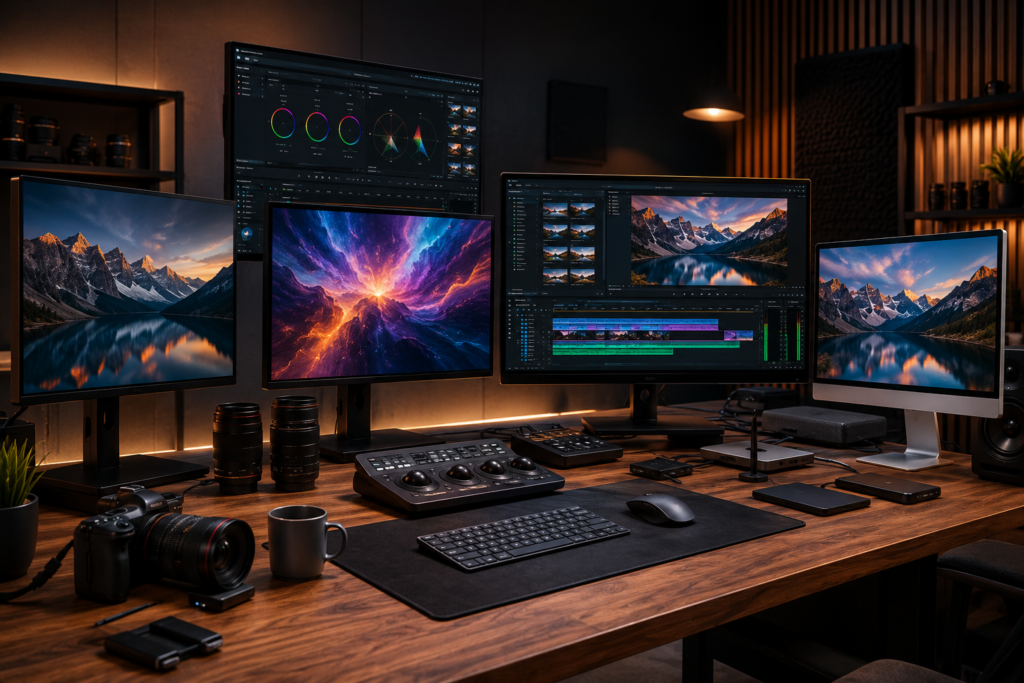
How These Monitors Were Evaluated
Selecting the best content creator monitor involves much more than comparing specifications on paper. Modern displays often advertise impressive numbers, but real-world performance depends on how well those specifications translate into everyday creative workflows.
For this guide, the evaluation focuses on the characteristics professional editors, photographers, filmmakers, and digital creators rely on every day.
Color Accuracy
Every monitor was assessed based on its advertised factory calibration, Delta E performance, and support for professional color spaces including:
- sRGB
- Rec.709
- DCI-P3
- Adobe RGB
Displays with excellent color consistency naturally stand out for professional editing work.
Editing Workflow Performance
Each recommendation considers demanding creative applications such as:
- Adobe Premiere Pro
- DaVinci Resolve
- Adobe After Effects
- Adobe Photoshop
- Adobe Lightroom
- Final Cut Pro
Special attention is given to timeline usability, interface scaling, sharpness, and preview accuracy.
HDR Capability
HDR has become increasingly important for modern content creation.
Evaluation includes:
- Peak brightness
- Local dimming technology
- HDR400
- HDR600
- HDR1000 certification
- Overall HDR editing suitability
While many monitors advertise HDR support, only a handful provide brightness and contrast levels suitable for serious HDR production.
Connectivity
Today’s creators expect simplified workspaces.
Monitors offering USB-C or Thunderbolt receive higher consideration because they allow laptops to connect using a single cable while simultaneously transferring video, data, and charging power.
Additional ports such as HDMI 2.1, DisplayPort, USB hubs, Ethernet, and KVM switches also improve productivity.
Long Editing Sessions
Professional editing often involves hours of continuous work.
Displays with excellent ergonomics, low blue light modes, flicker-free backlighting, adjustable stands, and consistent brightness provide a noticeably more comfortable editing experience during extended sessions.
Best Monitor for Video Editing (Top Picks)
ASUS ProArt Display PA32UCXR
The ASUS ProArt series has earned a strong reputation among professional editors, and the PA32UCXR continues that tradition by focusing on exceptional color precision and HDR performance.
For creators producing commercial work, documentaries, or branded content, this is one of the strongest all-around choices available.
Key Specifications
- 32-inch Mini-LED IPS
- 4K UHD Resolution
- 1600 nits peak brightness
- 99% DCI-P3
- Adobe RGB support
- Thunderbolt 4
- USB-C
- Hardware Calibration
Pros
- Outstanding color accuracy
- Excellent HDR performance
- Superb factory calibration
- Premium build quality
- Ideal for professional grading
Cons
- Expensive
- HDR performance requires compatible workflow
- More than many beginners need
Best For
Professional editors, filmmakers, agencies, and colorists.
Approximate Price
$2,500–$3,000
Why It Stands Out
If HDR video production is a priority, this monitor delivers impressive brightness alongside wide color gamut coverage. Its hardware calibration support also makes long-term color consistency easier to maintain.
BenQ PD3225U
BenQ has become one of the most trusted brands among creative professionals because it consistently delivers excellent value without sacrificing color accuracy.
The PD3225U is particularly attractive for Mac users thanks to its Thunderbolt connectivity and clean industrial design.
Key Specifications
- 32-inch IPS
- 4K UHD
- 98% DCI-P3
- Thunderbolt 4
- USB-C
- Factory Calibrated
Pros
- Excellent factory calibration
- Mac-friendly features
- Comfortable for long editing sessions
- Reliable USB-C connectivity
Cons
- HDR is limited
- Brightness is average compared to Mini-LED competitors
Best For
YouTubers, freelancers, photographers, and creative studios.
Approximate Price
$1,000–$1,300
Why It Stands Out
This is an excellent balance between affordability and professional performance. For editors primarily working in SDR, Rec.709, and YouTube production, it offers outstanding value.
Apple Studio Display
Apple’s Studio Display continues to be one of the most polished options for creators already invested in the Apple ecosystem.
Its 5K Retina resolution delivers remarkable sharpness, making text, timelines, and interface elements appear incredibly crisp.
Key Specifications
- 27-inch Retina
- 5K Resolution
- P3 Wide Color
- 600 nits brightness
- Thunderbolt
- Premium aluminum design
Pros
- Exceptional image clarity
- Outstanding macOS integration
- Excellent speakers
- Fantastic webcam
- Premium construction
Cons
- Expensive
- Limited ergonomics on base model
- No true HDR
Best For
Final Cut Pro editors, photographers, and Apple professionals.
Approximate Price
$1,600–$2,000
Why It Stands Out
If your workflow revolves around Mac Studio or MacBook Pro, few displays integrate as seamlessly while delivering such impressive image quality.
Dell UltraSharp U3225QE
Dell’s UltraSharp lineup remains one of the safest recommendations for creators seeking dependable color accuracy without entering premium reference monitor pricing.
Key Specifications
- 32-inch IPS Black
- 4K UHD
- USB-C Hub
- Ethernet
- KVM Switch
- Wide Color Coverage
Pros
- Excellent productivity features
- Great color consistency
- Comfortable ergonomics
- Outstanding connectivity
Cons
- HDR is basic
- Not intended for professional HDR mastering
Best For
Hybrid creators who edit videos, manage multiple applications, and work from both Windows and Mac laptops.
Approximate Price
$800–$1,000
Why It Stands Out
Its integrated USB hub, Ethernet connection, and KVM switch make it one of the most practical content creator monitors for modern workstations where multiple devices are used throughout the day.
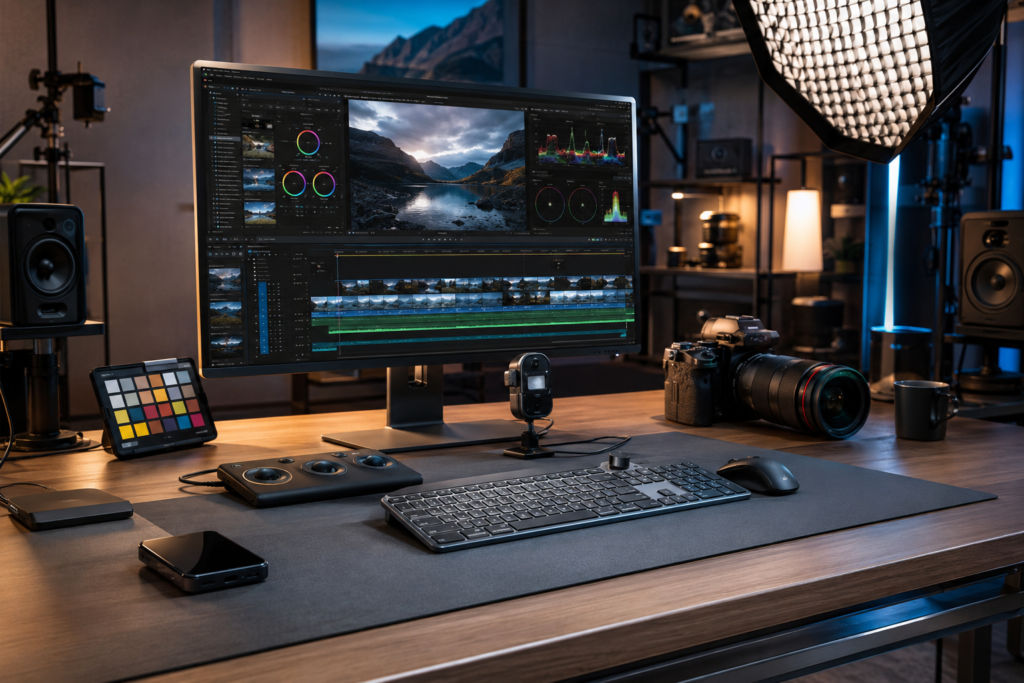
Best Monitor for Video Editing (Top Picks Continued)
LG UltraFine 32EP950 OLED
If deep blacks and stunning contrast are priorities, the LG UltraFine 32EP950 deserves serious consideration. OLED technology makes shadow detail incredibly easy to evaluate, which is especially valuable when editing cinematic footage or working with HDR content.
Key Specifications
- 32-inch OLED
- 4K UHD Resolution
- 99% DCI-P3
- 99% Adobe RGB
- USB-C
- DisplayHDR Support
Pros
- Incredible contrast ratio
- Excellent color reproduction
- Perfect blacks
- Outstanding for HDR preview
Cons
- Lower sustained brightness than Mini-LED
- Premium price
- OLED burn-in is still worth considering for static UI elements
Best For
Filmmakers, colorists, and creators working with cinematic footage.
Approximate Price
$2,800–$3,500
Why It Stands Out
OLED makes dark scenes look remarkably lifelike. If your workflow involves documentaries, narrative films, or dramatic YouTube productions, this color accurate monitor produces beautiful images with exceptional contrast.
Samsung ViewFinity S9
Samsung designed the ViewFinity S9 as a premium creator display with a sharp 5K panel and excellent USB-C connectivity.
Key Specifications
- 27-inch
- 5K Resolution
- IPS Panel
- Thunderbolt 4
- USB-C
- Factory Calibration
Pros
- Extremely sharp image
- Excellent Mac compatibility
- Modern design
- Reliable color accuracy
Cons
- HDR is limited
- Smaller than many editors prefer
Best For
Mac creators, photographers, and designers.
Approximate Price
$1,200–$1,600
Eizo ColorEdge CG2700X
Among professional reference displays, few names carry as much respect as Eizo. The ColorEdge series is built for studios where consistent color accuracy matters more than flashy specifications.
Key Specifications
- 27-inch IPS
- 4K UHD
- Built-in Calibration Sensor
- 99% Adobe RGB
- USB-C
- Hardware Calibration
Pros
- Industry-leading factory calibration
- Exceptional panel uniformity
- Built-in self-calibration
- Outstanding reliability
Cons
- Expensive
- Primarily designed for professionals
Best For
Broadcast studios, commercial production houses, and professional photographers.
Approximate Price
$2,200–$2,800
MSI Creator PS321URV
For creators seeking premium features without premium pricing, MSI offers one of the best values in the market.
Key Specifications
- 32-inch IPS
- 4K UHD
- USB-C
- 98% DCI-P3
- HDR600
Pros
- Excellent value
- Strong color accuracy
- Large workspace
- Modern connectivity
Cons
- HDR cannot match Mini-LED
- Average speakers
Best For
Freelancers, YouTubers, and creators upgrading from consumer displays.
Approximate Price
$700–$900
Comparison Table
| Monitor | Size | Resolution | Panel | Color Gamut | HDR | USB-C | Refresh Rate | Best For | Approx. Price |
|---|---|---|---|---|---|---|---|---|---|
| ASUS ProArt PA32UCXR | 32″ | 4K | Mini-LED IPS | 99% DCI-P3 | HDR1600 | Yes | 60Hz | Professional Color Grading | $2,500–3,000 |
| BenQ PD3225U | 32″ | 4K | IPS | 98% DCI-P3 | HDR400 | Yes | 60Hz | YouTube & Editing | $1,000–1,300 |
| Apple Studio Display | 27″ | 5K | IPS | P3 | No True HDR | Thunderbolt | 60Hz | Mac Users | $1,600–2,000 |
| Dell UltraSharp U3225QE | 32″ | 4K | IPS Black | Wide Gamut | HDR400 | Yes | 120Hz | Productivity | $800–1,000 |
| LG UltraFine 32EP950 | 32″ | 4K | OLED | Adobe RGB/DCI-P3 | HDR | Yes | 60Hz | HDR Editing | $2,800–3,500 |
| Samsung ViewFinity S9 | 27″ | 5K | IPS | P3 | HDR400 | Thunderbolt | 60Hz | Apple Ecosystem | $1,200–1,600 |
| Eizo ColorEdge CG2700X | 27″ | 4K | IPS | 99% Adobe RGB | HDR | Yes | 60Hz | Studio Work | $2,200–2,800 |
| MSI Creator PS321URV | 32″ | 4K | IPS | 98% DCI-P3 | HDR600 | Yes | 60Hz | Best Value | $700–900 |
What Makes a Great Content Creator Monitor?
The best monitor for creators balances color accuracy, connectivity, ergonomics, and long-term reliability.
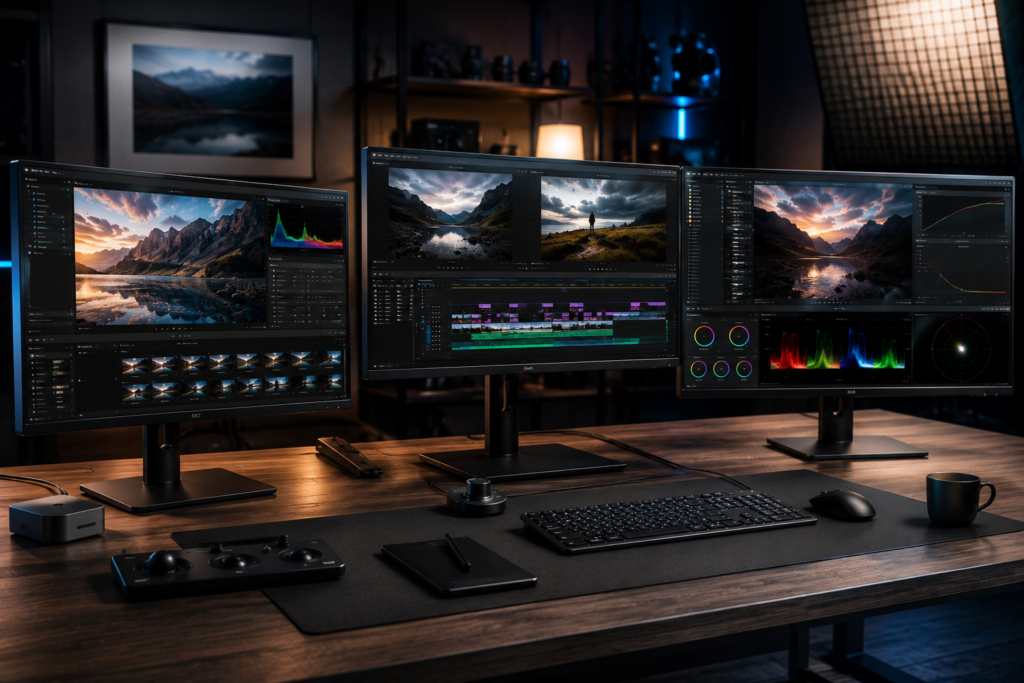
IPS vs OLED vs Mini-LED
IPS remains the safest choice for most editors because it offers excellent color consistency and wide viewing angles.
OLED produces unmatched contrast and true blacks, making it ideal for HDR work, although long editing sessions with static interface elements may increase burn-in risk.
Mini-LED combines high brightness with local dimming, making it one of the strongest technologies for HDR workflows.
Resolution
A 4K editing monitor offers enough pixel density for sharp previews while leaving room for editing panels. If you’re deeply invested in Apple’s ecosystem, a 5K display provides even sharper text and UI elements.
Color Spaces
For accurate editing, look for strong coverage of:
- sRGB for web content
- Rec.709 for YouTube and standard video
- DCI-P3 for cinema workflows
- Adobe RGB for photography
- Rec.2020 support if you work with advanced HDR production
Factory Calibration
Choose monitors with a Delta E below 2. This indicates excellent color accuracy right out of the box and reduces the need for immediate calibration.
Connectivity
Modern creators benefit from:
- USB-C
- Thunderbolt 4
- HDMI 2.1
- DisplayPort
- KVM switches
- Built-in USB hubs
These features simplify cable management and improve productivity.
4K Editing Monitor Buying Guide
Best Budget Choice
If you’re starting a YouTube channel or freelancing, prioritize an IPS display with factory calibration over unnecessary gaming features.
Best for Professional Editors
Editors working in DaVinci Resolve or delivering broadcast-quality content should invest in Mini-LED or reference-grade displays with wide DCI-P3 coverage and hardware calibration.
Best for Mac Users
Thunderbolt connectivity, 5K resolution, and seamless macOS integration make displays like the Apple Studio Display or Samsung ViewFinity S9 compelling options.
Best for Windows Users
Windows editors benefit from flexible connectivity, KVM functionality, and large 32-inch 4K displays that support multitasking.
Photography
Photographers should prioritize Adobe RGB coverage, hardware calibration support, and excellent panel uniformity.
Gaming & Editing
If you split your time between gaming and content creation, consider a 120Hz or higher refresh rate without sacrificing color accuracy.
Common Mistakes Buyers Make
- Buying a gaming monitor solely because it has a high refresh rate while ignoring color accuracy.
- Assuming every monitor labeled “HDR” delivers true HDR performance.
- Choosing a 1080p display for editing modern 4K footage.
- Ignoring factory calibration and panel uniformity.
- Overlooking USB-C or Thunderbolt connectivity that can significantly simplify a workspace.
- Forgetting to calibrate the monitor regularly with a hardware color calibrator.
Frequently Asked Questions
What is the best monitor for video editing?
For most professionals, the ASUS ProArt PA32UCXR offers an excellent balance of color accuracy, HDR performance, and connectivity.
Is a 4K monitor necessary for editing?
While not mandatory, a 4K editing monitor provides more workspace and sharper previews, making editing more efficient.
IPS or OLED for video editing?
IPS is ideal for most creators because of its consistent colors. OLED excels in HDR and contrast but requires consideration of long-term static image usage.
What color gamut should I look for?
At minimum, choose a monitor covering 100% sRGB and Rec.709. Professional editors should also look for high DCI-P3 and Adobe RGB coverage.
Do I need hardware calibration?
Not everyone does, but professionals who deliver commercial work will benefit from consistent, repeatable color accuracy.
Is USB-C important?
Yes. USB-C simplifies desk setups by combining video, data, and charging into a single cable.
Final Verdict
Choosing the best monitor for video editing ultimately depends on your workflow and budget.
Best Overall: ASUS ProArt PA32UCXR
Best Budget: MSI Creator PS321URV
Best Premium: Eizo ColorEdge CG2700X
Best for Mac Users: Apple Studio Display
Best for Windows Users: Dell UltraSharp U3225QE
Best HDR Performance: LG UltraFine 32EP950
Best Value: BenQ PD3225U
If you’re upgrading from a standard office display, investing in a color accurate monitor will likely improve your editing experience more than many hardware upgrades. Better color consistency, sharper previews, and a more efficient workspace help you produce content with greater confidence, whether you’re creating YouTube videos, commercial advertisements, documentaries, or feature films.
Author

razakh6402@gmail.com
Related Posts

Gifts for Programmers: Top Tech Gifts for Developers Worth Buying in 2026
- 0
- 2,340 words
Finding the perfect gifts for programmers isn’t as simple as buying the latest gadget. After spending more than 15 years as a...
Read out all
AI Smart Home Devices (2026): Best Smart Home AI, AI Home Automation & AI Home Assistant Gadgets
- 0
- 2,446 words
best portable SSDA decade ago, building a smart home meant controlling a few lights with your smartphone. Today, AI smart home devices...
Read out all
USB-C Hub & Best USB-C Docking Station Guide (2026): Best USB-C Hub, Laptop Docking Station & Thunderbolt Dock Compared
- 0
- 2,195 words
If you’ve purchased a modern laptop in the last few years, you’ve probably noticed one major trend: manufacturers continue removing traditional ports...
Read out all
Best Portable SSD: Top Portable SSD for Video Editing & Creator SSDs (2026 Guide)
- 1
- 2,399 words
Storage has become one of the biggest bottlenecks in modern content creation. A few years ago, I could comfortably edit 1080p footage...
Read out all
Best Smart Home Devices for Beginners (2026): Complete Smart Home Starter Guide for New Users
- 4
- 1,664 word
Smart homes are no longer a luxury reserved for tech enthusiasts. In 2026, connected devices have become easier to install, more affordable,...
Best Mechanical Keyboard for Programming: Top Keyboards for Developers in 2026
- 6
- 1,774 word
After spending more than 15 years writing code, managing servers, reviewing hardware, and working through countless late-night debugging sessions, I’ve learned one...