
- 12
- 1,904 word
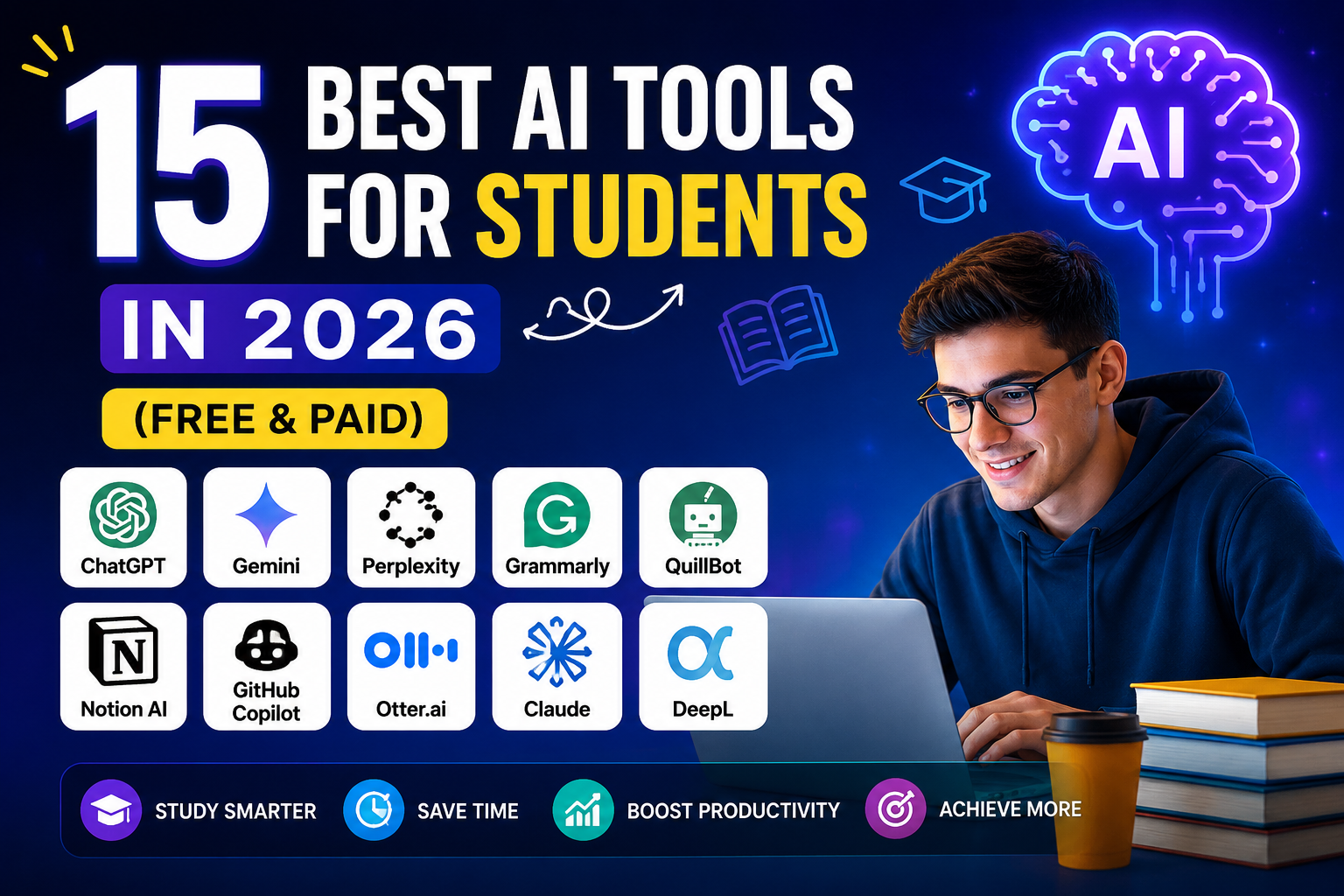
Let’s be real 2026 is a whole new ballgame for students. The days of drowning in endless textbook chapters or staring at a blank page for hours are fading fast. If you’re in high school, college, or grad school, you know the pressure hasn’t let up, but the way we tackle it has changed completely.
Having personally tested dozens of AI assistants in my own workflow from research rabbit holes to last-minute assignment finales , I can say this with confidence: finding the best AI tools for students isn’t about chasing the shiniest chatbot. It’s about building a toolkit that actually saves you time, boosts your grades, and gives you back your weekends.
In 2026, the market is flooded. But as a seasoned blogger and productivity nerd, I’ve weeded out the hype and compiled the ultimate guide for students in the USA, UK, and Canada.
Quick Comparison Table: Top AI Tools for Students 2026
| ChatGPT | All-purpose learning & writing | Free tier (Plus $20/mo); Edu discounts | Advanced reasoning, file uploads, GPT-4o | 9.5/10 | USA, UK, Canada (global) |
| Google Gemini | Research & Google Workspace | Free (Deep Research via Edu Plus) | Workspace integration, SAT prep, YouTube summaries | 9/10 | USA, UK, Canada |
| Microsoft Copilot | Office 365 productivity | Free via Chat; full version via Uni | Excel data analysis, Word drafting, Teams | 8.5/10 | USA, UK, Canada |
| Perplexity AI | Academic research with citations | Free (Pro offers 12 months free via Edu) | Cited sources, video answers, PDF analysis | 9.5/10 | USA, UK, Canada |
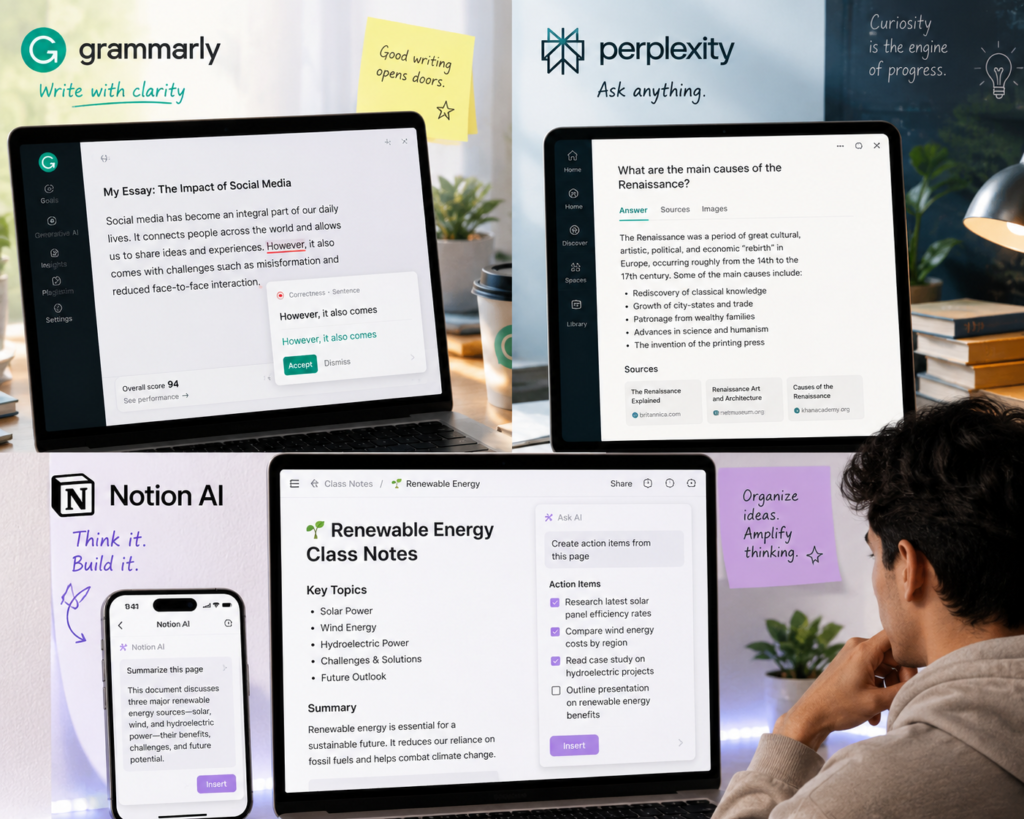
| Grammarly | Writing clarity & grammar | Freemium (Premium ~$12/mo) | Academic tone detection, plagiarism check | 9/10 | USA, UK, Canada |
| Notion AI | Note-taking & organization | Freemium (Plus AI ~$8/mo) | Auto-summaries, task management, wikis | 8.5/10 | USA, UK, Canada |
| NotebookLM | Document analysis & study guides | Completely Free | Audio overviews, interactive Q&A, slide decks | 10/10 | USA, UK, Canada |
ChatGPT (OpenAI)
Overall Verdict
It remains the king. Whether you are at Harvard, the University of Toronto, or the University of Manchester, ChatGPT is the most versatile Swiss Army knife you can have. With the rollout of ChatGPT Edu (GPT-5 level access), many universities are now offering it for free or at significant discounts.
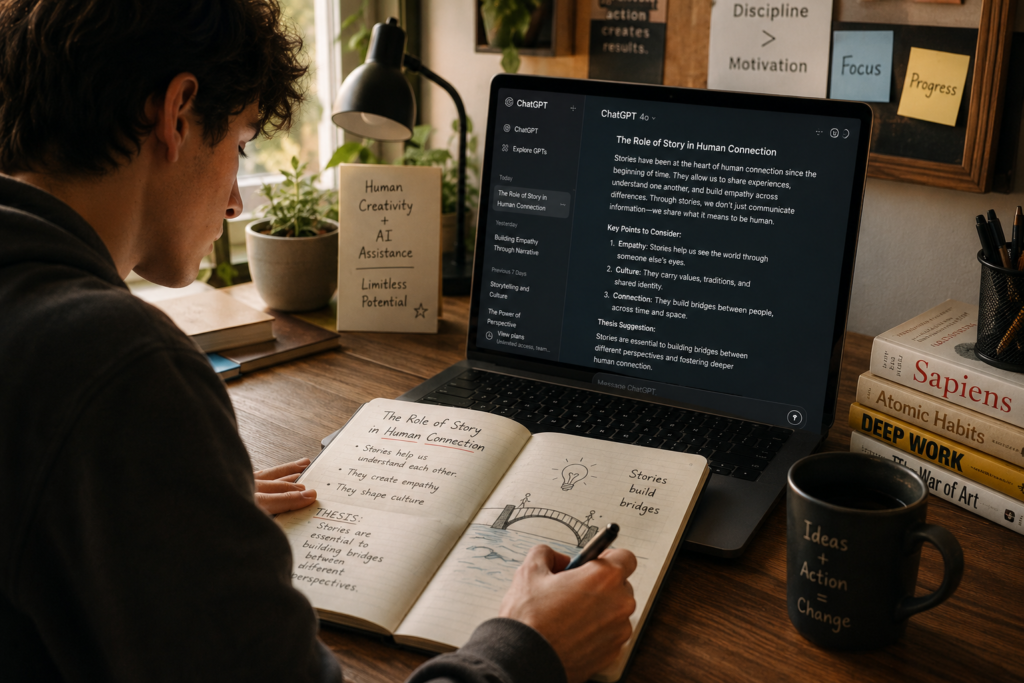
Personal Experience: I use the “Voice Mode” religiously. When I’m stuck on a thesis statement, I just have a conversation with it. It feels like brainstorming with a super-smart friend who never gets tired. I’ve advised my readers never to copy-paste directly, but use it to outline and restructure their arguments.
Practical Use Cases:
- Brainstorming Essay Ideas: “Act as a history professor. Help me generate three controversial thesis statements about the Cold War.”
- Breaking Down Complex Concepts: Paste a dense biology paragraph and ask it to “Explain this to me like a 10-year-old.”
- Coding Debugger: Just paste the error. It fixes it faster than Stack Overflow, and it’s much friendlier.
Pros: The best reasoning engine for complex tasks; massive context window (1M tokens—think all of your lecture notes).
Cons: Sometimes hallucinates if you push it too hard without uploaded sources.
Pricing for Students: Free tier is solid. Check your university IT portal—many US and UK universities now cover ChatGPT Plus or ChatGPT Edu access for enrolled students.

Grammarly & Quillbot (The Polish Team)
Overall Verdict
You cannot submit a paper without these. While ChatGPT helps you write, Grammarly makes you sound professional. In 2026, Grammarly has doubled down on “Academic Tone,” catching overconfidence or hedging in your writing. QuillBot is the unsung hero for paraphrasing—it stops you from accidentally plagiarizing a source.
Practical Use Cases:
- Grammarly: Run your final draft through the “Academic” detector.
- QuillBot: You found a perfect quote but it’s too long. Paraphrase it and cite it properly.
Pricing for Students: Grammarly has a verified student discount. Always search for “.edu email verification” before paying full price.
Perplexity AI (The Researcher’s Weapon)
Overall Verdict
If you ask me for the single best AI tool for students doing research, I will instantly say Perplexity. Unlike ChatGPT, Perplexity specializes in giving you answers backed by citations. It searches the live web and gives you footnotes. For students in the UK and Canada, this is a massive 2026 update: Perplexity Pro is offering 12 months free for students with a verified .edu or .ac.uk email.
Practical Use Cases:
- Finding Peer-Reviewed Sources: “Find 5 scholarly articles about AI ethics in healthcare published in 2025.”
- Literature Reviews: Paste your research question, get a summary of the existing consensus, complete with links.
Pros: Virtually eliminates hallucinations. Every answer has a source.
Cons: The free tier has limited “Pro” searches per day.
Pricing for Students: Pro is free for 1 year for US/UK/CA students! Or $10/month via Campus.
NotebookLM by Google (The Study Buddy)
Overall Verdict
This might be the most underrated tool on this list. NotebookLM is an AI that lives only within your uploaded sources. You drop in your lecture slides, PDFs, and YouTube videos, and it creates a personalized AI tutor that knows exactly what your professor taught.
The coolest feature in 2026? Audio Overviews. It turns your notes into a podcast with two AI hosts discussing the material. I used this to “study” while walking to class, and it changed the game.
Pricing: Completely free for all students.
Microsoft Copilot (The Excel & Word God)
Overall Verdict
UK students, listen up: The University of Manchester rolled out Copilot to all 65,000 students in 2026, making it a massive player in the UK. If your university is on Microsoft 365, you likely have access to Copilot.
Practical Use Cases:
- Excel: “Create a pivot table from this data and forecast next quarter’s sales.” It does it in one click.
- PowerPoint: “Turn this 10-page Word doc into a 7-slide presentation.”
- Word: Summarize meetings or transcribe voice memos directly.
Pricing: Check your UK/US university portal. Many institutions now bundle the license. The basic Chat is free for all students.
Notion AI (The Organization Hub)
Overall Verdict
You can’t just learn; you have to manage. Notion is the digital notebook, and Notion AI helps you organize chaos. It summarizes massive class notes and turns them into actionable tasks or flashcards. Students in Canada and the US can get the upgrade for as low as $8/month with a student discount.
Adobe Student Spaces (The Newcomer)
Overall Verdict
Adobe dropped this in April 2026, and it is a free haven for students. It takes your documents and instantly generates Mind Maps, Flashcards, Study Guides, and Podcasts. It also has an AI Tutor that explains things with clickable citations. If you need visuals, this is the best free tool in 2026.
Best AI Writing Tools for Students (Dedicated Section)
Finding the best AI writing tools for students isn’t about finding a robot to write the paper for you that will get you an academic integrity violation faster than you can say “GPT.” Instead, it’s about enhancing your process.
Here is my stack for winning essays in 2026:
- Outliner (ChatGPT): Feed it your professor’s prompt. Ask it to build a 3-point argument structure. You refine it.
- Researcher (Perplexity): Take those three points. Search for specific citations using Perplexity. Copy the links, not the words.
- Draftee (Word + Copilot): Write your draft. When stuck, use Copilot to “Re-write this paragraph to be more concise.”
- Polisher (Grammarly): Run the final draft through Grammarly for tone, clarity, and passive voice.
- Humanizer (You): Read it out loud. AI misses irony, humor, and personal anecdotes. Add those in.
AI Tools by Use Case
Best AI Tools for Assignments
- Research: Perplexity AI (citations)
- Grammar: Grammarly Premium
- Plagiarism: Turnitin (via Uni) or Grammarly
- Math/Equations: Wolfram Alpha (advanced university level)
Best AI Tools for Note-Taking
- Audio Transcription: Otter.ai
- Podcast Revision: NotebookLM (Audio Overviews)
- Visual Mapping: Adobe Student Spaces
- Organization: Notion AI
Best AI Tools for Coding Students
- Real-time Code: Cursor is the hot new tool in 2026 for CS majors
- University Students: GitHub Copilot is still free for students via GitHub Student Developer Pack
- Debugging: ChatGPT with 1M context (paste your whole project folder)
Best AI Tools for Research (Grad School)
- Literature Review: Elicit (uses semantic search to find papers that match your intent)
- PDF Chat: ChatPDF or Humata AI
- Collaboration: OpenAI Prism (Free LaTeX + AI for science papers)
Best AI Tools for Productivity
- Presentations: Gamma AI or Beautiful.ai (turns a prompt into stunning slides)
- Flashcards: Quizlet AI (generates quizzes from your notes)
- General Assistant: Google Gemini (Deep Research)
Tips for Choosing the Right AI Tool
- Follow the University License: In 2026, many US and UK universities are striking bulk deals. Check your “Student Software” portal before paying. You might already have ChatGPT Edu or Copilot Pro for free.
- Beware of the “Eraser” Trap: Never trust a single source. If you ask a chatbot “What is the capital of France?” fine. If you ask for medical/legal/historical analysis, cross-check the citations.
- Budget Stack (Under $20/mo total):
- Free: NotebookLM + Adobe Student Spaces + Perplexity (Free Tier)
- Paid: ChatGPT Plus (20)ORClaudePro(10 with Student 50% off)
- Don’t Use AI for Everything: Use it for the boring stuff (structuring, summarizing, transcribing). Do the actual thinking yourself. That is where the learning happens.
Final Verdict: Which Tool Should You Download First?
Here is my honest, experienced advice based on what I have seen working for students in 2026:
- For the Overwhelmed Freshman: Start with NotebookLM. It is free, safe (walled garden), and turns your mess of notes into understandable audio. Then get Grammarly.
- For the Research-Heavy Grad Student: You need Perplexity Pro (free via Uni) and Elicit. These two will cut your literature review time in half.
- For the Business / Humanities Major: ChatGPT Plus ($20/mo) for writing and Notion AI for organizing your life.
- For the Computer Science Major: Cursor AI and GitHub Copilot. Do not pass Go. Just install them immediately.
Frequently Asked Questions (FAQs)
Q: Are AI tools cheating?
A: No, if you use them as a tool and cite them. Yes, if you copy-paste directly. Your university likely has an AI policy—most treat it like a calculator, not a ghostwriter.
Q: What is the single best free AI tool right now?
A: NotebookLM by Google. It is completely free and turns your lectures into podcasts. No competition.
Q: Can Canadian students get AI discounts?
A: Absolutely. Perplexity offers 12 months free for Canadian students, and many universities have partnered with Microsoft for Copilot access.
Q: Which AI writes the most “human” essay?
A: Claude 3.7 (via Poe or Claude Pro). It has a much more natural flow than ChatGPT. Use the 50% student discount if your school qualifies.

Final Words
The best AI tools for students in 2026 are the ones that make you feel less stressed and more curious. Don’t just use them to cut corners. Use them to dive deeper into the topics you actually love. Try out NotebookLM tonight upload your lecture slides and listen to that podcast tomorrow morning. You will be amazed at how much sticks.
What are your favorite AI tools for this semester? Head to the comments and share your stack!
Author

razakh6402@gmail.com
Related Posts
Document Management Software: Top Document Management Software Compared (2026 Guide)
- 0
- 1,895 word
Not long ago, managing business documents meant overflowing filing cabinets, misplaced contracts, and countless hours spent searching for the right file. Even...
Read out all
AI Website Builder: Best AI Website Builders Compared (2026 Guide)
- 0
- 2,412 words
A decade ago, building a professional website meant writing HTML, CSS, JavaScript, and often PHP from scratch. Later, drag-and-drop builders like WordPress...
Read out all
AI vs Human Creativity: Can AI Replace Creative Jobs in 2026? (Expert Analysis)
- 0
- 2,449 words
The conversation around AI vs human creativity has become one of the most fascinating and controversial topics in technology. Every week, new...
AI Course Creator: Top AI Tools for Online Courses in 2026 (Expert-Tested Guide)
- 0
- 1,935 word
I’ve spent years researching instructional design, evaluating learning platforms, and following the evolution of educational technology. One trend has become impossible to...
Read out all
AI Browser Extensions: Best AI Chrome Extensions for Productivity in 2026 (Expert-Tested Guide)
- 0
- 2,414 words
Artificial intelligence has quietly become one of the biggest productivity upgrades I’ve experienced during my career. Over the past 15 years of...
Read out all
AI Agents in 2026: How AI Agents for Work Are Transforming Everyday Productivity
- 2
- 2,405 words
A few years ago, most businesses viewed artificial intelligence as a helpful assistant for answering questions or generating content. Today, the conversation...
Read out all
12 comments