

- 5
- 1,688 word
Most users still underestimate how much personal data websites, apps, advertisers, and even smart devices collect every single day. In my 15 years of cybersecurity experience working with businesses, freelancers, creators, and remote teams, I’ve seen online privacy evolve from a “tech enthusiast concern” into a serious digital survival issue.
A decade ago, privacy threats mostly involved spam emails and weak passwords. Today, AI-powered tracking systems can build detailed behavioral profiles from your browsing habits, location history, voice searches, shopping patterns, and even typing behavior. Your digital identity has become one of the most valuable assets on the internet.
One major privacy mistake I constantly see people make is assuming they have “nothing worth stealing.” Cybercriminals don’t only target wealthy individuals or corporations anymore. They target everyone because personal data itself is now currency.
Learning how to protect online privacy is no longer optional in 2026. Whether you are using social media, online banking, remote work tools, or AI applications, your personal information is constantly exposed to tracking systems, advertisers, phishing attacks, and data brokers.
In this guide, I’ll share practical online privacy protection tips, tested internet privacy tools, and real-world strategies for stronger digital privacy protection based on years of hands-on cybersecurity experience.
Why Online Privacy Matters More Than Ever in 2026
Rise of Data Collection
Modern apps collect far more information than most people realize. Fitness apps track movement patterns, shopping apps collect purchasing behavior, and social media platforms analyze engagement habits in extreme detail.
After auditing privacy settings for several businesses last year, I discovered some employee devices were sharing over 20 categories of personal usage data with third-party advertisers.
That’s why understanding how to protect online privacy has become essential for both personal and professional security.
AI-Powered Tracking Systems
Artificial intelligence has transformed digital surveillance. Modern tracking systems now analyze:
- Browsing behavior
- Mouse movements
- Search patterns
- Voice commands
- Device fingerprints
- Purchase history
AI can predict user behavior with surprising accuracy. This creates serious concerns for long-term digital privacy protection.
Social Media Surveillance
Many social platforms continuously collect metadata, including:
- Location history
- Contact lists
- Device information
- Behavioral analytics
Even private conversations can influence targeted advertising systems.
Identity Theft Risks
Identity theft is one of the fastest-growing cybercrimes globally. I’ve personally worked with clients whose leaked email addresses led to:
- Banking fraud
- SIM swap attacks
- Social media hijacking
- Business email compromise
Strong online privacy protection tips reduce these risks significantly.
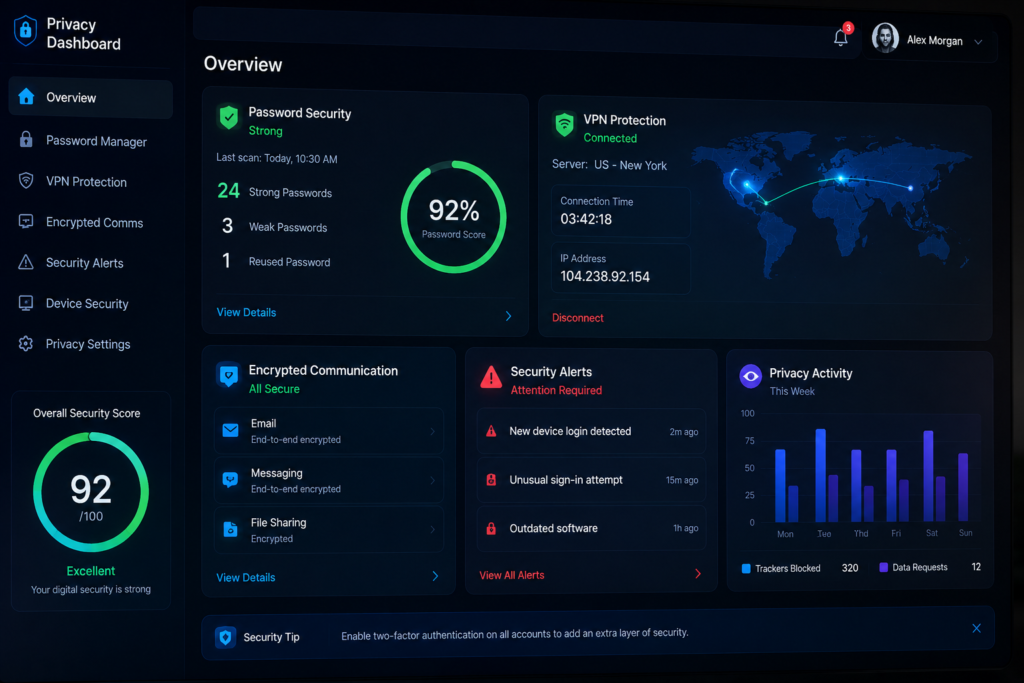
How to Protect Online Privacy: Essential Security Habits
Use Strong Password Management
Weak passwords remain one of the biggest cybersecurity failures.
I strongly recommend using password managers like Bitwarden or 1Password.
A good password manager helps you:
- Generate complex passwords
- Store credentials securely
- Prevent password reuse
- Enable encrypted synchronization
One password reused across multiple accounts can expose your entire digital identity.
Enable Two-Factor Authentication
Two-factor authentication adds an additional security layer beyond passwords.
Even if attackers steal login credentials, they still need secondary verification.
Use authentication apps instead of SMS when possible.
Recommended apps include:
- Google Authenticator
- Authy
Avoid Public WiFi Risks
Public WiFi remains dangerous despite increased awareness.
I’ve conducted penetration tests in cafés and airports where unsecured networks exposed login sessions within minutes.
Always use VPN encryption on public networks.
Reliable VPN services include:
- ProtonVPN
- NordVPN
- Mullvad
These are among the best online privacy software solutions for secure browsing.
Limit App Permissions
Most apps request excessive permissions.
Review access to:
- Camera
- Microphone
- Contacts
- Location
- Background activity
One of the best online privacy protection tips is disabling permissions that are unnecessary.
Regularly Update Software
Outdated software is a major attack vector.
Software updates patch:
- Security vulnerabilities
- Tracking exploits
- Remote access flaws
- Browser weaknesses
Ignoring updates is equivalent to leaving your front door unlocked online.
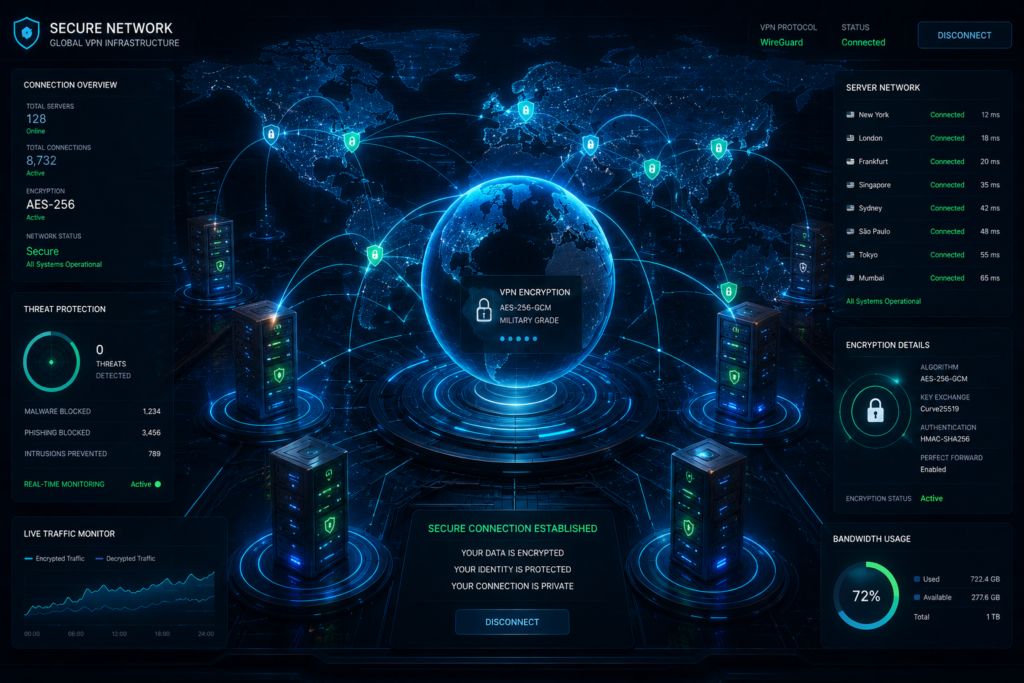
Best Internet Privacy Tools for Daily Protection
After testing dozens of internet privacy tools over the years, these are the solutions I consistently recommend.
VPN Services
ProtonVPN
Key Features
- No-logs policy
- Swiss privacy laws
- Secure Core routing
- Strong encryption
Pros
- Excellent transparency
- Strong privacy reputation
Cons
- Premium plans can be expensive
Best Use Case
Ideal for journalists, freelancers, and remote workers.
You can explore the official ProtonVPN website.
NordVPN
Key Features
- Threat Protection
- Double VPN
- Fast streaming servers
Pros
- Beginner-friendly
- Excellent speed
Cons
- Heavy marketing ecosystem
Best Use Case
Daily browsing and streaming protection.
Visit the official NordVPN website.
Password Managers
Bitwarden
One of the best open-source privacy solutions available today.
Privacy Benefits
- End-to-end encryption
- Secure credential sharing
- Multi-device synchronization
Real-World Recommendation
I recommend Bitwarden to small businesses because of its balance between security and affordability.
Official website:
Bitwarden password manager
Encrypted Browsers
Brave Browser
The privacy-focused Brave browser blocks trackers and fingerprinting attempts by default.
Pros
- Fast browsing
- Strong anti-tracking
- Built-in privacy protections
Cons
- Some websites may break with aggressive blocking
Secure Email Providers
Proton Mail
Encrypted email is essential for long-term digital privacy protection.
Features
- End-to-end encryption
- Privacy-first infrastructure
- Minimal tracking
Official site:
Proton Mail secure email
Anti-Tracking Search Engines
DuckDuckGo
Unlike traditional search engines, DuckDuckGo minimizes tracking and profiling.
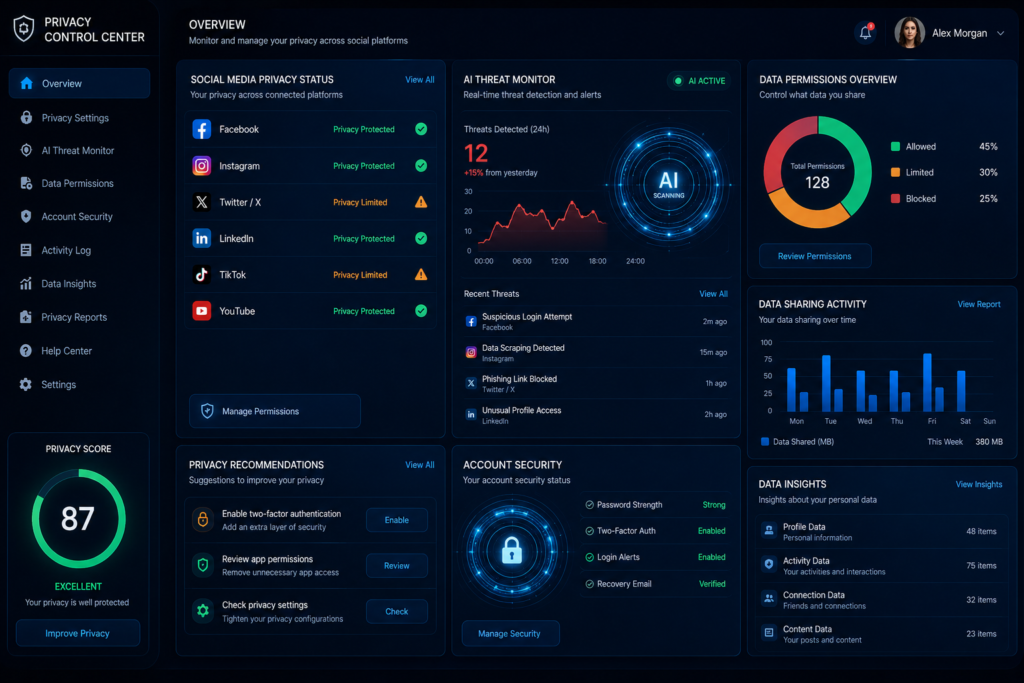
Online Privacy Protection Tips Most People Ignore
Browser Fingerprinting Risks
Even with cookies disabled, websites can identify users through browser fingerprinting.
This includes:
- Screen resolution
- Installed fonts
- Browser version
- Device settings
Using privacy browsers helps reduce this risk.
Location Tracking Issues
Apps continuously collect GPS information.
Disable:
- Background location access
- Bluetooth scanning
- Ad personalization tracking
Smart Device Privacy Problems
Smart TVs, voice assistants, and IoT devices often collect behavioral data.
I recommend placing smart devices on separate WiFi networks whenever possible.
Social Media Oversharing
People frequently reveal:
- Birthdays
- Locations
- Family details
- Travel plans
Attackers use this information for phishing and identity fraud.
Metadata Collection
Even encrypted messages generate metadata.
Metadata may reveal:
- Communication timing
- Contact relationships
- Device information
This is why strong internet privacy tools matter.
Digital Privacy Protection for Social Media Users
Meta Privacy Settings
Review:
- Ad preferences
- Facial recognition
- Activity tracking
- Third-party integrations
Instagram Tracking Risks
Instagram collects engagement analytics extensively.
Limit:
- Location tagging
- Public profile visibility
- Data sharing permissions
TikTok Data Collection
TikTok’s data collection practices remain controversial among cybersecurity professionals.
Avoid granting unnecessary permissions.
YouTube Tracking & Ads
Google ecosystems track:
- Viewing history
- Search behavior
- Watch time
- Interests
Use privacy settings aggressively.
Best Online Privacy Software Compared
| Software | Best For | Privacy Features | Ease of Use | Free/Paid | Security Level |
|---|---|---|---|---|---|
| ProtonVPN | Secure browsing | No-logs encryption | Easy | Both | High |
| NordVPN | Streaming & speed | Threat protection | Very Easy | Paid | High |
| Bitwarden | Password security | End-to-end encryption | Easy | Both | High |
| Brave Browser | Anti-tracking | Tracker blocking | Easy | Free | High |
| Proton Mail | Secure email | Encrypted email | Moderate | Both | High |
| Signal | Secure messaging | End-to-end encrypted chats | Easy | Free | Very High |
Common Online Privacy Mistakes That Put Users at Risk
Weak Password Reuse
One leaked password can compromise dozens of accounts.
Clicking Phishing Links
Modern phishing attacks now use AI-generated emails that appear highly convincing.
Ignoring Software Updates
Outdated software creates major vulnerabilities.
Using Unsafe Browser Extensions
Many extensions secretly collect browsing data.
Install only trusted extensions.
Oversharing Personal Information
Attackers often gather information from public profiles before launching attacks.
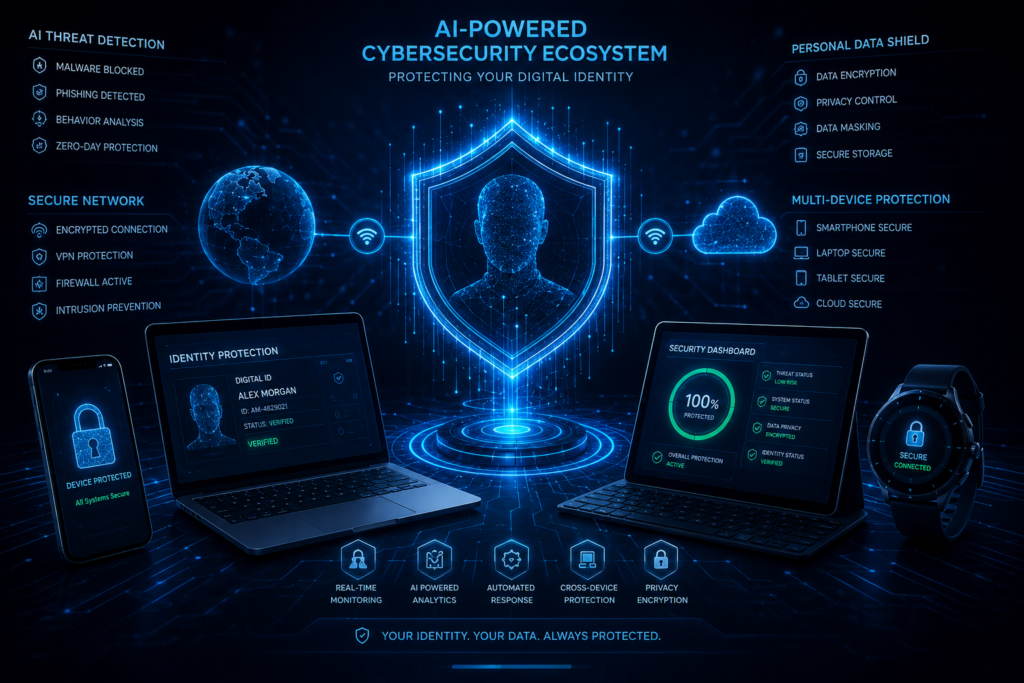
Future of Digital Privacy Protection
AI-Driven Cyber Threats
AI-powered scams are becoming more sophisticated.
Deepfake voice fraud and AI phishing campaigns are rising rapidly.
Decentralized Identity Systems
Future identity systems may reduce centralized data collection.
Privacy-Focused AI Tools
New privacy-first AI platforms are emerging to minimize user tracking.
Biometric Security Evolution
Biometrics will improve security but also create privacy concerns around centralized storage.
Future Internet Privacy Laws
Governments worldwide are strengthening digital privacy regulations.
The Cybersecurity & Infrastructure Security Agency guidelines provide valuable cybersecurity awareness resources.
Expert Recommendations for Staying Safe Online
In my experience, strong privacy protection comes from consistent habits rather than one-time fixes.
My recommended security stack includes:
- A premium VPN
- Password manager
- Privacy browser
- Encrypted messaging app
- Multi-factor authentication
- Secure cloud backups
Daily privacy habits should include:
- Reviewing permissions
- Updating devices
- Avoiding suspicious links
- Monitoring account activity
- Limiting social media exposure
The people most vulnerable online are usually those who believe cybersecurity “won’t happen to them.”
Strong digital privacy protection requires proactive thinking.
Conclusion
Learning how to protect online privacy is one of the most important digital skills in 2026. Cyber threats are evolving rapidly, AI-powered tracking systems are becoming more aggressive, and personal data has become one of the internet’s most valuable commodities.
The good news is that effective privacy protection doesn’t require advanced technical expertise. Using trusted internet privacy tools, following proven online privacy protection tips, and adopting better security habits can dramatically reduce your exposure to cyber risks.
From my 15 years working in cybersecurity, the users who stay safest online are the ones who remain proactive, informed, and privacy-conscious every day not just after a data breach happens.
Your digital identity deserves the same level of protection as your financial identity.
FAQs
What is the best way to protect online privacy?
The best approach combines:
- VPN usage
- Strong passwords
- Two-factor authentication
- Secure browsers
- Encrypted communication
Are free VPNs safe?
Some free VPNs log user activity or sell data. Trusted providers like ProtonVPN offer safer free options.
Which browser is best for digital privacy protection?
Brave Browser and Mozilla Firefox are strong privacy-focused choices.
Do password managers improve online security?
Yes. Password managers reduce password reuse and improve credential security significantly.
Why is online privacy important in 2026?
AI-driven tracking, identity theft, and large-scale data collection make privacy protection more critical than ever.
Author

razakh6402@gmail.com
Related Posts

Browser Security Extensions: Top Chrome Security Extensions & Privacy Browser Extensions You Need in 2026
- 0
- 2,358 words
best budgeting appsEvery year, browsers become smarter, websites become faster, and online services become more convenient. Unfortunately, cybercriminals evolve just as quickly....
Read out all
Passkeys: How Passwordless Authentication Is Replacing Passwords in 2026
- 0
- 2,452 words
If you’ve ever forgotten a password, reset the same account multiple times, or worried that your login credentials were exposed in a...
Read out all
Cybersecurity Checklist: Essential Small Business Cybersecurity Guide (2026)
- 0
- 2,462 words
Cyberattacks are no longer a problem reserved for large enterprises. Over the last 15 years, I’ve worked with startups, retail stores, healthcare...

Secure Cloud Storage: Best Secure Cloud Storage Services for Business & Personal Use (2026 Guide)
- 0
- 2,443 words
Whether you’re backing up family photos, sharing confidential client documents, or managing sensitive business files, choosing the right secure cloud storage service...

AI Scams: How to Protect Yourself from AI-Powered Scams in 2026 (Expert Guide)
- 0
- 1,918 word
Artificial intelligence has transformed the way we work, communicate, and manage our finances. Unfortunately, cybercriminals have embraced the same technology to create...
Read out all
Future of Cybersecurity: Top Cybersecurity Trends 2026, AI Innovations, and Predictions for the Next Decade
- 1
- 2,173 words
Twenty-five years ago, cybersecurity focused primarily on protecting desktop computers, on-premises servers, and corporate networks. Firewalls, antivirus software, and perimeter defenses formed...
5 comments