
- 6
- 1,834 word
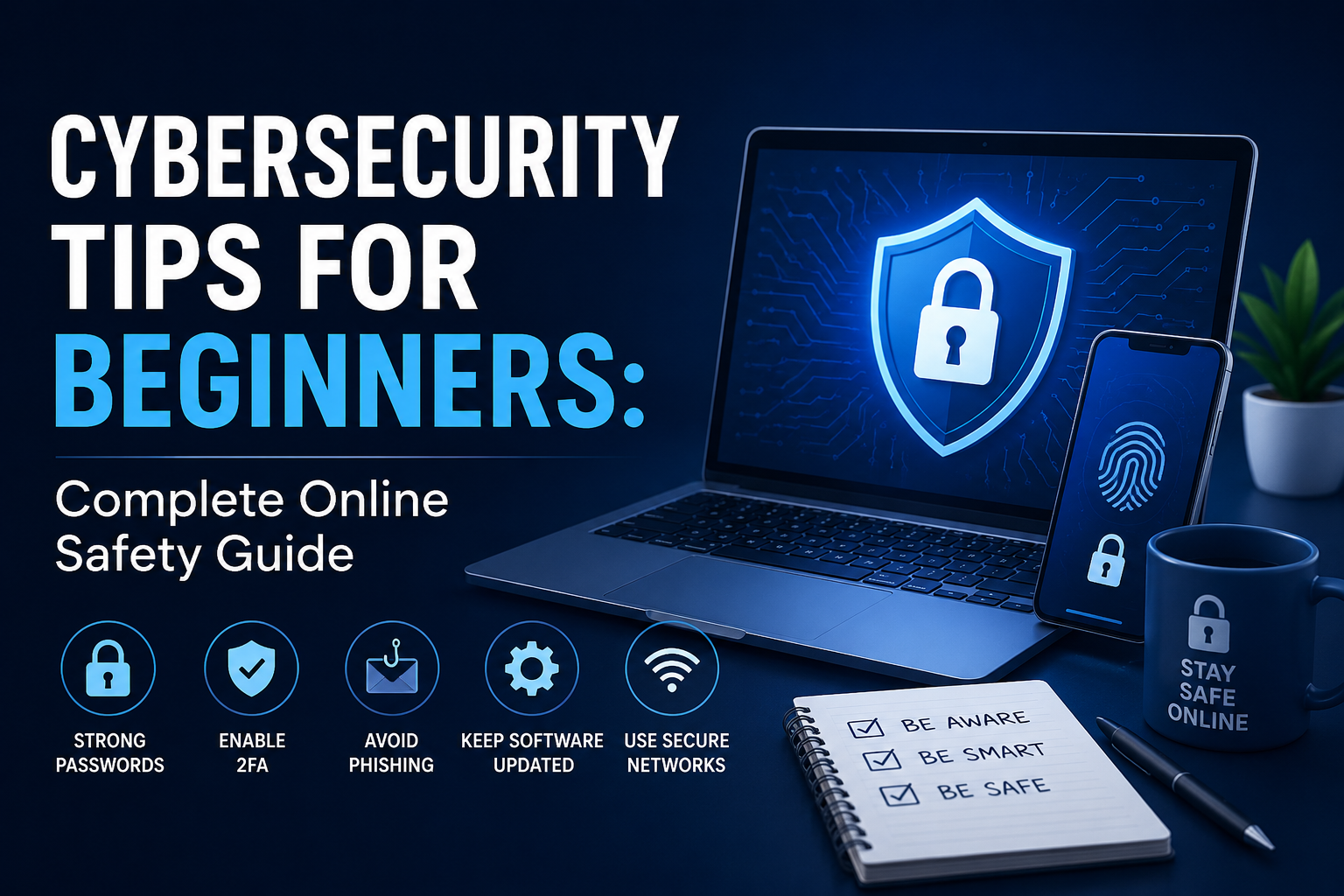
Cybersecurity is no longer something only IT professionals or large companies need to worry about. In 2026, every smartphone user, freelancer, student, gamer, business owner, and social media user is a potential target for cybercriminals. From phishing emails and fake login pages to ransomware attacks and identity theft, online threats have become smarter, faster, and increasingly AI-powered.
here we will give Cybersecurity Tips for Beginners.
In my 15 years of cybersecurity experience, one thing has remained consistent: beginners are usually the easiest targets. Not because they lack intelligence, but because most people underestimate how vulnerable everyday internet activity can be. I’ve helped users recover hacked social media accounts, remove malware infections from laptops, and secure online banking profiles after phishing attacks. Almost every case started with a small mistake reusing passwords, clicking suspicious links, or ignoring software updates.
This beginner cybersecurity guide is designed to simplify online protection for everyday users. You do not need advanced hacking knowledge to stay safe online. You only need awareness, good habits, and the right security tools.
If you are searching for practical cybersecurity tips for beginners, this guide will help you understand modern online threats and build strong digital safety habits that actually work.
Why Beginners Need Cybersecurity Knowledge Today
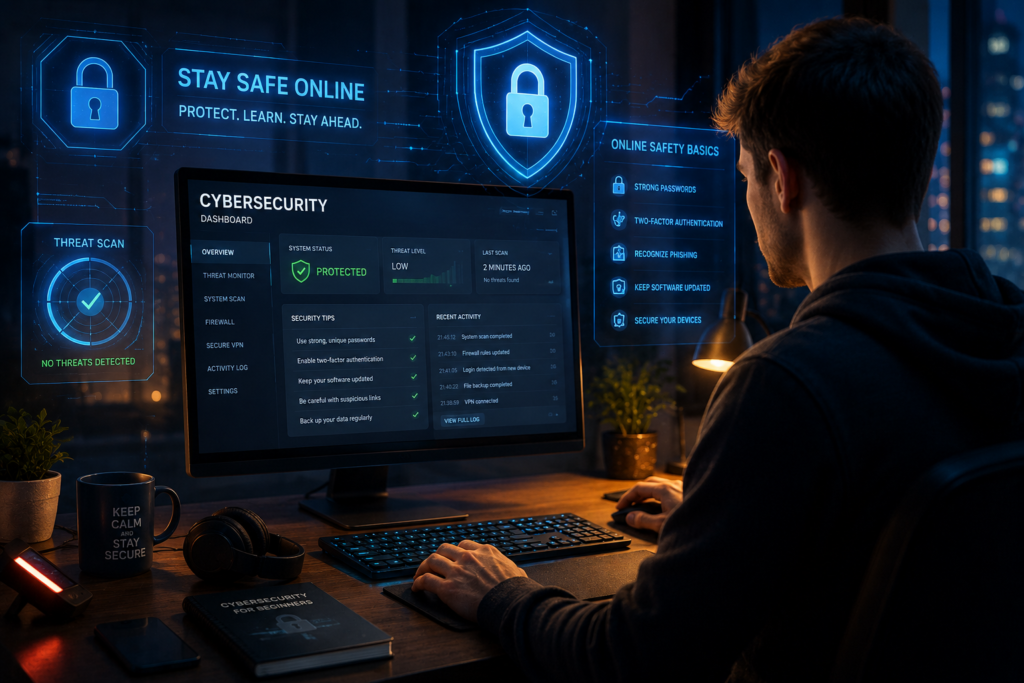
The internet has become deeply connected to our personal lives. Banking, communication, shopping, education, and even healthcare now rely on digital systems. Unfortunately, cybercriminals know this too.
Rise of Phishing Attacks
Phishing remains one of the biggest online threats. Attackers create fake emails, login pages, or text messages that look legitimate. I’ve seen beginners lose access to their Gmail, Facebook, and banking accounts simply because they clicked a fake verification link.
Modern phishing attacks now use AI-generated messages that sound highly convincing. Some scammers even imitate company branding perfectly.
One major mistake beginners often make is trusting emails purely because they look professional.
For phishing awareness resources, the Cybersecurity & Infrastructure Security Agency provides excellent beginner-friendly guidance.
Identity Theft Risks
Cybercriminals steal personal data to access bank accounts, credit cards, and online identities. Publicly sharing too much information online can expose users to identity theft risks.
Social Media Hacking
Social platforms like Facebook, Instagram, and TikTok are common targets because many users use weak passwords or disable security settings.
Public WiFi Dangers
Most people underestimate how vulnerable public WiFi can be. Coffee shops, airports, and hotels often use unsecured networks that attackers can monitor.
Using a VPN is one of the best cybersecurity best practices for protecting sensitive information on public networks.
AI-Powered Cyber Threats
AI has improved cybersecurity defenses, but attackers also use AI for:
- Automated phishing scams
- Fake voice cloning
- AI-generated malware
- Deepfake fraud
This is why online security tips for beginners are more important today than ever before.
Cybersecurity Tips for Beginners: Essential Security Habits
Developing safe digital habits is the foundation of cybersecurity.
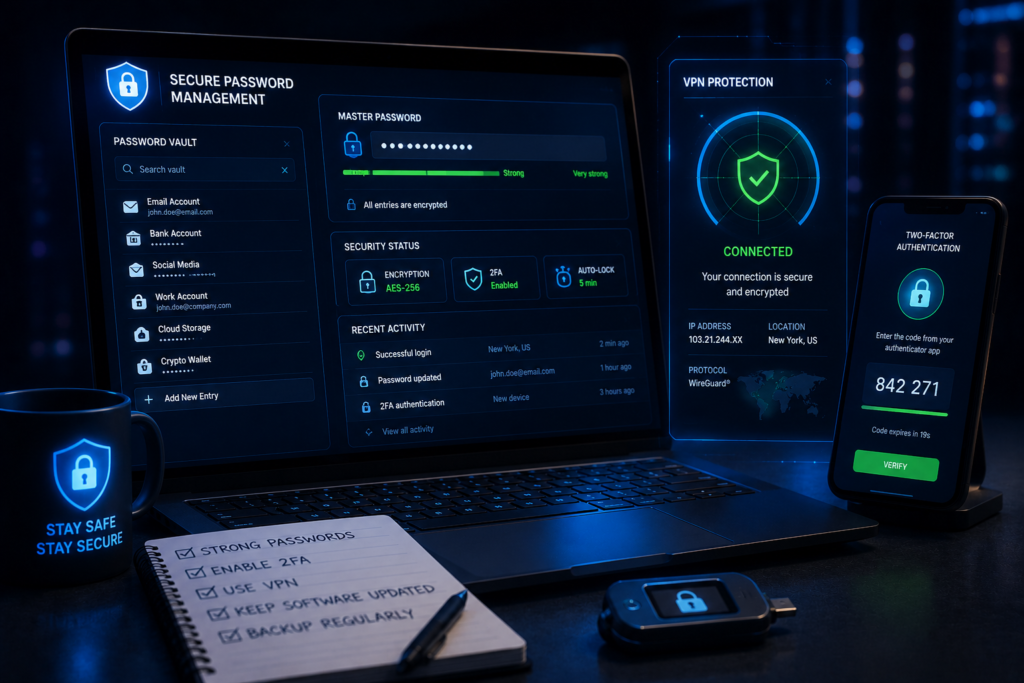
Use Strong Unique Passwords
Password reuse is one of the biggest cybersecurity mistakes beginners make.
A secure password should:
- Be at least 14 characters
- Include symbols, numbers, and uppercase letters
- Be unique for every account
Using password managers like Bitwarden helps generate and store secure passwords safely.
Enable Two-Factor Authentication
Two-factor authentication adds an extra layer of security. Even if someone steals your password, they still need a second verification code.
Apps like Google Authenticator are beginner-friendly and highly effective.
Keep Software Updated
Software updates often contain critical security patches. In many real-world attacks I investigated, outdated software was the main entry point for malware.
Always update:
- Operating systems
- Browsers
- Antivirus software
- Mobile apps
Avoid Suspicious Links
Never trust random links in emails, SMS messages, or social media DMs.
Hover over links before clicking and verify domains carefully.
Backup Important Data Regularly
Ransomware attacks can lock personal files instantly. Backups protect you from permanent data loss.
Use:
- External hard drives
- Cloud storage
- Automatic backup systems
Beginner Cybersecurity Guide to Protect Personal Devices
Smartphone Security Tips
Smartphones contain sensitive personal information including banking apps and private photos.
Basic cybersecurity tips for mobile users include:
- Use biometric locks
- Avoid unknown apps
- Disable unnecessary permissions
- Enable device encryption
Laptop & PC Protection
Install reliable antivirus software and avoid pirated applications. After helping users recover hacked systems, I can confidently say cracked software is one of the fastest ways malware spreads.
Antivirus Software Basics
Reliable antivirus tools can detect:
- Malware
- Spyware
- Ransomware
- Trojans
The official Malwarebytes website is one of the most beginner-friendly cybersecurity tools available.
Secure Browsing Habits
Use privacy-focused browsers like Brave Browser for better tracking protection and secure browsing.
Safe App Downloads
Only download apps from:
- Official app stores
- Verified developers
- Trusted websites
Avoid third-party APK downloads whenever possible.
Best Internet Security Tools for Beginners
Choosing the right security tools makes online protection significantly easier.
Password Managers
Bitwarden
Features
- Encrypted password storage
- Password generator
- Cross-device sync
Pros
- Beginner-friendly
- Open-source
- Affordable
Cons
- Advanced settings may confuse some users initially
VPN Services
NordVPN
Benefits
- Encrypts internet traffic
- Protects public WiFi usage
- Hides IP address
ProtonVPN
Benefits
- Strong privacy reputation
- Free plan available
- Secure encryption standards
Antivirus Software
Malwarebytes
Great for beginners because it offers simple malware scanning and phishing protection.
Secure Browsers
Brave Browser
Blocks:
- Ads
- Browser trackers
- Fingerprinting attempts
Authentication Apps
Google Authenticator
Simple and highly effective for enabling two-factor authentication.
Online Security Tips for Beginners Most People Ignore
Browser Tracking Risks
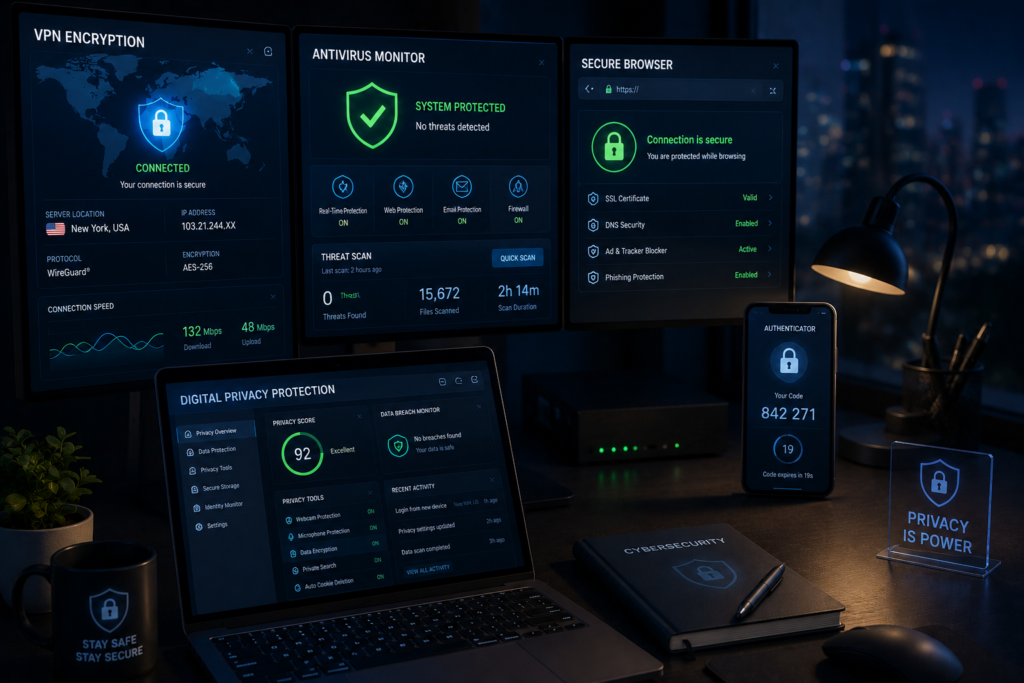
Many websites track user behavior extensively. Using secure browsers and tracker blockers improves online identity protection.
Unsafe Browser Extensions
Browser extensions can secretly collect passwords and browsing data. Install extensions only from trusted developers.
Email Scam Detection
Common scam warning signs include:
- Urgent requests
- Suspicious attachments
- Fake login pages
- Grammar mistakes
Fake Software Downloads
Cybercriminals often create fake download pages for popular software.
Always use official websites.
Social Engineering Tactics
Social engineering attacks manipulate human psychology instead of hacking systems directly.
Attackers may pretend to be:
- Bank representatives
- IT support agents
- Employers
- Delivery companies
Cybersecurity Best Practices for Social Media Users
Protecting Facebook Accounts
Enable:
- Two-factor authentication
- Login alerts
- Privacy controls
Avoid sharing birthdays, addresses, and phone numbers publicly.
Instagram Privacy Settings
Private accounts reduce unwanted access and impersonation risks.
TikTok Data Concerns
Review app permissions regularly and limit unnecessary data sharing.
Secure Messaging Apps
Encrypted messaging apps improve communication privacy.
The Electronic Frontier Foundation provides valuable privacy and encryption education resources.
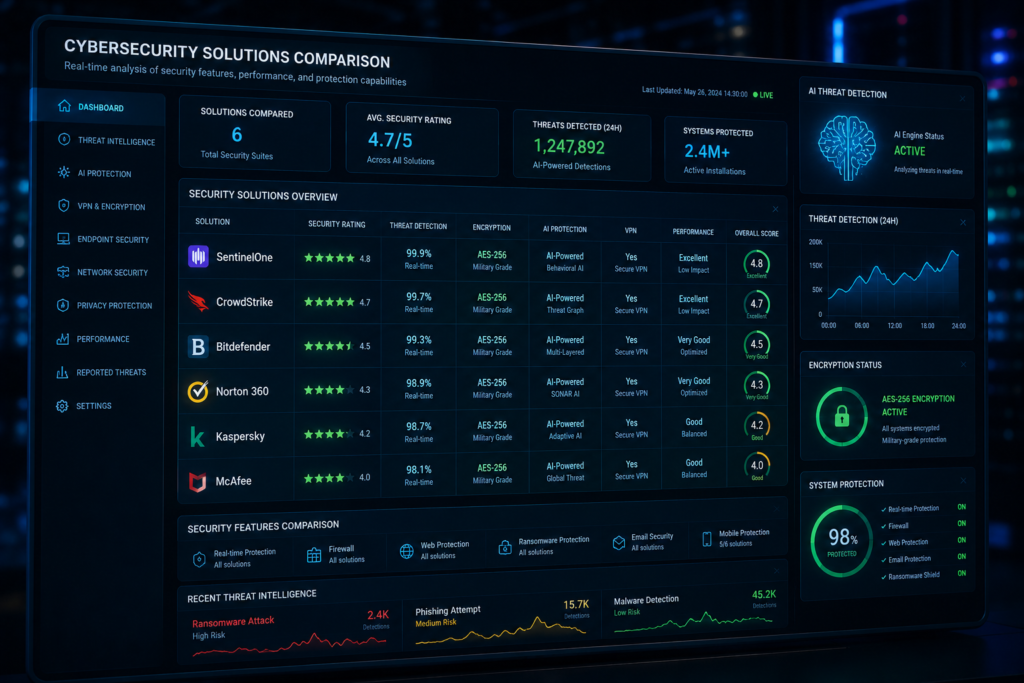
Comparison Table: Best Cybersecurity Tools for Beginners
| Tool | Best For | Security Features | Ease of Use | Free/Paid | Beginner Friendly |
|---|---|---|---|---|---|
| Bitwarden | Password Management | Encryption, password generator | Easy | Free/Paid | Yes |
| NordVPN | Public WiFi Protection | VPN encryption, IP masking | Easy | Paid | Yes |
| ProtonVPN | Privacy Protection | No-log VPN, encrypted traffic | Easy | Free/Paid | Yes |
| Malwarebytes | Malware Prevention | Anti-malware, phishing protection | Very Easy | Free/Paid | Yes |
| Brave Browser | Secure Browsing | Tracker blocking, privacy tools | Easy | Free | Yes |
| Google Authenticator | Two-Factor Authentication | Secure login codes | Very Easy | Free | Yes |
Common Cybersecurity Mistakes Beginners Make
Password Reuse
Using the same password across multiple websites is extremely dangerous. One leaked password can compromise dozens of accounts.
Ignoring Software Updates
Outdated systems are easy targets for cybercriminals exploiting known vulnerabilities.
Weak Privacy Settings
Many users leave social media accounts fully public without realizing how much personal information they expose.
Clicking Unknown Links
I’ve seen beginners lose years of personal photos and important documents after downloading malware through fake links.
Downloading Cracked Software
Pirated software frequently contains:
- Spyware
- Keyloggers
- Remote access malware
Avoiding cracked software is one of the most important cybersecurity best practices.
Future of Cybersecurity for Everyday Users
Cybersecurity is evolving rapidly alongside AI and automation.
AI-Driven Cyber Attacks
AI-generated phishing emails now look more convincing than many legitimate business messages.
Biometric Authentication
Fingerprint and facial recognition systems are replacing traditional passwords.
Passwordless Security
Passkeys and hardware authentication devices are becoming mainstream.
Privacy-Focused Internet Trends
Users are increasingly demanding:
- Encrypted communication
- Tracker-free browsing
- Better data privacy laws
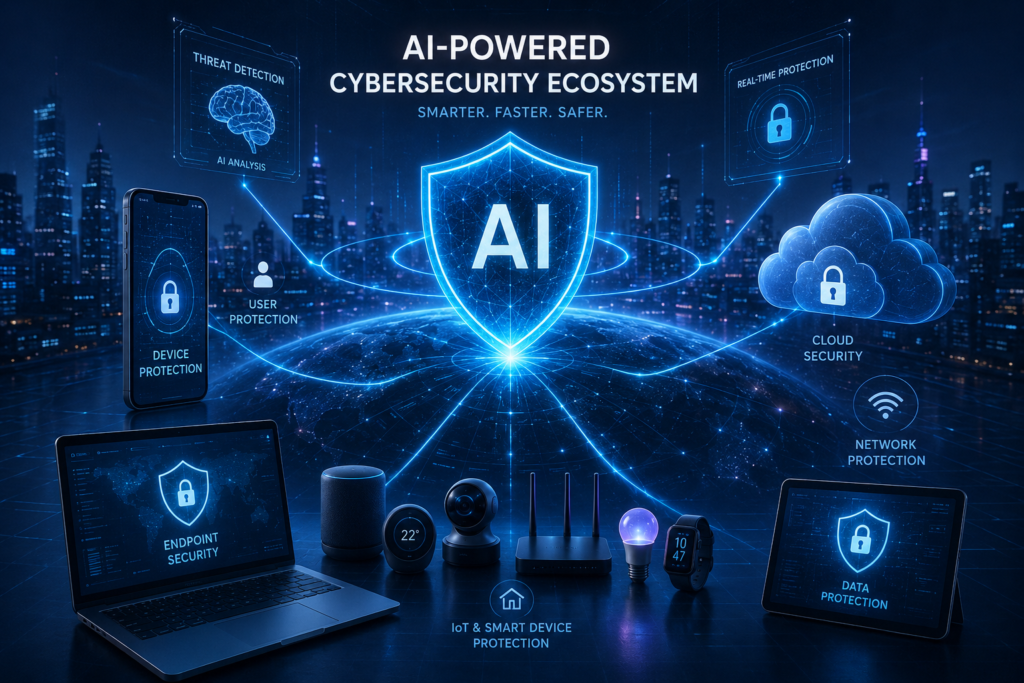
AI-Powered Security Systems
Modern antivirus platforms now use machine learning for real-time malware prevention.
Expert Cybersecurity Recommendations for Beginners
In my experience helping beginners recover hacked accounts and infected systems, prevention is always easier than recovery.
Here’s the security stack I usually recommend for beginners:
Daily Cybersecurity Habits
- Use unique passwords
- Enable two-factor authentication
- Avoid suspicious downloads
- Update devices weekly
- Verify email senders carefully
Beginner Security Checklist
- Install antivirus software
- Use a VPN on public WiFi
- Secure social media accounts
- Backup important data
- Enable encryption
Recommended Beginner Tool Stack
- Bitwarden for passwords
- NordVPN or ProtonVPN for privacy
- Malwarebytes for malware prevention
- Brave Browser for secure browsing
- Google Authenticator for login protection
Long-Term Digital Safety Strategy
Cyber awareness should become part of your daily routine. Small security habits consistently practiced over time dramatically reduce cyber risks.
Conclusion
Cybersecurity is no longer optional in the modern digital world. Every internet user faces risks from phishing scams, malware infections, identity theft, and social engineering attacks.
The good news is that beginners do not need advanced technical skills to stay safe online. Following practical cybersecurity tips for beginners such as using strong passwords, enabling two-factor authentication, updating software, and avoiding suspicious links can significantly improve online safety.
After 15 years working in cybersecurity awareness and digital threat protection, I can confidently say the safest users are not necessarily the most technical users they are the most cautious and security-aware users.
Start small. Build good habits. Protect your digital identity before cybercriminals target it.
FAQs
What are the most important cybersecurity tips for beginners?
The most important basic cybersecurity tips include using strong passwords, enabling two-factor authentication, avoiding suspicious links, updating software regularly, and using trusted antivirus software.
Why is cybersecurity important for beginners?
Beginners are often targeted because they may lack awareness about phishing scams, malware, fake websites, and online identity theft risks.
Which VPN is best for beginners?
NordVPN and ProtonVPN are both beginner-friendly VPN services with strong security features.
Is free antivirus software enough?
Free antivirus tools provide basic protection, but premium versions usually include advanced phishing protection, ransomware defense, and real-time monitoring.
How can I improve online privacy?
Use privacy-focused browsers, avoid oversharing on social media, enable encryption, use VPN services, and regularly review account privacy settings.
Author

razakh6402@gmail.com
Related Posts
Browser Security Extensions: Top Chrome Security Extensions & Privacy Browser Extensions You Need in 2026
- 0
- 2,358 words
best budgeting appsEvery year, browsers become smarter, websites become faster, and online services become more convenient. Unfortunately, cybercriminals evolve just as quickly....
Read out all
Passkeys: How Passwordless Authentication Is Replacing Passwords in 2026
- 0
- 2,452 words
If you’ve ever forgotten a password, reset the same account multiple times, or worried that your login credentials were exposed in a...
Read out all
Cybersecurity Checklist: Essential Small Business Cybersecurity Guide (2026)
- 0
- 2,462 words
Cyberattacks are no longer a problem reserved for large enterprises. Over the last 15 years, I’ve worked with startups, retail stores, healthcare...
Secure Cloud Storage: Best Secure Cloud Storage Services for Business & Personal Use (2026 Guide)
- 0
- 2,443 words
Whether you’re backing up family photos, sharing confidential client documents, or managing sensitive business files, choosing the right secure cloud storage service...
AI Scams: How to Protect Yourself from AI-Powered Scams in 2026 (Expert Guide)
- 0
- 1,918 word
Artificial intelligence has transformed the way we work, communicate, and manage our finances. Unfortunately, cybercriminals have embraced the same technology to create...
Read out all
Future of Cybersecurity: Top Cybersecurity Trends 2026, AI Innovations, and Predictions for the Next Decade
- 1
- 2,173 words
Twenty-five years ago, cybersecurity focused primarily on protecting desktop computers, on-premises servers, and corporate networks. Firewalls, antivirus software, and perimeter defenses formed...
6 comments