
- 3
- 2,616 words
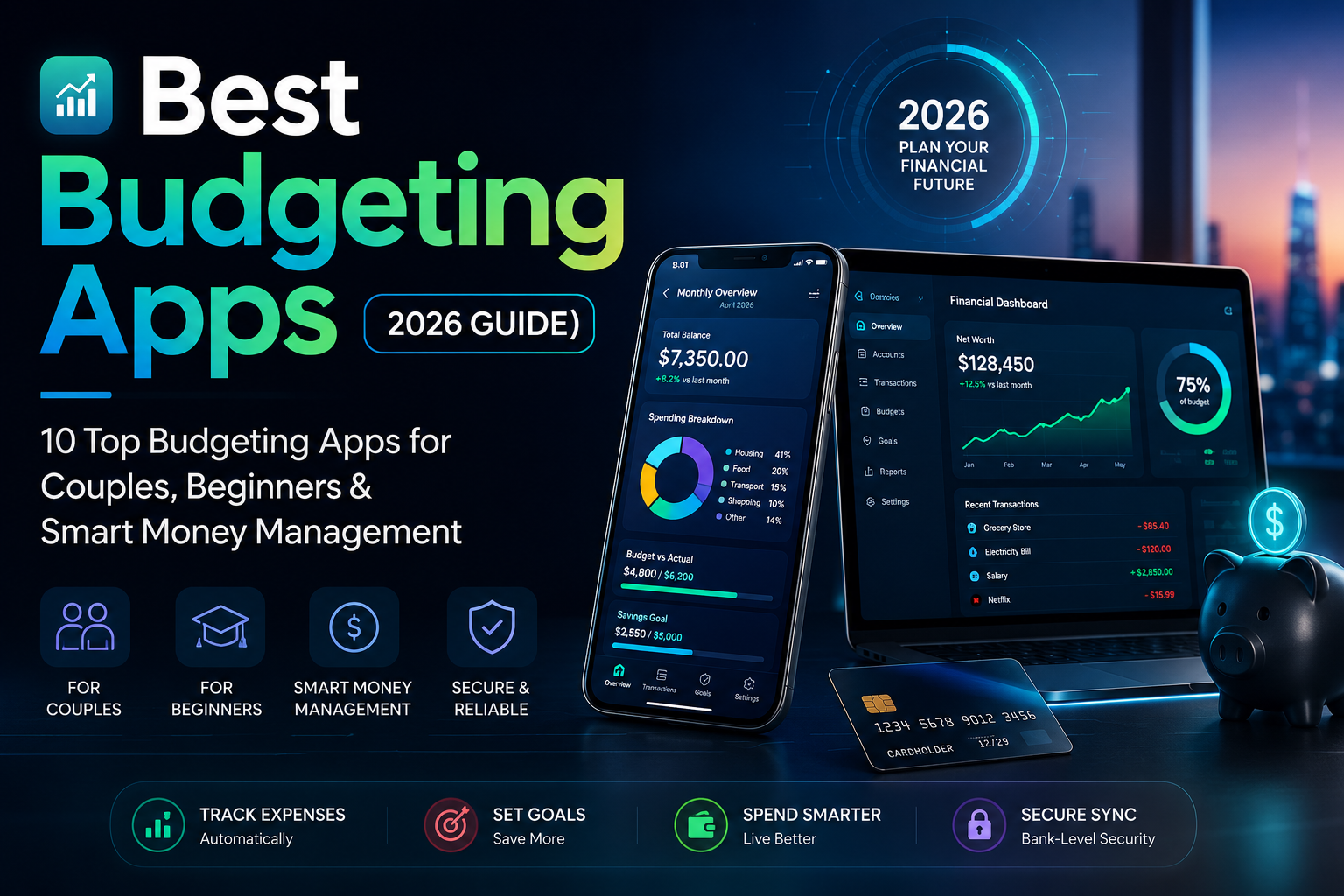
Over the past 15 years of reviewing personal budgeting software, I’ve seen budgeting evolve from basic expense trackers to intelligent money management apps powered by automation, AI insights, and real-time bank syncing. I’ve also noticed one consistent pattern: people rarely fail because they earn too little. More often, they fail because they don’t have a system.
The good news is that modern free budgeting apps and premium finance apps make building that system much easier. In this guide, we’ll compare today’s top budgeting tools, explain who they’re best for, and help you choose the one that fits your lifestyle.
Why You Need the Best Budgeting Apps in 2026
Money management has become more complicated than ever. Most people now have multiple bank accounts, digital wallets, subscription services, investment accounts, and credit cards. Keeping track of everything manually is almost impossible.
That’s where the best budgeting apps shine.
Instead of recording every purchase yourself, modern budgeting software automatically categorizes transactions, tracks your spending, and alerts you before you overspend.
Some even use AI to identify spending trends, recommend savings opportunities, and forecast future cash flow.
Here are some of the biggest benefits:
- Automatically track daily expenses
- Build realistic monthly budgets
- Monitor subscriptions
- Set savings goals
- Reduce unnecessary spending
- Improve financial awareness
- Prepare for emergencies
- Stay accountable
One budgeting mistake I’ve seen repeatedly is people creating unrealistic budgets. They cut every entertainment expense, eliminate dining out, and expect perfection. Within weeks, they abandon the budget completely.
The best budgeting tools encourage balance rather than restriction. A sustainable budget always beats a perfect budget that lasts two weeks.
Another major advantage is visibility.
That awareness alone often changes financial behavior.
How We Evaluated These Budgeting Apps
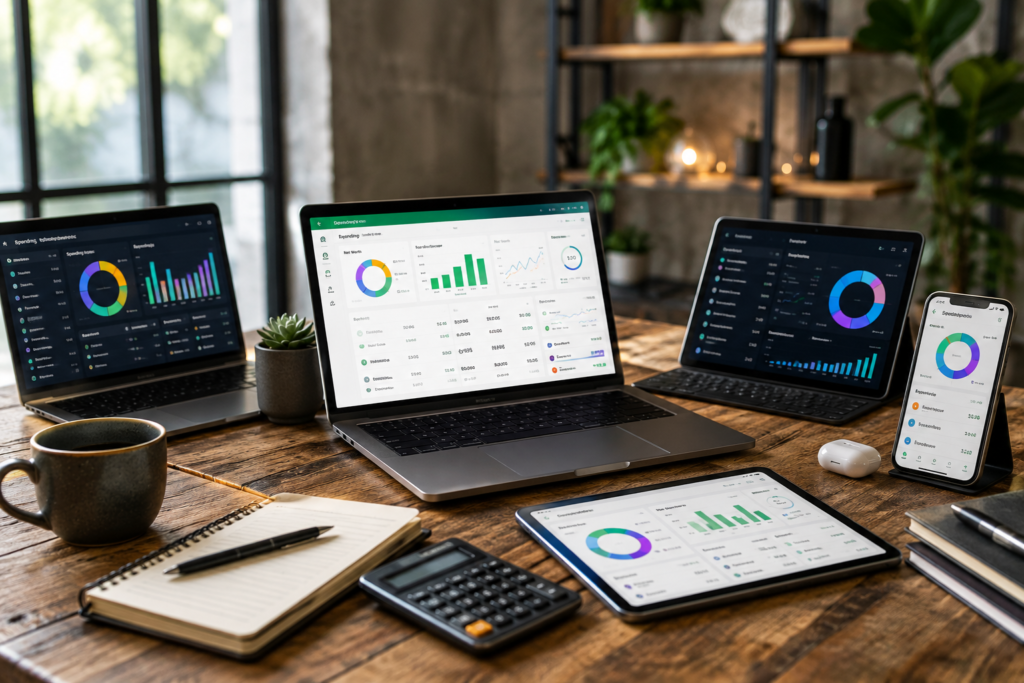
Hundreds of budgeting apps are available today, but many offer similar features with different pricing.
For this guide, I focused on the factors that actually matter in daily life.
Ease of Use
Best Budgeting Apps Reviewed
YNAB (You Need A Budget)
Overview
YNAB consistently ranks among the best budgeting apps because it teaches users how to give every dollar a purpose. Rather than tracking money after it’s spent, it encourages proactive financial planning through zero-based budgeting.
Many users initially find the learning curve challenging, but those who stick with it often develop stronger financial habits within a few months.
Key Features
- Zero-based budgeting
- Automatic bank syncing
- Goal tracking
- Debt payoff planning
- Savings targets
- Detailed reports
- Multi-device support
- Educational workshops
Pros
- Excellent budgeting philosophy
- Powerful planning tools
- Outstanding educational resources
- Strong community support
- Reliable syncing
Cons
- Subscription required
- Learning curve for beginners
- Investment tracking is limited
Pricing
Paid subscription with a free trial.
Best For
People serious about changing long-term financial habits.
My Personal Experience
I’ve recommended YNAB to dozens of clients struggling with paycheck-to-paycheck living.
The biggest improvement wasn’t their income—it was their mindset.
One family discovered they could save nearly $450 each month simply by planning expenses before payday instead of reacting afterward. That’s the strength of zero-based budgeting.
Monarch Money
Overview
Monarch Money has become one of my favorite personal budgeting software platforms because it combines budgeting, investment tracking, net worth monitoring, and financial planning into one polished dashboard.
Unlike many finance apps, Monarch works exceptionally well for families.
Key Features
- Shared household budgets
- Investment tracking
- Net worth dashboard
- Goal tracking
- Subscription monitoring
- Cash flow reports
- Custom budgeting categories
Pros
- Beautiful interface
- Excellent family collaboration
- Comprehensive financial planning
- Strong investment features
- Fast performance
Cons
- Premium pricing
- No permanent free plan
Pricing
Premium subscription with free trial.
Best For
Families managing shared finances.
My Personal Experience
One thing I appreciate about Monarch is its flexibility.
Instead of forcing users into one budgeting method, it adapts to different financial styles. Families with multiple income sources especially benefit from the shared budgeting features.
PocketGuard
Overview
PocketGuard focuses on answering one simple question:
“How much can I safely spend today?”
That straightforward approach makes it an excellent budgeting app for beginners who feel overwhelmed by complex financial planning.
Key Features
- Spending tracker
- Expense tracker
- Automatic categorization
- Bill reminders
- Savings goals
- Budget insights
- Subscription detection
Pros
- Very easy to use
- Great visual dashboard
- Excellent overspending alerts
- Fast setup
- Helpful automation
Cons
- Limited customization
- Premium features require upgrading
Pricing
Free version available with optional premium subscription.
Best For
People trying to control everyday spending.
My Personal Experience
I’ve seen PocketGuard work particularly well for younger professionals.
Instead of showing dozens of confusing reports, it highlights available spending money, making daily decisions much easier.
EveryDollar
Overview
Created around Dave Ramsey’s budgeting philosophy, EveryDollar emphasizes intentional spending through zero-based budgeting.
It’s simple, clean, and ideal for users focused on debt reduction.
Key Features
- Monthly budget planner
- Debt tracking
- Goal planning
- Expense tracking
- Budget categories
- Easy monthly setup
Pros
- Beginner-friendly
- Clean interface
- Excellent debt payoff structure
- Fast budgeting process
- Great educational resources
Cons
- Automatic bank syncing requires premium
- Investment features are limited
Pricing
Free version available.
Premium subscription unlocks automatic bank syncing.
Best For
People following a debt-free financial plan.
My Personal Experience
EveryDollar removes much of the complexity found in larger budgeting software.
If someone feels intimidated by spreadsheets or advanced finance apps, this is often one of the first recommendations I make.
Goodbudget
Overview
Goodbudget modernizes the classic envelope budgeting system.
Instead of using physical cash envelopes, you assign digital envelopes for groceries, transportation, entertainment, rent, and savings.
This approach remains surprisingly effective.
Key Features
- Envelope budgeting
- Family sharing
- Debt tracking
- Savings tracker
- Expense tracking
- Budget reports
- Cross-device syncing
Pros
- Excellent for disciplined budgeting
- Easy family collaboration
- Simple interface
- Great educational value
- Free version available
Cons
- Manual transaction entry for many users
- Fewer automation features than competitors
Pricing
Free plan available.
Premium version adds additional envelopes and syncing options.
Best For
Families and individuals who prefer envelope budgeting.
My Personal Experience
I’ve recommended Goodbudget to clients who consistently overspend using credit cards.
The envelope method creates natural spending limits.
While it requires slightly more discipline than automated finance apps, many users find that manual awareness actually strengthens their budgeting habits.
Rocket Money
Overview
Rocket Money has grown far beyond a subscription cancellation app. Today, it’s one of the most practical money management apps for anyone who wants to control recurring expenses and identify hidden spending. If you’ve ever been surprised by an annual subscription renewal, this app can save you both money and frustration.
Key Features
- Automatic subscription tracking
- Bill negotiation service
- Spending tracker
- Budget creation
- Credit score monitoring
- Smart spending alerts
- Savings goals
Pros
- Excellent subscription management
- User-friendly interface
- Helpful spending notifications
- Free plan available
- Easy setup
Cons
- Some premium features require a subscription
- Bill negotiation isn’t available in every situation
Pricing
Free plan available with optional premium membership.
Best For
Users who want to reduce recurring expenses and manage subscriptions.
My Personal Experience
One of the biggest financial leaks I’ve seen over the years is forgotten subscriptions. Several clients discovered they were paying for streaming services, fitness apps, and software they hadn’t used in months. Rocket Money quickly uncovered these hidden expenses, saving some users hundreds of dollars annually.
Empower Personal Dashboard
Overview
Empower Personal Dashboard stands out because it combines budgeting with powerful investment tracking. Unlike many budgeting tools, it gives users a complete picture of their net worth, retirement progress, and long-term financial health.
Key Features
- Investment tracking
- Net worth dashboard
- Cash flow reports
- Expense tracker
- Retirement planner
- Portfolio analysis
- Budget monitoring
Pros
- Completely free
- Outstanding investment tools
- Excellent financial reports
- Secure bank syncing
- Great retirement planning
Cons
- Budgeting tools aren’t as advanced as YNAB
- Better suited for users with investments
Pricing
Free.
Best For
Investors and long-term financial planners.
My Personal Experience
When someone asks me for a financial planning app instead of a simple budgeting app, Empower is often my recommendation. Watching your net worth grow over time creates motivation that basic budgeting alone can’t always provide.

Honeydue
Overview
Honeydue was built specifically for couples. Instead of forcing partners to merge every account, it allows each person to decide how much financial information they want to share.
Key Features
- Shared budgeting
- Bill reminders
- Expense tracking
- Chat feature
- Bank syncing
- Spending categories
- Goal tracking
Pros
- Free to use
- Designed for couples
- Easy bill management
- Shared financial visibility
- Flexible privacy settings
Cons
- Limited investment tracking
- Fewer advanced budgeting features
Pricing
Free.
Best For
Couples managing shared finances.
My Personal Experience
Money disagreements often come from poor communication rather than spending itself. Honeydue encourages regular financial conversations without making either partner feel controlled. That’s why it remains one of the top budgeting apps for couples.
Copilot Money
Overview
Copilot Money offers one of the most polished budgeting experiences for Apple users. It combines automation, AI-powered insights, and beautiful design into a finance app that’s enjoyable to use every day.
Key Features
- AI spending insights
- Automatic categorization
- Investment tracking
- Budget planning
- Savings goals
- Cash flow analysis
- Subscription monitoring
Pros
- Beautiful interface
- Excellent automation
- Smart financial insights
- Fast performance
- Great Apple ecosystem integration
Cons
- Apple devices only
- Premium subscription required
Pricing
Premium subscription with a free trial.
Best For
iPhone and Mac users who want a premium budgeting experience.
My Personal Experience
Few budgeting apps make reviewing finances enjoyable, but Copilot Money comes close. Its visual reports help users identify spending patterns in seconds rather than digging through spreadsheets.
Best Budgeting Apps for Couples
Managing money together requires transparency, flexibility, and communication.
These are my top recommendations:
- Monarch Money – Best overall for shared budgeting and long-term financial planning.
- Honeydue – Best free option designed specifically for couples.
- Goodbudget – Excellent for envelope budgeting and shared spending limits.
- YNAB – Perfect for couples committed to zero-based budgeting.
- EveryDollar – Great for couples focusing on debt reduction.
Best Budgeting App for Beginners
If you’re new to budgeting, avoid apps packed with advanced financial terminology.
Instead, choose one that’s simple and easy to maintain.
Top beginner choices include:
- PocketGuard – Best overall for beginners.
- EveryDollar – Great for learning budgeting basics.
- Rocket Money – Excellent for tracking spending automatically.
- Simplifi by Quicken – Easy cash flow planning.
The best budgeting app for beginners is the one you’ll actually use every week.
Best Free Budgeting Apps
Not everyone needs a paid subscription.
These free budgeting apps offer impressive value:
- Empower Personal Dashboard
- Honeydue
- Rocket Money (Free Plan)
- Goodbudget
- EveryDollar (Free Version)
If your needs are straightforward, these apps provide excellent budgeting, expense tracking, and financial planning features without monthly fees.

Personal Budgeting Software vs Budgeting Apps
Both options help you manage money, but they serve different needs.
| Feature | Personal Budgeting Software | Budgeting Apps |
|---|---|---|
| Accessibility | Desktop-focused | Mobile and Web |
| Convenience | Moderate | Excellent |
| Bank Syncing | Usually available | Usually automatic |
| Notifications | Limited | Real-time alerts |
| AI Insights | Varies | Increasingly common |
| Family Sharing | Often available | Usually easier |
| Investment Tracking | Strong | Depends on app |
If you prefer managing finances on the go, budgeting apps are the better choice. If you handle complex investments or business finances, desktop personal budgeting software may offer additional reporting features.
How to Choose the Right Budgeting App
Before downloading any finance app, ask yourself these questions:
Budget
Can you justify paying for premium features, or will a free version meet your needs?
Device Compatibility
Make sure the app supports your preferred devices, whether that’s iPhone, Android, Windows, Mac, or the web.
Security
Look for:
- Bank-level encryption
- Multi-factor authentication
- Secure data connections
- Read-only bank access
Bank Syncing
Automatic syncing saves time and improves accuracy.
Investment Tracking
If you own stocks, ETFs, or retirement accounts, choose an app with portfolio management.
Goal Tracking
A good savings tracker keeps long-term goals visible and motivating.
Family Sharing
Families and couples should prioritize apps with shared budgeting features.
AI Insights
Many modern finance apps now analyze spending patterns and recommend ways to save more each month.
Common Budgeting Mistakes
During the past 15 years, I’ve noticed the same mistakes appearing again and again.
Avoid these common pitfalls:
- Creating unrealistic budgets
- Forgetting annual expenses
- Ignoring small daily purchases
- Not reviewing budgets monthly
- Depending only on memory
- Failing to build an emergency fund
- Canceling budgets after one bad month
- Tracking expenses without creating financial goals
Remember, budgeting isn’t about perfection.
It’s about progress.
Expert Tips to Save More Money
Here are the strategies that consistently produce results:
- Pay yourself first by automating savings.
- Review subscriptions every three months.
- Follow the 24-hour rule before impulse purchases.
- Increase savings whenever your income rises.
- Use cash for categories where you overspend.
- Track spending weekly instead of waiting until month-end.
- Build an emergency fund before focusing on investing.
- Celebrate small financial milestones to stay motivated.
One lesson I’ve learned after years of reviewing budgeting tools is this:
People who check their finances for just ten minutes each week almost always outperform those who spend hours budgeting once a month.
Consistency wins.
Frequently Asked Questions
Which is the best budgeting app overall?
YNAB remains one of the best budgeting apps thanks to its powerful zero-based budgeting system, educational resources, and long-term financial planning tools.
What is the best budgeting app for beginners?
PocketGuard offers the easiest learning curve, while EveryDollar provides a simple introduction to budgeting principles.
Which budgeting app is best for couples?
Monarch Money and Honeydue are the leading budgeting apps for couples because they make shared financial planning simple and transparent.
Are free budgeting apps worth using?
Yes. Empower Personal Dashboard, Goodbudget, Honeydue, and Rocket Money all offer excellent free features for everyday budgeting.
Is personal budgeting software better than budgeting apps?
Not necessarily. Most people benefit more from mobile budgeting apps because they’re easier to access throughout the day.
Are budgeting apps safe?
Reputable budgeting apps use bank-level encryption and secure connections. Always enable multi-factor authentication and download apps from trusted sources like the Apple App Store or Google Play Store.
Can budgeting apps help me pay off debt?
Absolutely. Apps like YNAB and EveryDollar help users prioritize debt payments, monitor progress, and reduce unnecessary spending.
Final Verdict
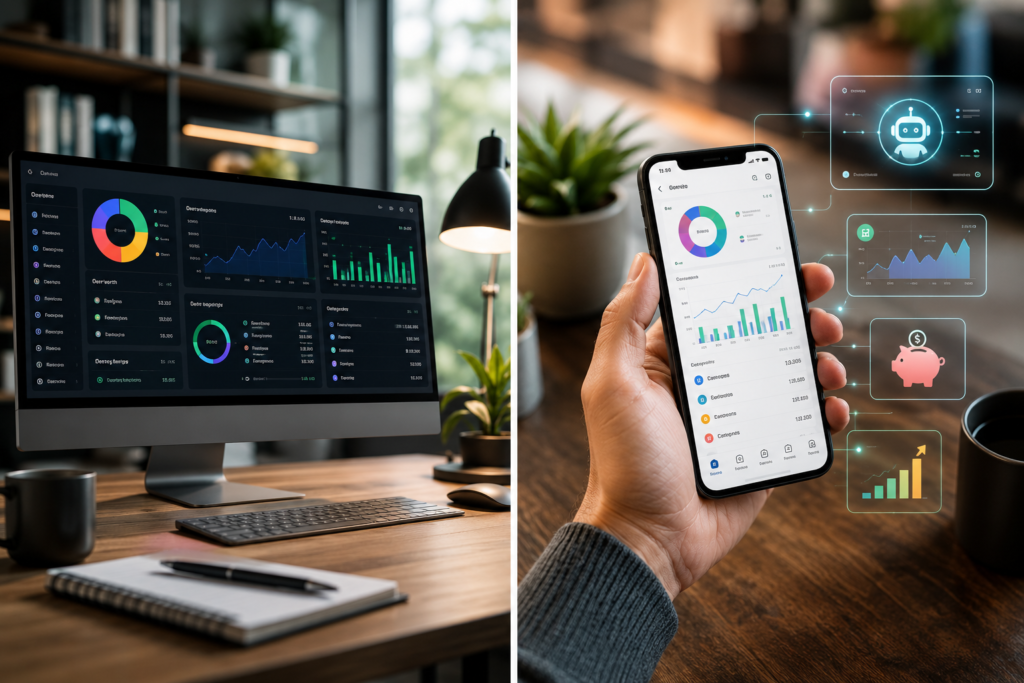
After testing countless money management apps and personal budgeting software over the years, I’ve learned that there isn’t one perfect budgeting app for everyone. The best choice depends on your financial goals, lifestyle, and budgeting style.
Here are my top recommendations:
- Best for Beginners: PocketGuard
- Best for Couples: Monarch Money
- Best for Families: Monarch Money
- Best for Students: Goodbudget
- Best for Professionals: Simplifi by Quicken
- Best for Investors: Empower Personal Dashboard
- Best Free Option: Empower Personal Dashboard
- Best Overall: YNAB
Whether you prefer zero-based budgeting, envelope budgeting, or AI-powered financial planning, the right app can help you spend with confidence, save consistently, and build lasting financial habits.
For additional financial guidance, consult trusted resources such as the Consumer Financial Protection Bureau (CFPB), NerdWallet, Investopedia, the Federal Trade Commission (FTC), and the official websites of the budgeting apps reviewed above.
3 comments
Leave a Reply
Author

razakh6402@gmail.com
Related Posts
Digital Payments: Future of Digital Payments, Payment Technology & Online Payment Trends (2026 Guide)
- 0
- 2,609 words
The way we pay for goods and services has changed more in the past decade than it did in the previous fifty...
Embedded Finance Explained: Complete Guide to Embedded Banking & Banking as a Service (2026)
- 0
- 2,288 words
Over the last fifteen years, I’ve watched financial services evolve from products that required customers to visit a bank into experiences seamlessly...
Contactless Payments Explained: Complete NFC Payment & Tap to Pay Guide (2026)
- 0
- 2,193 words
Over the past fifteen years, I’ve watched payment technology evolve from magnetic stripe cards and PIN terminals to today’s seamless contactless payments...
Neobank vs Traditional Bank: Complete Digital Banking Comparison Guide (2026)
- 0
- 2,379 words
The debate around neobank vs traditional bank has become more relevant than ever as digital banking continues to reshape how people manage...
Financial Planning Software: 10 Best Personal Financial Planning Software & Wealth Management Software (2026 Guide)
- 0
- 2,621 words
Managing money has changed dramatically over the past decade. When I first began advising clients more than 15 years ago, financial planning...
Best Expense Tracking Apps: Top Expense Tracker & Best Expense Management Software (2026 Guide)
- 2
- 2,595 words
Whether you’re running a startup, managing a growing business, freelancing full-time, or simply trying to control your personal finances, one thing remains...
Hello, I want to subscribe for this website to take latest updates, thus
where can i do it please help out.