
- 0
- 1,999 word
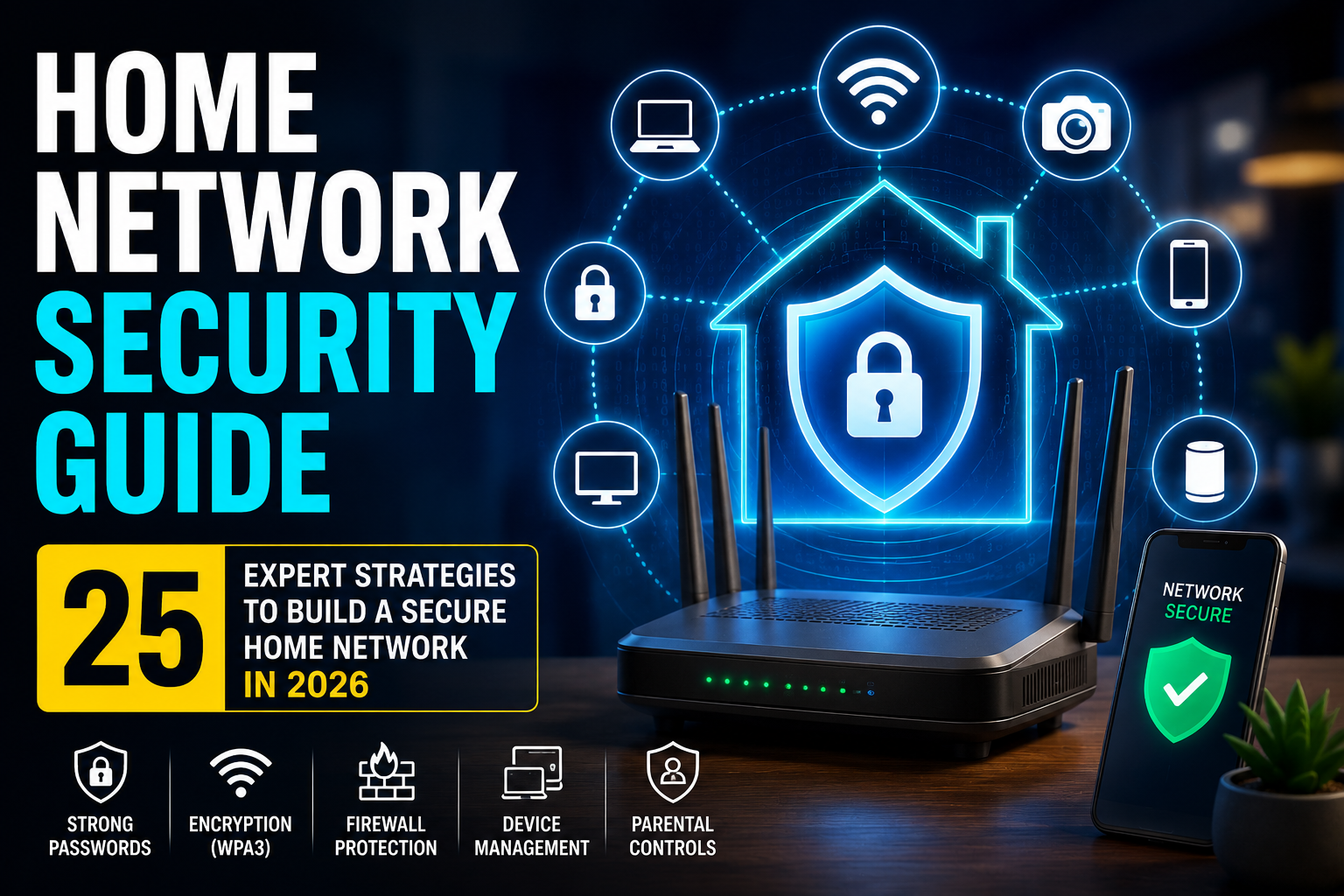
Home network security is no longer optional.
Twenty-five years ago, most households connected a single desktop computer to the internet. Today, the average home contains dozens of connected devices, including smartphones, laptops, smart TVs, security cameras, gaming consoles, voice assistants, smart thermostats, baby monitors, and IoT appliances.
At the same time, cybercriminals have become more sophisticated. Attackers no longer focus only on large corporations. Home users have become valuable targets because personal networks often contain banking information, work credentials, private photos, identity documents, and connected smart devices that can be exploited.
The rapid rise of remote work has created even more risk. Employees frequently access corporate resources from home networks that may lack enterprise-grade security controls. A single vulnerable router or poorly secured smart device can create opportunities for cybercriminals.
Throughout my career securing enterprise environments, responding to security incidents, and auditing thousands of wireless networks, I have seen the same problems repeatedly: default passwords, outdated firmware, exposed remote management interfaces, and unsecured IoT devices.
The good news is that building a secure home network is far easier than most people think.
This comprehensive guide explains everything you need to know about home network security, including practical home WiFi security tips, proven home network protection strategies, router hardening techniques, smart home security measures, and network security for home users who want to protect their families and digital lives.

What Is Home Network Security and Why Does It Matter?
Home network security refers to the technologies, settings, policies, and practices used to protect devices, data, and internet connections within a residential network.
A secure home network helps prevent:
- Unauthorized access
- Identity theft
- Financial fraud
- Malware infections
- Smart device compromise
- Data interception
- Credential theft
Real-World Example
Several years ago, I investigated a case involving a homeowner whose smart security camera had been exposed to the internet through weak credentials. Attackers gained access, monitored activity, and attempted credential reuse against other online accounts.
The root cause was simple: the default password was never changed.
This incident highlights why home network protection matters.
According to cybersecurity agencies and industry reports, cybercrime continues to rise globally, while smart home adoption has expanded dramatically. Every connected device becomes a potential entry point.
Without proper home network security, attackers can:
- Access personal files
- Steal credentials
- Monitor internet activity
- Hijack IoT devices
- Launch attacks from compromised equipment
Common Threats to Home Network Security
Weak WiFi Passwords
Weak passwords remain one of the easiest attack vectors.
Examples include:
- Password123
- Admin123
- FamilyName2024
- Default ISP passwords
Attackers frequently use automated tools that test thousands of password combinations within minutes.
Router Vulnerabilities
Routers serve as the gateway to every device in your home.
Common router risks include:
- Outdated firmware
- Default credentials
- Remote administration exposure
- Unpatched vulnerabilities
A compromised router can affect the entire network.
IoT Device Risks
Smart devices often prioritize convenience over security.
Examples include:
- Smart cameras
- Smart speakers
- Smart locks
- Smart plugs
- Connected appliances
Many IoT devices receive infrequent updates and ship with weak default settings.
Phishing and Malware
Many successful attacks begin with a simple phishing email.
Once malware infects one device, attackers may attempt lateral movement throughout the network.
Unpatched Firmware
Firmware updates often fix:
- Security vulnerabilities
- Authentication flaws
- Encryption weaknesses
- Remote code execution risks
Ignoring updates leaves networks exposed.
Public WiFi Spillover Risks
Users frequently connect laptops and phones to public networks.
If compromised devices later reconnect to home networks, malware may spread internally.
How to Build a Secure Home Network Step by Step
Change Default Router Credentials
Immediately change:
- Router admin username
- Router admin password
Use:
- 16+ character passwords
- Unique credentials
- Password manager-generated values
Enable WPA3 Encryption
WPA3 currently represents the strongest WiFi encryption standard for most households.
Benefits include:
- Better password protection
- Improved encryption
- Enhanced resistance to brute-force attacks
Create Strong WiFi Passwords
Use:
- Random passphrases
- 16–20 characters
- Uppercase and lowercase letters
- Numbers
- Symbols
Avoid personal information.
Disable WPS
Wi-Fi Protected Setup (WPS) introduces unnecessary risk.
Disable WPS completely if available.
Update Router Firmware
Create a monthly reminder to:
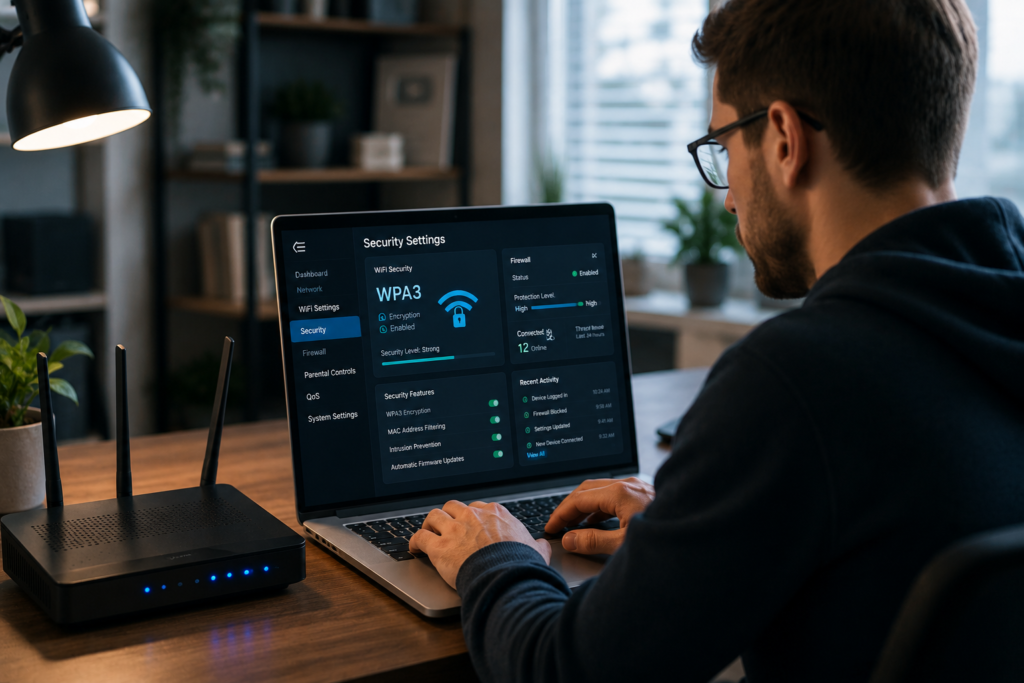
- Log into the router
- Check firmware versions
- Install updates
- Reboot if necessary
Configure Firewall Settings
Enable:
- Stateful packet inspection
- Built-in router firewall
- Intrusion prevention features (if supported)
Enable Automatic Updates
Turn on automatic updates for:
- Computers
- Smartphones
- Tablets
- Smart TVs
- IoT devices
Use DNS Security
Secure DNS providers help block malicious domains.
Examples include:
- Cloudflare DNS
- Google Public DNS
- Quad9
Monitor Connected Devices
Review connected devices regularly.
Remove unknown devices immediately.
Create a Guest Network
Separate guest traffic from trusted devices.
Guest networks help isolate:
- Visitors
- Contractors
- Temporary users
Router Placement Matters
Poor router placement can unintentionally expose wireless signals beyond property boundaries.
Best locations:
- Central rooms
- Elevated surfaces
- Away from windows
WPA2 vs WPA3 Comparison Table
| Feature | WPA2 | WPA3 |
|---|---|---|
| Security Level | Strong | Stronger |
| Encryption | AES-CCMP | Enhanced AES Protection |
| Brute Force Protection | Limited | Improved Protection |
| Password Guessing Resistance | Moderate | High |
| Public Network Security | Standard | Enhanced |
| Device Compatibility | Broad | Newer Devices |
| Enterprise Features | Available | Improved |
| Recommended Usage | Acceptable | Preferred |
| Future Readiness | Moderate | High |
| Home Network Security Value | Good | Excellent |
Home Network Protection for Smart Homes and IoT Devices
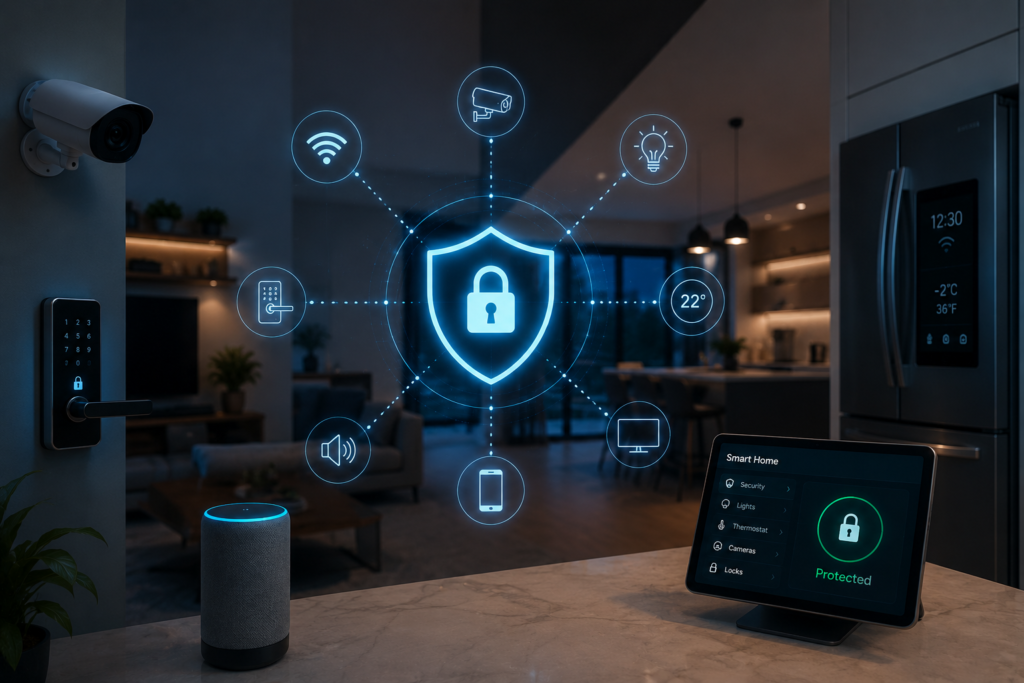
Modern smart homes require specialized security controls.
Smart Cameras
Recommendations:
- Change default passwords
- Enable MFA if available
- Disable internet exposure
- Update firmware
Smart TVs
Best practices:
- Install updates
- Remove unused apps
- Limit permissions
Smart Speakers
Protect privacy by:
- Reviewing microphone permissions
- Managing account access
- Applying updates promptly
Smart Locks
Use:
- Strong account passwords
- MFA protection
- Manufacturer security updates
Smart Thermostats
Ensure:
- Firmware remains current
- Cloud accounts use MFA
Gaming Consoles
Gamers should:
- Enable account security
- Use MFA
- Avoid account sharing
Network Security for Home Users Working Remotely
Remote workers face unique risks.
Corporate data often travels through residential networks.
VPN Usage
VPNs help:
- Encrypt traffic
- Protect communications
- Secure remote access
Secure Remote Access
Avoid exposing:
- RDP
- SSH
- NAS interfaces
Use secure VPN access instead.
Endpoint Protection
Every remote device should include:
- Antivirus
- Anti-malware
- Firewall
- Patch management
Video Conferencing Security
Protect meetings by:
- Using waiting rooms
- Password-protecting sessions
- Restricting screen sharing
Corporate Device Safety
Never:
- Disable security software
- Ignore update notifications
- Install unapproved applications

Best Tools for Home Network Security
| Tool Type | Purpose | Benefits |
|---|---|---|
| Antivirus | Malware protection | Detects and blocks threats |
| VPN | Traffic encryption | Protects online privacy |
| Password Manager | Credential security | Creates strong passwords |
| Network Monitoring Tool | Device visibility | Detects suspicious devices |
| DNS Filtering Solution | Threat prevention | Blocks malicious domains |
| Router Security Platform | Network control | Advanced visibility |
| MFA Application | Account protection | Prevents credential abuse |
| Backup Solution | Recovery | Protects against ransomware |
How to Detect Suspicious Activity on Your Home Network
Signs of Unauthorized Access
Watch for:
- Unknown devices
- Slow internet
- Unexpected configuration changes
- Strange network activity
Monitoring Connected Devices
Regularly review:
- Device names
- MAC addresses
- Connection history
Reviewing Router Logs
Logs can reveal:
- Failed login attempts
- Configuration changes
- Connection spikes
Using Network Scanners
Tools can identify:
- Unknown hosts
- Open ports
- Vulnerable devices
Bandwidth Anomalies
Unusual bandwidth consumption often indicates:
- Malware
- Unauthorized streaming
- Compromised devices
Biggest Home Network Security Mistakes I Have Seen in 25 Years
Over thousands of security assessments, several mistakes appear repeatedly.
Default Passwords Everywhere
One homeowner had:
- Default router credentials
- Default camera credentials
- Default NAS credentials
Attackers gained access within days.
Ignoring Firmware Updates
Many users update phones but forget routers.
I have seen routers remain unpatched for five years or longer.
Internet-Exposed Cameras
Several incidents involved cameras directly accessible from the internet.
Proper network segmentation would have prevented exposure.
Shared WiFi Passwords
Families often share passwords with guests indefinitely.
Guest networks solve this problem.
Insecure IoT Deployments
Many smart devices receive little attention after installation.
Security should continue throughout the device lifecycle.
Future of Home Network Security
AI-Powered Threat Detection
AI-driven monitoring can identify:
- Anomalous traffic
- Device behavior changes
- Emerging threats
Secure Smart Homes
Manufacturers increasingly prioritize:
- Secure boot
- Encryption
- Automatic updates
Zero Trust Home Networks
Future networks will verify every device continuously.
Trust will no longer be automatic.
WPA4 Possibilities
Although WPA3 remains current, future standards may introduce:
- Stronger encryption
- Better authentication
- Enhanced IoT security
Privacy-Focused Networking
Consumers increasingly demand:
- Data minimization
- Privacy controls
- Local processing

My 25-Year Expert Recommendations for a Secure Home Network
Beginner Recommendations
- Change default passwords
- Enable WPA3
- Update firmware
- Use MFA
Intermediate Recommendations
- Create guest networks
- Deploy DNS filtering
- Use password managers
- Enable device monitoring
Advanced Recommendations
- Network segmentation
- VLAN implementation
- Security logging
- VPN-only remote access
- Continuous monitoring
Frequently Asked Questions
What is home network security?
Home network security refers to protecting devices, data, WiFi connections, routers, and internet-connected systems from unauthorized access and cyber threats.
How do I create a secure home network?
Start by changing default credentials, enabling WPA3 encryption, updating firmware, using strong passwords, and creating guest networks.
What is the best WiFi security setting?
WPA3 is currently the best WiFi security standard available for most home users.
Is WPA3 worth using?
Yes. WPA3 offers stronger protection against password-cracking attacks and improves wireless security.
How often should I update my router?
Check monthly and install security updates whenever vendors release them.
How can I improve home network protection?
Use strong passwords, enable MFA, monitor devices, update firmware, and secure IoT equipment.
What are the best home WiFi security tips?
Use WPA3, disable WPS, update firmware, isolate guests, and regularly review connected devices.
How do I secure smart home devices?
Change default passwords, enable updates, isolate IoT devices when possible, and remove unused devices.
Can hackers access my router?
Yes. Vulnerable routers with weak credentials or outdated firmware are common attack targets.
Should I use a VPN at home?
A VPN can improve privacy and secure remote connections, particularly for remote workers and frequent travelers.
Conclusion
Home network security has become one of the most important aspects of modern digital life. As smart homes expand, remote work becomes permanent, and cybercriminals increasingly target residential networks, every household needs a proactive security strategy.
The strongest approach to home network protection combines secure router configuration, WPA3 encryption, strong passwords, firmware updates, device monitoring, network segmentation, and smart IoT management. These measures dramatically reduce risk while creating a more secure home network for everyone who relies on it.
After 25 years of securing networks ranging from small home offices to large enterprise environments, I can confidently say that most successful attacks exploit simple oversights rather than sophisticated hacking techniques. Default passwords, outdated firmware, exposed services, and poorly secured smart devices remain the most common weaknesses.
The good news is that effective network security for home users does not require advanced technical expertise. By following the practical steps outlined in this guide, you can significantly strengthen your home network security posture, protect your personal information, secure your family’s connected devices, and stay ahead of evolving cyber threats.
The best time to improve your home network security is today. Start with your router, secure every connected device, review your network regularly, and commit to continuous improvement. A secure home network is not a one-time project it is an ongoing investment in your privacy, safety, and digital future.
Author

razakh6402@gmail.com
Related Posts

Browser Security Extensions: Top Chrome Security Extensions & Privacy Browser Extensions You Need in 2026
- 0
- 2,358 words
best budgeting appsEvery year, browsers become smarter, websites become faster, and online services become more convenient. Unfortunately, cybercriminals evolve just as quickly....
Read out all
Passkeys: How Passwordless Authentication Is Replacing Passwords in 2026
- 0
- 2,452 words
If you’ve ever forgotten a password, reset the same account multiple times, or worried that your login credentials were exposed in a...
Read out all
Cybersecurity Checklist: Essential Small Business Cybersecurity Guide (2026)
- 0
- 2,462 words
Cyberattacks are no longer a problem reserved for large enterprises. Over the last 15 years, I’ve worked with startups, retail stores, healthcare...

Secure Cloud Storage: Best Secure Cloud Storage Services for Business & Personal Use (2026 Guide)
- 0
- 2,443 words
Whether you’re backing up family photos, sharing confidential client documents, or managing sensitive business files, choosing the right secure cloud storage service...

AI Scams: How to Protect Yourself from AI-Powered Scams in 2026 (Expert Guide)
- 0
- 1,918 word
Artificial intelligence has transformed the way we work, communicate, and manage our finances. Unfortunately, cybercriminals have embraced the same technology to create...
Read out all
Future of Cybersecurity: Top Cybersecurity Trends 2026, AI Innovations, and Predictions for the Next Decade
- 1
- 2,173 words
Twenty-five years ago, cybersecurity focused primarily on protecting desktop computers, on-premises servers, and corporate networks. Firewalls, antivirus software, and perimeter defenses formed...