
- 2
- 1,720 word
The graphic design industry has changed more in the last three years than it did in the previous decade. After spending over 15 years designing brand identities, marketing campaigns, websites, mobile interfaces, packaging, and digital experiences for clients across multiple industries, I can confidently say that artificial intelligence has become one of the most transformative technologies I have ever used.
Today, AI tools for graphic designers are helping professionals generate concepts faster, automate repetitive design tasks, create stunning visuals, improve workflows, and deliver projects more efficiently than ever before. From branding and advertising to UI/UX design and content creation, the adoption of AI graphic design software is accelerating across the creative industry.
The rise of best AI design tools has also changed how creatives brainstorm ideas. Instead of spending hours creating initial concepts, designers can now generate multiple directions within minutes using advanced AI image generation tools and intelligent creative assistants.
In this guide, I’ll share my professional experience with the most powerful AI tools for creatives, compare leading platforms, discuss practical use cases, and explain which tools are genuinely worth adding to your design workflow in 2026.
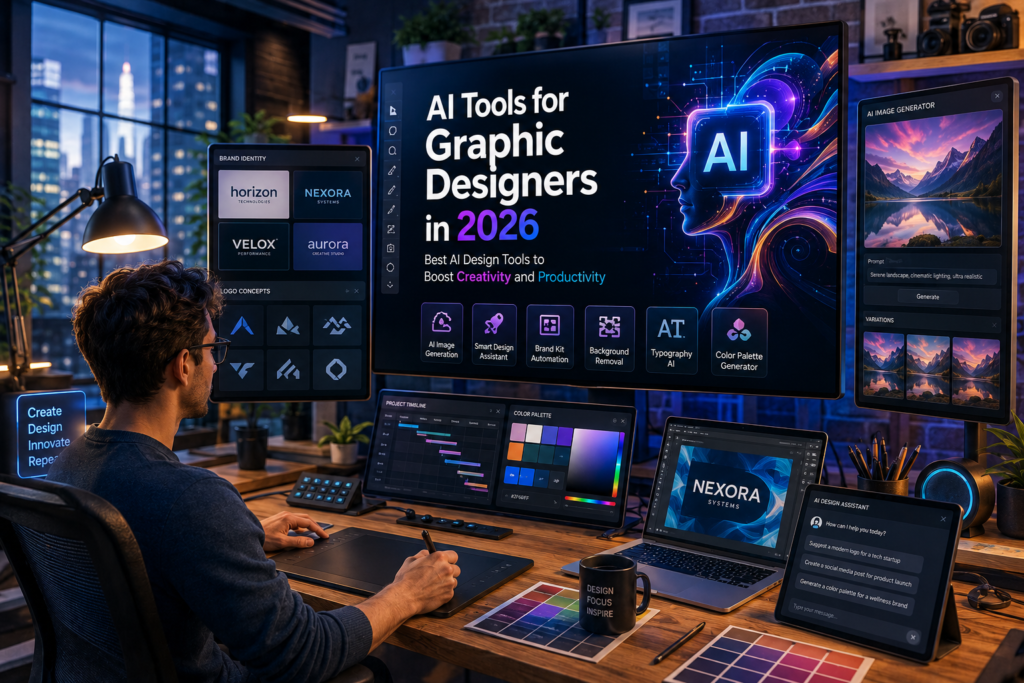
Why AI Tools Are Revolutionizing Graphic Design
AI is not replacing designers. Instead, it is removing friction from the creative process.
Over the years, I have seen designers spend countless hours removing backgrounds, resizing assets, creating mockups, organizing files, and generating repetitive marketing materials. Modern AI systems automate many of these tasks.
Key advantages include:
- Faster concept development
- Improved brainstorming
- Rapid prototyping
- Automated asset generation
- Enhanced productivity
- Better client collaboration
For example, when creating branding concepts for startups, I now generate multiple visual directions using AI before refining them manually. What once required several days can now be completed in a few hours.
Another major benefit is scalability. Marketing teams can create dozens of ad variations, social media creatives, and campaign assets without rebuilding every design from scratch.
Best AI Design Tools for Graphic Designers in 2026
Adobe Firefly
Overview
Adobe Firefly has become one of the most trusted AI design platforms due to its seamless integration with Adobe Creative Cloud.
Key Features
- Text-to-image generation
- Generative Fill
- Generative Expand
- Text effects
- Vector generation
Pros
- Commercially friendly licensing
- Excellent Photoshop integration
- High-quality outputs
Cons
- Credit limitations
- Less artistic freedom than Midjourney
Pricing
Free tier available; premium plans included with Adobe subscriptions.
Best Use Case
Professional branding and commercial design projects.
Personal Experience
Firefly has significantly reduced my retouching and concept-generation time inside Photoshop.
Midjourney
Overview
Midjourney remains one of the strongest AI image generation tools available.
Key Features
- High-quality artwork
- Concept visualization
- Stylized rendering
Pros
- Exceptional image quality
- Strong artistic outputs
Cons
- Learning curve
- Limited design editing features
Pricing
Subscription-based.
Best Use Case
Concept art, creative exploration, advertising visuals.
Personal Experience
I frequently use Midjourney during early-stage brand ideation to explore unique visual directions.
Canva AI
Overview
Canva AI combines simplicity with powerful automation.
Key Features
- Magic Design
- AI writing assistance
- Image generation
- Presentation creation
Pros
- Beginner-friendly
- Fast workflow
Cons
- Limited customization
Pricing
Free and Pro plans.
Best Use Case
Social media and marketing content.
Adobe Express AI
Fast content creation, social graphics, and campaign assets make Adobe Express AI an excellent choice for marketing teams.
Leonardo AI
Leonardo AI excels in creative asset production, gaming visuals, illustrations, and marketing concepts.
Ideogram
Ideogram stands out because of its impressive text-rendering capabilities within AI-generated images.
Runway
Runway is transforming creative video production with AI-powered editing, generation, and motion graphics capabilities.
Figma AI
Figma AI helps UX/UI designers accelerate wireframing, content generation, and interface prototyping.
Microsoft Designer
Microsoft Designer offers easy-to-use AI-assisted graphic creation for businesses and content creators.
ChatGPT for Designers
ChatGPT has become one of my most valuable creative assistants for:
- Design briefs
- Creative concepts
- Brand messaging
- UX content
- Marketing copy
- Mood board ideas
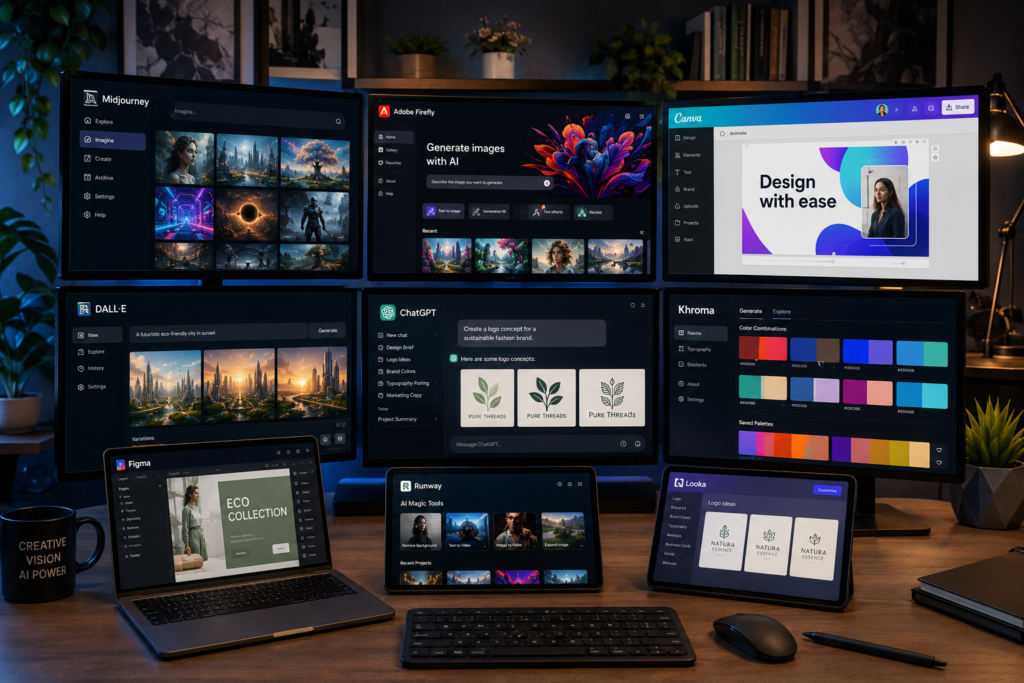
Comparison Table – Best AI Design Tools
| Tool | Best For | AI Features | Ease of Use | Free Plan | Pricing |
|---|---|---|---|---|---|
| Adobe Firefly | Branding | Generative Fill, Images | Easy | Yes | Paid |
| Midjourney | Concept Art | Image Generation | Moderate | No | Paid |
| Canva AI | Marketing | Magic Design | Very Easy | Yes | Paid Upgrade |
| Adobe Express AI | Content Creation | Templates & AI Graphics | Easy | Yes | Paid Upgrade |
| Leonardo AI | Illustration | AI Assets | Moderate | Yes | Paid Upgrade |
| Ideogram | Typography | Text Rendering | Easy | Yes | Paid Upgrade |
| Runway | Video Creation | AI Video Tools | Moderate | Yes | Paid Upgrade |
| Figma AI | UX/UI | Wireframes & Prototypes | Easy | Limited | Paid |
| Microsoft Designer | Social Media | Design Generation | Easy | Yes | Paid Upgrade |
| ChatGPT | Creative Assistance | Ideation & Copywriting | Very Easy | Yes | Paid Upgrade |
AI Image Generation Tools Every Designer Should Know
Midjourney
Midjourney consistently delivers some of the most visually stunning outputs available today. It excels in mood, lighting, composition, and artistic creativity.
Adobe Firefly
Adobe Firefly offers stronger commercial safety and integrates naturally into professional workflows.
Leonardo AI
Leonardo AI is ideal for designers who need highly customizable visuals and production-ready assets.
Ideogram
When typography matters, Ideogram often outperforms competitors.
DALL·E
DALL·E continues to improve prompt understanding and image editing capabilities.
Quick Comparison
| Feature | Midjourney | Firefly | Leonardo | Ideogram | DALL·E |
|---|---|---|---|---|---|
| Image Quality | Excellent | Very Good | Excellent | Good | Very Good |
| Prompt Accuracy | High | High | High | High | Excellent |
| Typography | Fair | Good | Good | Excellent | Good |
| Commercial Use | Good | Excellent | Good | Good | Good |
| Flexibility | Excellent | Very Good | Excellent | Good | Very Good |
AI Graphic Design Software for Branding and Marketing
Logo Design
AI helps generate dozens of logo concepts quickly. However, professional refinement remains essential.
Social Media Graphics
Marketing teams use AI graphic design software to create platform-specific visuals rapidly.
Advertising Creatives
AI accelerates ad production, especially when creating multiple campaign variations.
Presentation Design
Tools like Canva AI and Microsoft Designer automate presentation layouts and visual storytelling.
Brand Identity Development
AI supports mood board creation, typography exploration, color palette development, and visual research.
Marketing Campaign Assets
Designers can scale creative production across email marketing, display advertising, social media, and landing pages.
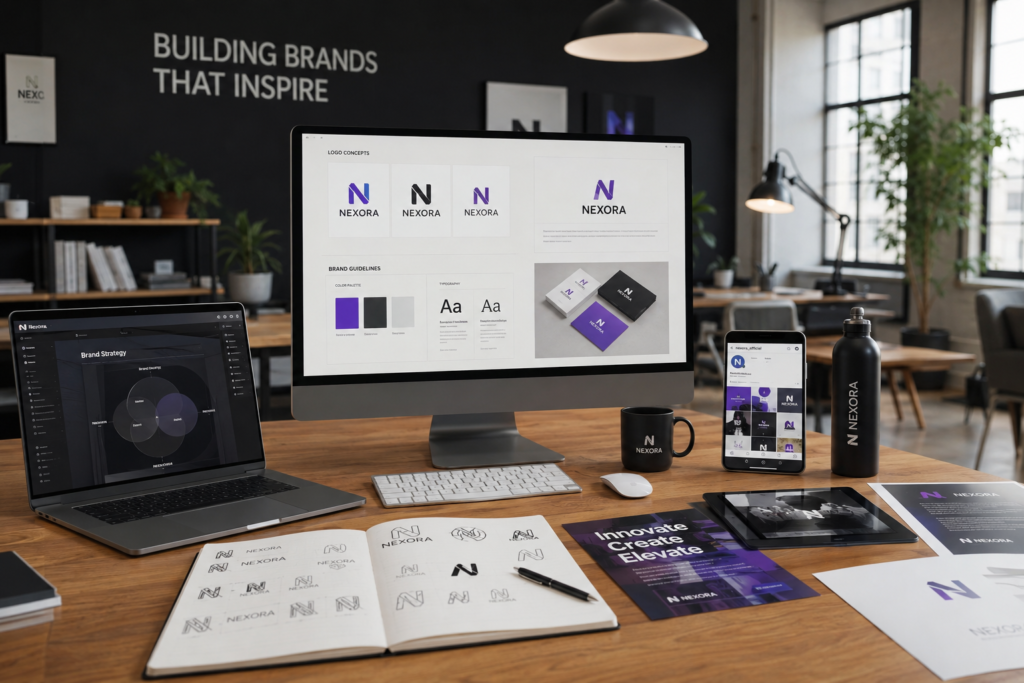
Best AI Tools for Creatives Beyond Graphic Design
The impact of AI extends beyond traditional graphic design.
Content Creation
AI assists with blog writing, campaign messaging, and content planning.
Video Editing
Runway and similar tools automate editing, subtitles, and video generation.
Motion Graphics
AI-powered animation tools reduce production time dramatically.
UX/UI Design
Figma AI helps designers create layouts, wireframes, and content suggestions.
Product Design
AI accelerates ideation, prototyping, and design validation.
Marketing
Marketers increasingly rely on AI for personalization and creative optimization.
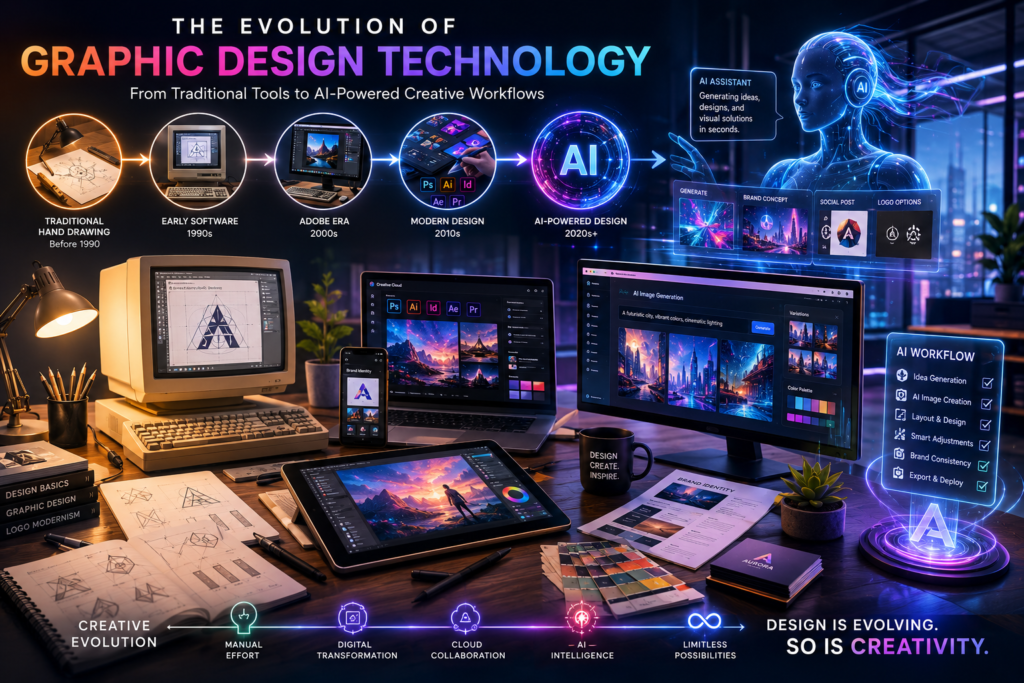
How AI Has Changed My Design Workflow Over the Last 15 Years
When I started my design career, most projects relied heavily on Photoshop, Illustrator, and manual workflows.
Every concept required hours of sketching, asset creation, and revision. Cloud-based design tools later improved collaboration, but the real breakthrough arrived with generative AI.
Today, my workflow typically follows this process:
- Research and strategy
- AI-assisted brainstorming
- Rapid concept generation
- Human refinement
- Client feedback
- Production-ready execution
AI now handles many repetitive tasks, allowing me to spend more time on creative thinking, storytelling, and strategic problem-solving.
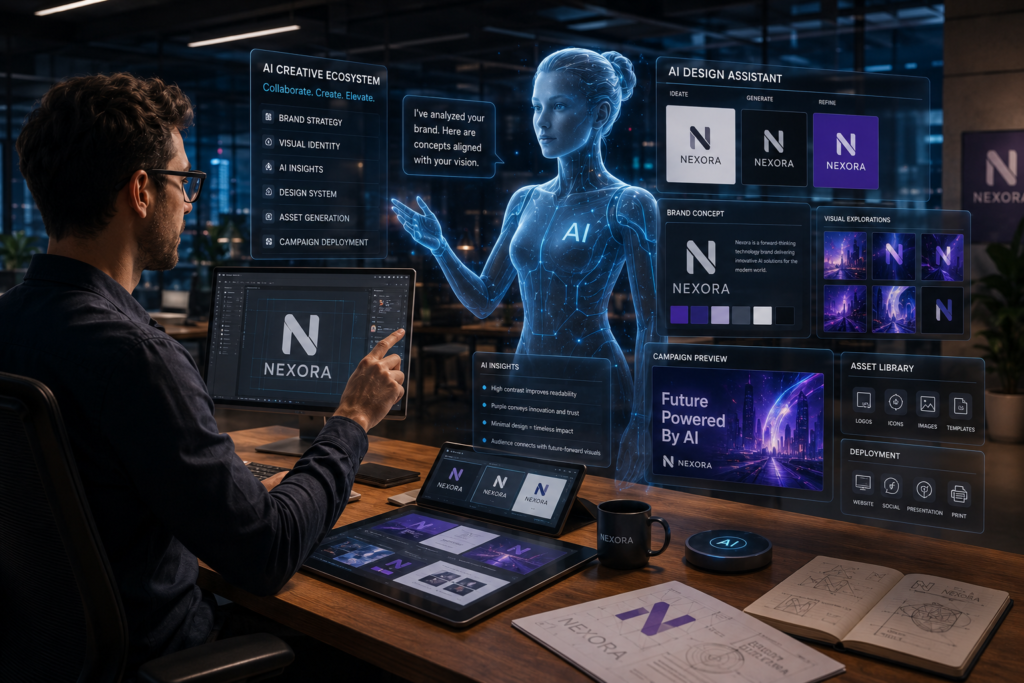
The biggest lesson I’ve learned is that AI works best when paired with human creativity rather than replacing it.
AI Design Trends That Will Shape 2026 and Beyond
Generative Branding
Brands will increasingly use AI-generated visual systems that adapt dynamically.
AI-Powered UX Design
Interfaces will become more personalized and context-aware.
Personalized Creative Assets
Marketing creatives will be generated for individual users.
Real-Time Design Collaboration
Teams will collaborate with AI assistants in real time.
AI Design Agents
Autonomous AI systems will handle portions of design workflows independently.
Multimodal Creative Systems
Text, image, audio, video, and interactive content will merge into unified creative ecosystems.
Benefits and Limitations of AI Tools for Graphic Designers
Benefits
- Faster production
- Improved productivity
- Better creative exploration
- Cost efficiency
- Greater scalability
Limitations
- Copyright concerns
- Ethical questions
- Generic outputs
- Dependence on prompts
- Risk of reduced originality
Designers who understand both strengths and limitations will gain the greatest competitive advantage.
Frequently Asked Questions
What are the best AI tools for graphic designers?
Adobe Firefly, Midjourney, Canva AI, Figma AI, Leonardo AI, and ChatGPT are among the best options.
Which AI graphic design software is best for beginners?
Canva AI and Microsoft Designer are excellent starting points.
Can AI replace graphic designers?
No. AI enhances productivity but cannot replace strategic thinking, creativity, and client communication.
What are the best AI image generation tools?
Midjourney, Adobe Firefly, Leonardo AI, Ideogram, and DALL·E are leading platforms.
Is Adobe Firefly better than Midjourney?
For commercial workflows, Firefly often has advantages. For artistic creativity, Midjourney usually leads.
Which AI design tool is best for branding?
Adobe Firefly remains one of the strongest choices for branding professionals.
Are AI-generated designs copyright-safe?
Policies vary by platform, so always review licensing terms before commercial use.
What AI tools do professional designers use?
Many professionals combine Adobe Firefly, Midjourney, Figma AI, Runway, and ChatGPT.
Are AI tools worth paying for?
For professional designers, premium plans often provide substantial productivity gains.
What are the best free AI design tools?
Canva AI, Microsoft Designer, Adobe Firefly Free, Leonardo AI, and ChatGPT Free offer excellent value.
Final Verdict
The future of design is not AI versus designers. It is designers who know how to use AI effectively versus those who do not.
If I had to choose one overall winner among today’s AI tools for graphic designers, Adobe Firefly offers the best balance of professional reliability, commercial usability, and Creative Cloud integration.
Best Overall AI Design Tool: Adobe Firefly
Best AI Image Generator: Midjourney
Best Free AI Design Software: Canva AI
Best Tool for Branding: Adobe Firefly
Best Tool for Professional Designers: Figma AI + Adobe Firefly Combination
As AI continues to evolve, the most successful designers will be those who embrace these technologies while preserving the strategic thinking, creativity, and human insight that great design has always required.
Author

razakh6402@gmail.com
Related Posts
Document Management Software: Top Document Management Software Compared (2026 Guide)
- 0
- 1,895 word
Not long ago, managing business documents meant overflowing filing cabinets, misplaced contracts, and countless hours spent searching for the right file. Even...
Read out all
AI Website Builder: Best AI Website Builders Compared (2026 Guide)
- 0
- 2,412 words
A decade ago, building a professional website meant writing HTML, CSS, JavaScript, and often PHP from scratch. Later, drag-and-drop builders like WordPress...
Read out all
AI vs Human Creativity: Can AI Replace Creative Jobs in 2026? (Expert Analysis)
- 0
- 2,449 words
The conversation around AI vs human creativity has become one of the most fascinating and controversial topics in technology. Every week, new...
AI Course Creator: Top AI Tools for Online Courses in 2026 (Expert-Tested Guide)
- 0
- 1,935 word
I’ve spent years researching instructional design, evaluating learning platforms, and following the evolution of educational technology. One trend has become impossible to...
Read out all
AI Browser Extensions: Best AI Chrome Extensions for Productivity in 2026 (Expert-Tested Guide)
- 0
- 2,414 words
Artificial intelligence has quietly become one of the biggest productivity upgrades I’ve experienced during my career. Over the past 15 years of...
Read out all
AI Agents in 2026: How AI Agents for Work Are Transforming Everyday Productivity
- 2
- 2,405 words
A few years ago, most businesses viewed artificial intelligence as a helpful assistant for answering questions or generating content. Today, the conversation...
Read out all
2 comments