
- 6
- 1,913 word
Windows remains the world’s most targeted operating system, and in 2026, cyber threats have become far more sophisticated than most users realize. Over the past year alone, I’ve seen ransomware attacks shut down small businesses, credential-stealing malware infect gaming PCs, and AI-generated phishing campaigns bypass traditional security awareness techniques.
In my 15 years working in cybersecurity protection, malware analysis, and Windows security consulting, one thing has become painfully obvious: most users install antivirus software only after something goes wrong. By then, the damage is already done.
Modern cybercriminals no longer rely on obvious viruses. Today’s attacks use:
- AI-powered phishing
- Zero-day exploits
- Fileless malware
- Browser-based attacks
- Credential theft tools
- Ransomware-as-a-service operations
That’s why choosing the best antivirus software for Windows is no longer optional. Whether you use a high-end gaming PC, a business laptop, or an older family computer, proper endpoint security is essential for protecting your data, privacy, and financial information.
This expert-tested guide covers the top antivirus software 2026 has to offer, including free antivirus software for Windows, lightweight antivirus for Windows, and advanced protection tools for Windows 11 users.
Why Windows Users Need Antivirus in 2026
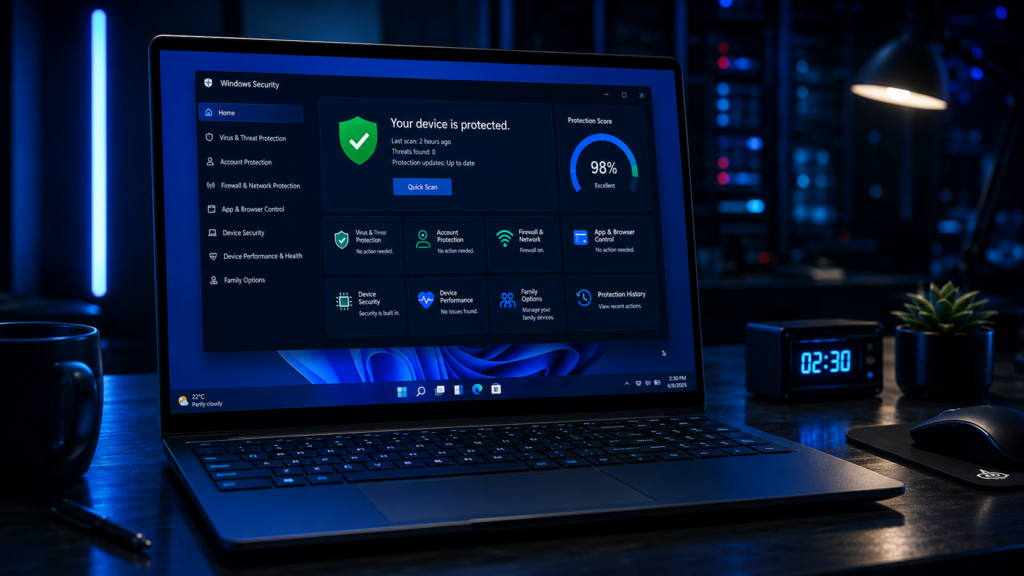
Many people still believe Windows Defender alone is enough for complete protection. While Microsoft Security Blog shows Microsoft has significantly improved native Windows security, modern cyber threats are evolving even faster.
Today’s attackers target:
- Browser cookies
- Saved passwords
- Crypto wallets
- Cloud accounts
- Gaming credentials
- Banking sessions
One major mistake users make is assuming they are “too small” to be targeted. In reality, automated malware campaigns attack millions of random Windows devices daily.
I recently worked with a freelance designer whose entire client database was encrypted through a fake PDF invoice attachment. The ransomware attack happened because the system lacked advanced phishing protection and behavior-based malware detection.
That situation could have been prevented with a modern internet security suite.
Common Cyber Threats for PC Users
Ransomware Attacks
Ransomware remains one of the biggest threats in 2026. Attackers encrypt files and demand cryptocurrency payments for recovery keys.
Modern ransomware now targets:
- Personal documents
- Cloud backups
- NAS storage
- Business networks
Phishing Protection Challenges
AI-generated phishing emails have become incredibly convincing. Some fake emails now perfectly imitate:
- Banks
- Microsoft login portals
- PayPal notifications
- Shipping companies
Fileless Malware
Fileless malware operates directly in memory, making traditional signature-based detection less effective.
Browser-Based Exploits
Compromised browser extensions and malicious ads can silently infect Windows systems.
Spyware & Credential Theft
Attackers increasingly steal:
- Saved passwords
- Browser sessions
- Crypto wallet keys
- Banking credentials
The Cybersecurity & Infrastructure Security Agency guidelines regularly publish threat alerts and cybersecurity awareness resources for users and businesses.
Features That Make the Best Antivirus Software for Windows
Not all antivirus tools offer the same level of cybersecurity protection.
Real-Time Protection
Real-time malware scanning is essential for blocking threats before they execute.
Behavioral Analysis
Advanced antivirus solutions now use AI-powered threat detection to identify suspicious activity patterns instead of relying solely on virus signatures.
Ransomware Defense
The best antivirus software for Windows should include:
- Folder protection
- Backup monitoring
- Encryption attack detection
Web Protection
Modern security tools must block:
- Malicious websites
- Fake downloads
- Phishing pages
- Dangerous browser scripts
Firewall & Network Security
Advanced endpoint security platforms also monitor incoming and outgoing network traffic.
Free vs Paid Antivirus Software
This is one of the most common questions users ask me.
Free Antivirus Software for Windows
Free antivirus software for Windows works well for basic malware prevention, especially for students and casual users.
Popular free solutions include:
However, free versions often lack:
- VPN services
- Identity theft monitoring
- Advanced ransomware defense
- Password managers
Paid Antivirus Solutions
Premium antivirus suites offer significantly stronger protection layers.
In my experience testing enterprise-grade security systems, paid antivirus solutions dramatically reduce:
- Phishing success rates
- Malware infections
- Browser hijacking risks
For users handling sensitive financial or business data, premium protection is worth the investment.
Best Antivirus for Windows 11
Windows 11 introduced stronger built-in security features, including TPM-based protections and virtualization security. However, third-party antivirus software still provides better layered defense.
Best Overall: Bitdefender Total Security
Why I recommend it:
- Excellent malware detection rates
- Strong ransomware protection
- Lightweight performance
- Advanced phishing protection
- Secure VPN integration
Best for Gamers: Norton 360
Excellent gaming optimization with minimal performance impact during gameplay sessions.
Best for Businesses: ESET Smart Security
Strong endpoint security and low false positives make it ideal for office environments.
Best Free Antivirus for Windows 11
Microsoft Defender combined with safe browsing habits remains acceptable for low-risk users.
However, adding extra malware protection significantly improves security.
Lightweight Antivirus for Older PCs
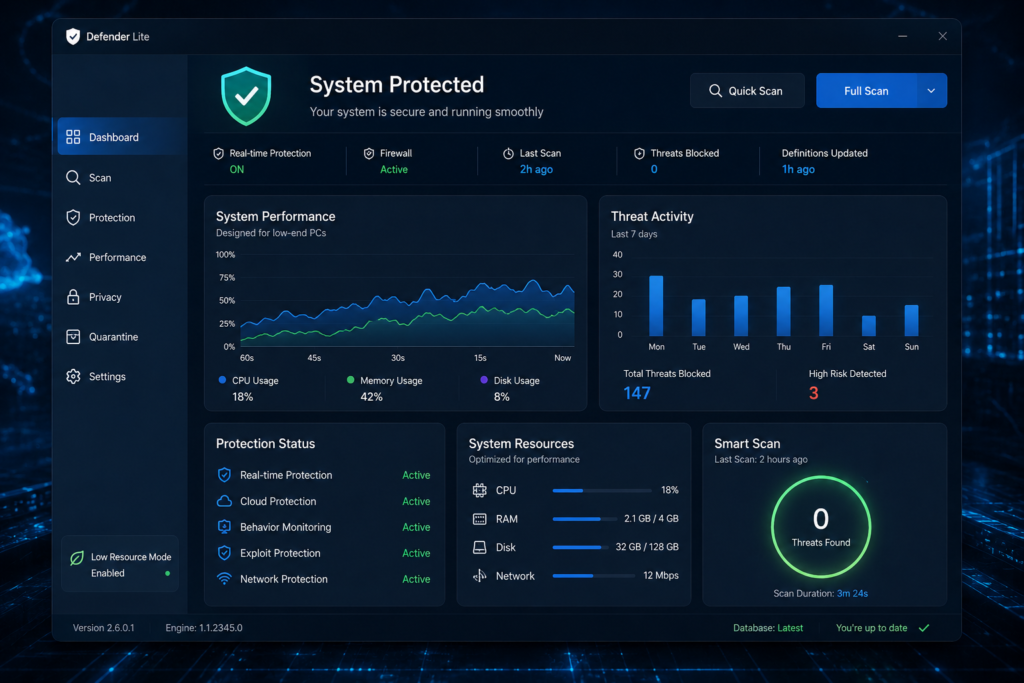
Older Windows systems often struggle with heavy antivirus suites.
One major issue I see in older laptops is antivirus software consuming excessive RAM and CPU resources.
Best Lightweight Antivirus for Windows
ESET NOD32
Excellent balance between:
- Low resource usage
- Fast scanning
- Strong malware prevention
Kaspersky Standard
Despite controversies in some regions, it still performs well technically in malware detection tests.
Tips for Low-End PCs
For older systems:
- Disable unnecessary startup apps
- Use lightweight browsers
- Avoid bloated security suites
- Schedule scans during idle hours
Cloud-Based Antivirus Technology
Cloud antivirus systems process threat analysis remotely instead of relying entirely on local hardware.
Benefits include:
- Faster malware detection
- Reduced system impact
- Real-time threat intelligence
- Rapid signature updates
Many top antivirus software 2026 solutions now heavily rely on cloud-based cybersecurity protection systems.
AI-Powered Threat Detection
AI is reshaping modern antivirus technology.
Advanced antivirus engines now use machine learning to:
- Detect suspicious behavior
- Identify zero-day malware
- Analyze ransomware patterns
- Prevent phishing attacks
At the same time, attackers also use AI for:
- Deepfake scams
- Automated phishing
- Adaptive malware
This cybersecurity arms race will define Windows security tools for years to come.
Ransomware Protection Explained
Ransomware defense is no longer optional.
Modern ransomware can:
- Encrypt entire drives
- Disable backups
- Steal files before encryption
- Spread across local networks
The best antivirus software for Windows should include:
- Behavioral ransomware detection
- Secure backups
- Folder access protection
- Rollback recovery systems
I’ve personally seen businesses lose years of data because they relied solely on outdated antivirus software without dedicated ransomware protection.
How Antivirus Impacts PC Performance
Many users fear antivirus software will slow down their PC.
That was true years ago. Modern antivirus solutions are significantly more optimized.
However, performance still depends on:
- System hardware
- Background services
- Scan frequency
- Software optimization
Performance Benchmarks Matter
Trusted labs like AV-Test Institute and AV-Comparatives regularly test:
- Malware detection
- System impact
- False positives
- Performance efficiency
I always recommend checking independent lab results before purchasing antivirus software.
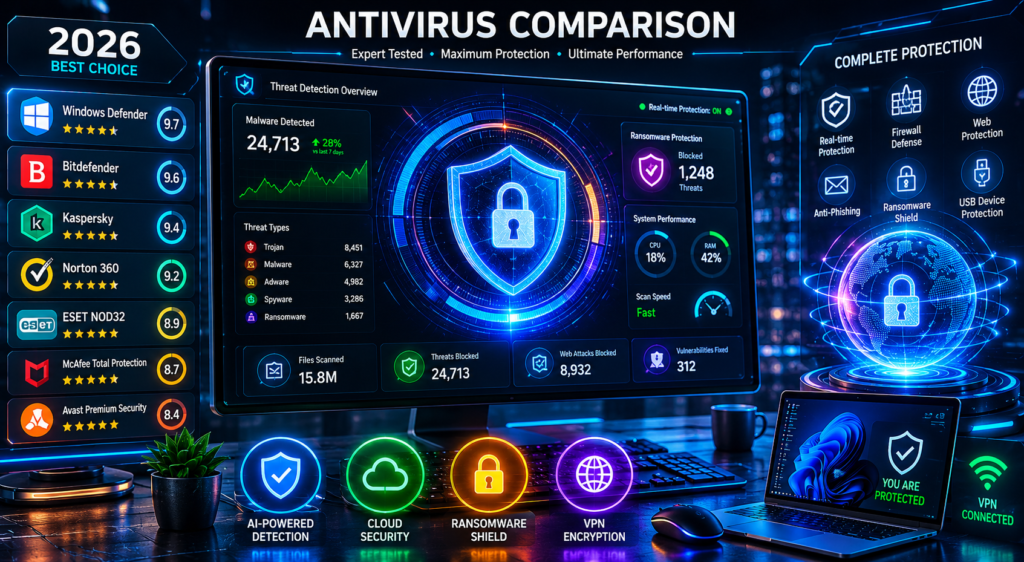
Comparison Table: Best Antivirus Software for Windows
| Antivirus | Best For | Real-Time Protection | VPN Included | System Impact | Free Version | Pricing |
|---|---|---|---|---|---|---|
| Bitdefender Total Security | Overall Protection | Excellent | Yes | Low | Limited | $$ |
| Norton 360 | Gamers & Families | Excellent | Yes | Medium | No | $$$ |
| ESET Smart Security | Businesses & Low-End PCs | Excellent | No | Very Low | Trial Only | $$ |
| Malwarebytes Premium | Malware Removal | Very Good | No | Low | Yes | $$ |
| Avast Free Antivirus | Free Protection | Good | Limited | Medium | Yes | Free/$ |
Mistakes Users Make While Choosing Antivirus
Choosing Based Only on Price
Free tools are useful, but advanced threats often require premium protection.
Installing Multiple Antivirus Programs
Running multiple antivirus engines can create:
- System instability
- False positives
- Performance problems
Ignoring Browser Security
Many infections now originate through browsers rather than downloaded files.
Disabling Security Features
Gamers sometimes disable antivirus protections for performance gains, exposing systems to attacks.
Falling for Fake Antivirus Software
Cybercriminals create fake antivirus popups that install malware instead of protection tools.
Cybersecurity Best Practices Beyond Antivirus
Even the best antivirus for Windows 11 cannot protect careless behavior.
Use Strong Passwords
Use password managers and avoid password reuse.
Enable Multi-Factor Authentication
MFA dramatically reduces account compromise risks.
Keep Windows Updated
Patch management remains critical for malware prevention.
Avoid Pirated Software
Cracked software is one of the biggest malware infection sources worldwide.
Backup Important Data
Use:
- External drives
- Cloud backups
- Versioned backup systems

Antivirus Myths vs Facts
Myth: “Macs and Linux are the only safe systems.”
Fact: Windows remains heavily targeted because of market share, but all systems face cyber risks.
Myth: “Free antivirus is useless.”
Fact: Some free antivirus software for Windows offers solid basic protection.
Myth: “Antivirus slows every PC.”
Fact: Modern lightweight antivirus for Windows solutions are highly optimized.
Recommendations by User Type
Best for Gamers
- Norton 360
- Bitdefender Total Security
Best for Office Users
- ESET Smart Security
- Bitdefender
Best for Students
- Avast Free Antivirus
- Microsoft Defender
Best for Business Users
- ESET Endpoint Security
- Bitdefender GravityZone
Best for Older PCs
- ESET NOD32
- Kaspersky Standard
Expert Recommendation Section
After testing dozens of antivirus platforms over the years, my personal recommendation for most Windows users in 2026 is Bitdefender Total Security.
Why?
- Excellent malware detection
- Strong phishing protection
- Minimal performance impact
- Reliable ransomware defense
- User-friendly interface
For budget users, combining Microsoft Defender with safe browsing habits and regular updates can still provide decent baseline security.
Final Verdict
The best antivirus software for Windows depends heavily on your needs, hardware, and online habits.
If you want:
- Maximum protection → Bitdefender
- Gaming optimization → Norton 360
- Lightweight performance → ESET
- Free protection → Avast or Microsoft Defender
No antivirus solution is perfect, but layered cybersecurity protection dramatically lowers your risk of infection, ransomware attacks, and identity theft.
Conclusion
Cyber threats targeting Windows users are becoming more advanced every year. AI-powered phishing, ransomware operations, and browser-based malware attacks are now everyday realities.
In my 15 years working in cybersecurity and malware protection, the safest users are not necessarily the most technical — they are the most proactive.
Choose reliable antivirus software, keep Windows updated, use strong passwords, enable multi-factor authentication, and avoid risky downloads.
Good cybersecurity habits combined with the right antivirus solution create the strongest defense against modern digital threats.
FAQs
What is the best antivirus software for Windows in 2026?
Bitdefender Total Security remains one of the top antivirus software 2026 solutions because of its excellent malware detection and low system impact.
Is free antivirus software for Windows enough?
Free antivirus software for Windows provides basic protection, but premium suites offer stronger ransomware defense, VPNs, and advanced phishing protection.
Which antivirus is best for Windows 11?
Bitdefender, Norton 360, and ESET are among the best antivirus for Windows 11 solutions currently available.
What is the best lightweight antivirus for Windows?
ESET NOD32 is widely considered one of the best lightweight antivirus for Windows options for older PCs.
Can antivirus stop ransomware completely?
No antivirus guarantees 100% protection, but modern ransomware defense systems significantly reduce infection risks when combined with safe browsing habits.
Author

razakh6402@gmail.com
Related Posts

Browser Security Extensions: Top Chrome Security Extensions & Privacy Browser Extensions You Need in 2026
- 0
- 2,358 words
best budgeting appsEvery year, browsers become smarter, websites become faster, and online services become more convenient. Unfortunately, cybercriminals evolve just as quickly....
Read out all
Passkeys: How Passwordless Authentication Is Replacing Passwords in 2026
- 0
- 2,452 words
If you’ve ever forgotten a password, reset the same account multiple times, or worried that your login credentials were exposed in a...
Read out all
Cybersecurity Checklist: Essential Small Business Cybersecurity Guide (2026)
- 0
- 2,462 words
Cyberattacks are no longer a problem reserved for large enterprises. Over the last 15 years, I’ve worked with startups, retail stores, healthcare...

Secure Cloud Storage: Best Secure Cloud Storage Services for Business & Personal Use (2026 Guide)
- 0
- 2,443 words
Whether you’re backing up family photos, sharing confidential client documents, or managing sensitive business files, choosing the right secure cloud storage service...

AI Scams: How to Protect Yourself from AI-Powered Scams in 2026 (Expert Guide)
- 0
- 1,918 word
Artificial intelligence has transformed the way we work, communicate, and manage our finances. Unfortunately, cybercriminals have embraced the same technology to create...
Read out all
Future of Cybersecurity: Top Cybersecurity Trends 2026, AI Innovations, and Predictions for the Next Decade
- 1
- 2,173 words
Twenty-five years ago, cybersecurity focused primarily on protecting desktop computers, on-premises servers, and corporate networks. Firewalls, antivirus software, and perimeter defenses formed...
6 comments