
- 0
- 63 words
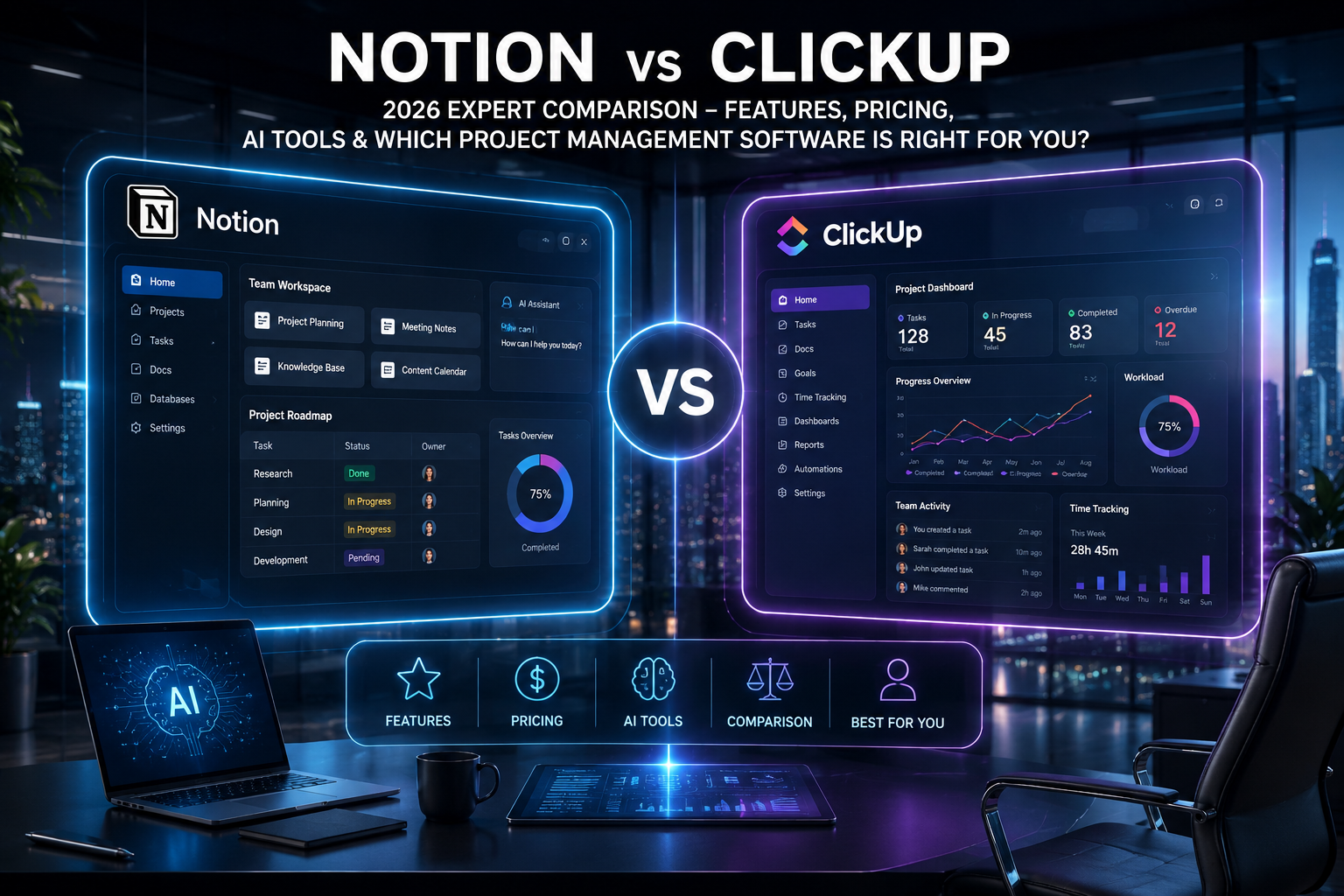
The debate around Notion vs ClickUp has become even more relevant in 2026. Both platforms have evolved far beyond simple note-taking or task management apps. Today, they’re comprehensive productivity ecosystems that help teams manage projects, documentation, knowledge bases, automation, AI-assisted work, and cross-functional collaboration.
After implementing both platforms across startups, marketing agencies, software development teams, and enterprise organizations over many years, I’ve noticed one important lesson: there isn’t a universal winner. The best choice depends entirely on how your team works, communicates, and scales.

I’ve migrated dozens of businesses from spreadsheets, Trello, Asana, Monday.com, and Jira into both Notion and ClickUp. I’ve also seen projects fail—not because of the software but because organizations chose the wrong platform for their workflow.
If you’re searching for the best productivity software or evaluating project management software for your business, this comparison will help you make an informed decision based on real-world implementation rather than marketing claims.
Throughout this guide, I’ll share practical experiences, implementation challenges, productivity tips, and an unbiased Notion review and ClickUp review to help you decide which platform deserves your investment.

Quick Verdict
Choose Notion if you:
- Prioritize documentation and knowledge management
- Need a flexible workspace
- Build company wikis
- Write documentation regularly
- Prefer minimalistic interfaces
Choose ClickUp if you:
- Manage multiple projects
- Need advanced task management
- Require reporting and dashboards
- Track time
- Automate workflows
- Manage large teams
Overall Winner
After extensive implementation across different industries, ClickUp wins for project execution, while Notion remains unmatched for documentation and knowledge management.

Throughout this guide, I’ll share practical experiences, implementation challenges, productivity tips, and an unbiased Notion review and ClickUp review to help you decide which platform deserves your investment.
For complete business operations, ClickUp offers the broader feature set.
What is Notion?
A proper Notion review begins by understanding its philosophy.
Notion isn’t simply a note-taking application. It’s a highly customizable workspace that combines notes, databases, documentation, wikis, lightweight project management, calendars, and AI into one platform.
Instead of forcing users into predefined workflows, Notion allows organizations to build systems tailored to their needs.
Key Features
- AI writing assistant
- Wikis
- Databases
- Collaborative documents
- Templates
- Project tracking
- Calendar integration
- Team collaboration
- Knowledge management
- API integrations
Pros
- Beautiful user interface
- Extremely flexible
- Excellent documentation
- Outstanding templates
- Powerful databases
- Excellent AI writing tools
- Great for startups
Cons
- Steeper learning curve for databases
- Limited reporting
- Basic time tracking
- Limited advanced automation
- Large workspaces may become slower
Best Use Cases
- Students
- Content creators
- Agencies
- Documentation
- SOP creation
- Product documentation
- Internal knowledge bases
What is ClickUp?
Any thorough ClickUp review should acknowledge one thing: ClickUp aims to replace multiple workplace applications.
Instead of switching between task managers, spreadsheets, time trackers, dashboards, documents, goals, and reporting software, ClickUp combines everything into one platform.
Key Features
- Advanced task management
- Multiple project views
- AI assistant
- Time tracking
- Goals
- Dashboards
- Whiteboards
- Automation
- Docs
- Chat
- Reporting
Pros
- Powerful project management
- Excellent reporting
- Built-in automation
- Native time tracking
- Multiple task views
- Enterprise scalability
Cons
- Interface can feel overwhelming
- Initial setup takes time
- Too many features for simple teams
- Mobile experience can feel crowded
Best Use Cases
- Software development
- Marketing teams
- Agencies
- Product teams
- Operations
- Enterprise organizations
Notion vs ClickUp Comparison Table
| Feature | Notion | ClickUp |
|---|---|---|
| Ease of Use | Excellent | Excellent |
| User Interface | Excellent | Excellent |
| Learning Curve | Moderate | High |
| Templates | Excellent | Excellent |
| Customization | Outstanding | Outstanding |
| Automation | Good | Excellent |
| AI Features | Excellent | Excellent |
| Task Management | Good | Outstanding |
| Docs | Excellent | Excellent |
| Wikis | Best-in-class | Very Good |
| Time Tracking | Limited | Native |
| Reporting | Basic | Advanced |
| Dashboards | Basic | Excellent |
| Collaboration | Excellent | Excellent |
| Mobile Experience | Great | Good |
| Integrations | Extensive | Extensive |
| Performance | Fast | Very Good |
| Security | Enterprise Ready | Enterprise Ready |
| Pricing | Competitive | Competitive |
| Customer Support | Good | Very Good |
| Scalability | High | Very High |
| Best For | Knowledge Management | Project Management |

My Personal Experience After Using Both
Over the years, I’ve deployed both platforms across organizations ranging from five-person startups to companies with hundreds of employees.
For startup founders, Notion consistently became the central hub for documentation. Founders loved storing meeting notes, product roadmaps, hiring processes, and investor updates in one place.
However, once project complexity increased—with multiple departments, deadlines, recurring workflows, and reporting requirements—ClickUp often became the operational backbone.

One software company initially managed everything inside Notion. As the engineering team grew, tracking sprint velocity, dependencies, and release schedules became increasingly difficult. Migrating project execution into ClickUp while keeping documentation inside Notion produced the best results.
Marketing agencies showed similar patterns. Creative briefs, brand guidelines, and content calendars worked beautifully inside Notion. Daily campaign execution, client approvals, recurring tasks, and workload balancing were significantly easier inside ClickUp.
One mistake I repeatedly see is organizations trying to force Notion into becoming Jira or ClickUp. Likewise, teams sometimes use ClickUp as a documentation platform when Notion provides a cleaner knowledge management experience.
The most productive organizations often integrate both platforms instead of treating them as competitors.
Features Comparison
Task Management
ClickUp clearly leads with dependencies, priorities, recurring tasks, workload management, and sprint planning.
Document Management
Notion remains the industry leader for structured documentation and internal knowledge bases.
AI Features
Both platforms now offer capable AI assistants.
Notion AI excels at writing, summarizing, brainstorming, and documentation.
ClickUp AI focuses more on productivity, project summaries, task generation, and workflow optimization.
Workflow Automation
ClickUp offers significantly more automation options.
Dashboards
ClickUp provides executive-level reporting suitable for managers and leadership teams.
Goal Tracking
ClickUp includes native goal management linked directly to projects.
Reporting
ClickUp wins comfortably thanks to detailed analytics.
Team Collaboration
Both platforms perform exceptionally well.
Integrations
Both integrate with Slack, Microsoft Teams, Google Workspace, GitHub, Zoom, Zapier, and hundreds of other services.
Templates
Notion offers stronger knowledge templates.
ClickUp offers stronger operational templates.
Mobile Apps
Both continue improving, though Notion feels cleaner for daily use.
Offline Access
Limited for both compared to traditional desktop software.
Performance
Both have improved considerably in 2026.
Security
Both support enterprise-grade security standards including SSO, permissions, and compliance features.
Customer Support
ClickUp offers stronger onboarding for larger organizations.
Scalability
ClickUp scales better for complex organizations with hundreds of employees.

Both provide generous free plans.
Notion vs ClickUp: Which Productivity Tool Should You Choose in 2026?
When comparing Notion vs ClickUp, the right choice depends on how your team works and what you expect from your project management software. After using both platforms extensively for managing client projects, content workflows, and software development teams, I’ve found that each tool excels in different areas.
Notion is an outstanding workspace for documentation, knowledge management, and collaboration. It combines notes, databases, wikis, and AI-powered writing into a clean, flexible interface. If your team creates SOPs, meeting notes, product documentation, or content calendars, Notion offers an intuitive and highly customizable experience.
ClickUp, on the other hand, is built for execution. It provides advanced task management, workflow automation, time tracking, dashboards, reporting, and goal tracking in one platform. For agencies, remote teams, and growing businesses handling multiple projects simultaneously, ClickUp delivers stronger operational capabilities.
In my experience, startups often begin with Notion because of its simplicity and flexibility. As teams grow and workflows become more complex, many transition to ClickUp for better project visibility and automation. Some organizations even use both—Notion for documentation and ClickUp for daily task management.
Ultimately, if you’re looking for the best productivity software for knowledge sharing, choose Notion. If you need powerful project management software with advanced reporting and automation, ClickUp is the better investment. Both platforms continue to innovate, making them excellent choices for modern teams in 2026.
Pros and Cons
Notion Pros
- Beautiful interface
- Flexible databases
- Excellent documentation
- Great templates
- Strong AI writing
Notion Cons
- Limited reporting
- Basic project management
- Minimal automation
ClickUp Pros
- Comprehensive project management
- Powerful dashboards
- Native automation
- Time tracking
- Advanced reporting
ClickUp Cons
- Higher learning curve
- Feature overload
- Initial setup complexity
Which One is Better for Different Users?
| User Type | Recommendation |
|---|---|
| Freelancers | Notion |
| Students | Notion |
| Content Creators | Notion |
| Agencies | ClickUp |
| Marketing Teams | ClickUp |
| Software Developers | ClickUp |
| Large Enterprises | ClickUp |
| Remote Teams | ClickUp |
| Small Businesses | Depends on workflow |

Frequently Asked Questions
Is Notion better than ClickUp?
Not necessarily. Notion excels in documentation, while ClickUp is stronger for project management.
Which is better for project management software?
ClickUp offers more advanced project management capabilities.
Which platform has better AI?
Both are excellent, but they serve different purposes. Notion AI focuses on content, while ClickUp AI focuses on execution.
Is Notion good for large businesses?
Yes, especially for documentation and internal knowledge management.
Is ClickUp worth paying for?
Yes. Teams that actively use automation, reporting, dashboards, and advanced task management usually gain significant value.
Can I use both together?
Absolutely. Many organizations combine Notion for documentation and ClickUp for execution.
Which platform is easier to learn?
Notion generally has a gentler learning curve.
Which platform offers better reporting?
ClickUp.
Which platform is best for startups?
Early-stage startups often benefit from Notion. As operational complexity grows, many adopt ClickUp for execution.

Final Verdict
After years of implementing both platforms across diverse industries, my recommendation is straightforward:
Choose Notion if your primary need is creating an organized, collaborative knowledge hub. It shines for documentation, wikis, meeting notes, content planning, and structured information sharing. Teams that value flexibility and clean design will appreciate how quickly they can build custom workspaces.
Choose ClickUp if your organization depends on structured execution. Its advanced task management, reporting, dashboards, automation, time tracking, and scalability make it one of the strongest choices in the project management software market. Growing agencies, software teams, operations departments, and enterprises are likely to benefit the most.
For many organizations, the most effective approach isn’t choosing one over the other it’s using each where it excels. Keep documentation and company knowledge in Notion while running day to-day projects in ClickUp. That combination often delivers the best balance of clarity, productivity, and scalability.
Author

razakh6402@gmail.com
Related Posts

Lead Generation Software: 12 Best Lead Generation Tools for B2B Sales (2026 Guide)
- 0
- 2,300 words
If someone had asked me 15 years ago what the biggest challenge in sales was, my answer would have been simple: finding...

Survey Software: 12 Best Online Survey Tools & Feedback Software for Businesses (2026 Guide)
- 0
- 1,871 word
Whether I was helping a SaaS startup validate a new feature, assisting an HR team with employee engagement, or optimizing customer experience...
Read out all
Online Course Platform: 12 Best LMS Software & eLearning Platforms for Course Creators (2026 Guide)
- 0
- 1,900 word
The online education industry has changed dramatically over the last 15 years. When I built my first digital training portal, simply uploading...

Team Communication Software: 12 Best Business Messaging Apps for Modern Workplaces in 2026 (Expert Tested)
- 0
- 2,305 words
I’ve personally tested dozens of team communication software platforms while consulting for marketing agencies, software companies, HR departments, remote development teams, and...
Invoice Software: 12 Best Invoicing Software for Small Business in 2026 (Expert Tested)
- 0
- 2,493 words
I’ve worked with freelancers chasing late payments, agencies managing hundreds of monthly invoices, startups scaling internationally, and established businesses struggling with outdated...

Generate one SEO-optimized title thatdigital asset management software
- 6
- 2,632 words
One of the most memorable projects I led involved migrating nearly half a million digital assets from a traditional file server into...