
- 0
- 2,245 words
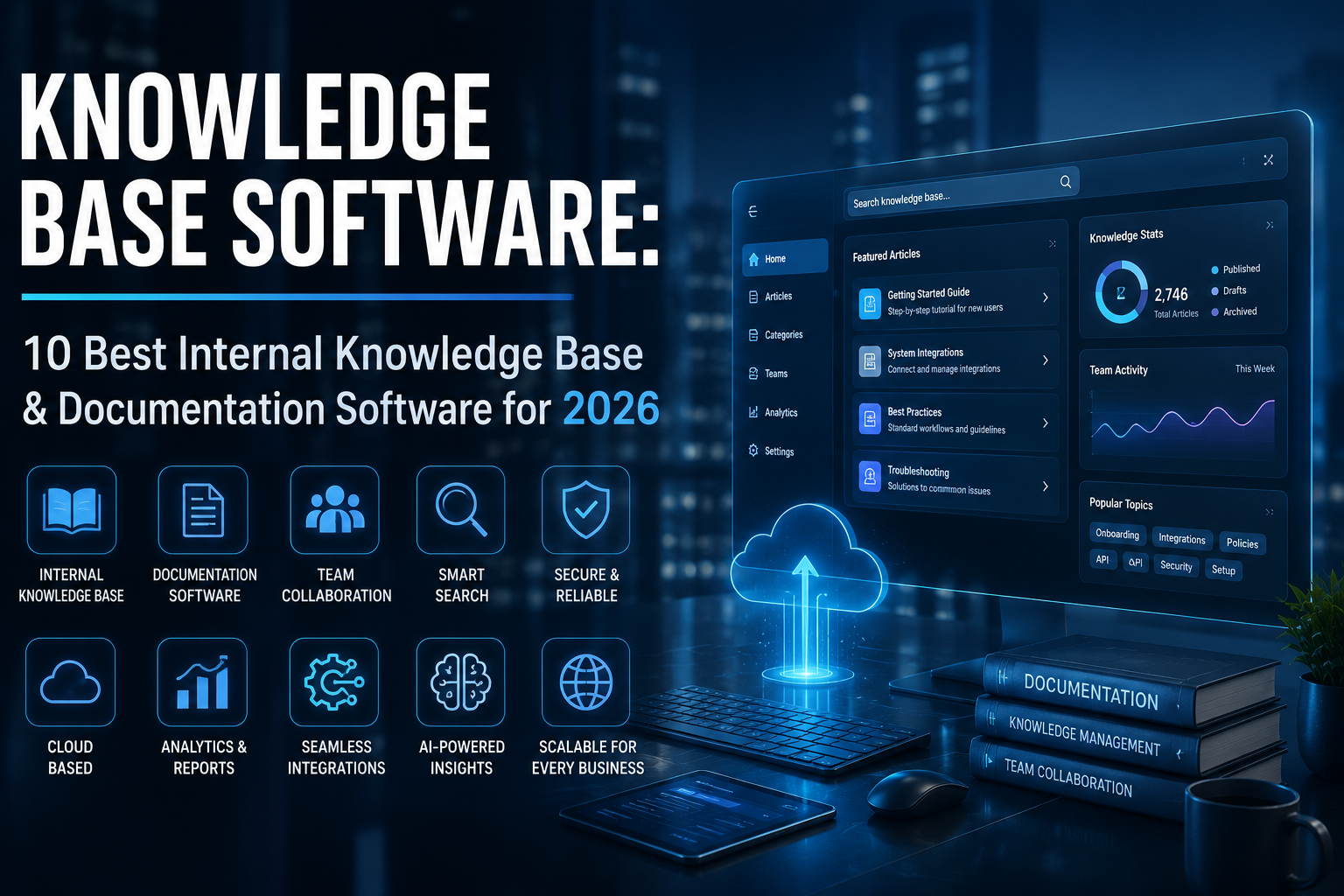
Every growing business eventually reaches a point where information becomes difficult to manage. Team members repeatedly ask the same questions, customers create support tickets for common issues, and important documentation gets buried in emails or chat conversations. I’ve seen this happen countless times over the last 15 years while helping startups, SaaS companies, IT teams, and enterprise organizations implement knowledge base software.
One of the biggest lessons I’ve learned is that choosing the right knowledge base software isn’t just about organizing documents. It’s about building a centralized source of truth that empowers employees, improves customer experiences, and reduces operational costs.
Whether you’re looking for an internal knowledge base for employees, documentation software for technical manuals, wiki software for collaborative knowledge sharing, or a self service knowledge base for customers, the right platform can transform how your organization manages information.
Modern AI-powered knowledge base software now goes beyond storing documents. It intelligently recommends content, improves search results, automates documentation, and even integrates with AI assistants to deliver instant answers.
In this guide, I’ll share the platforms I’ve personally evaluated and implemented for businesses of different sizes, highlighting their strengths, limitations, and ideal use cases.

Why Knowledge Base Software Matters in 2026
Business knowledge has grown exponentially. Remote work, AI adoption, hybrid teams, and global collaboration have made centralized documentation more important than ever.

When I worked with a fast-growing SaaS company, their support agents spent nearly half their day answering repetitive questions. After implementing a self service knowledge base, support tickets for basic issues dropped significantly within a few months. Customers found answers themselves, while agents focused on complex cases.
The benefits extend beyond customer support.
A modern knowledge base software solution helps organizations:
- Centralize company knowledge
- Improve employee onboarding
- Standardize internal processes
- Reduce duplicate work
- Speed up customer support
- Preserve institutional knowledge
- Improve collaboration across departments
- Enable AI-powered search and recommendations
According to industry trends, businesses increasingly rely on AI-driven documentation software and wiki software to improve productivity while reducing knowledge silos.
For further reading on documentation best practices, consider Microsoft’s official documentation and Atlassian’s knowledge management resources.
What Is Knowledge Base Software?
Knowledge base software is a centralized platform that stores, organizes, and manages information so employees and customers can quickly find accurate answers.
Unlike scattered PDFs or outdated folders, modern knowledge base software offers:
- Powerful search
- AI-generated recommendations
- Permission management
- Version control
- Team collaboration
- Analytics
- Integrations with CRM and help desk platforms
Today’s leading platforms combine the strengths of documentation software, wiki software, and self service knowledge base solutions into one intelligent system.
Internal Knowledge Base
An internal knowledge base is designed exclusively for employees.
I’ve implemented internal knowledge base platforms for IT teams, HR departments, software developers, and customer success organizations.

Typical content includes:
- SOPs
- Employee handbooks
- Technical documentation
- Project documentation
- IT troubleshooting guides
- Security policies
- Training materials
- Product roadmaps
A well-maintained internal knowledge base significantly reduces interruptions because employees can access reliable information whenever they need it.
Customer-Facing Self Service Knowledge Base
A self service knowledge base is publicly accessible and helps customers resolve issues independently.
Common examples include:
- Product guides
- FAQs
- Setup tutorials
- Troubleshooting articles
- Video walkthroughs
- API documentation
In my experience, businesses with a comprehensive self service knowledge base often experience higher customer satisfaction because users appreciate immediate answers without waiting for support.
Documentation Software vs Wiki Software
Many businesses confuse documentation software with wiki software, but they serve slightly different purposes.
Documentation software focuses on structured, version-controlled technical content, making it ideal for product manuals, APIs, and SOPs.
Wiki software, on the other hand, emphasizes collaborative editing and shared knowledge creation. Teams can quickly update pages, making it an excellent choice for internal collaboration.
Modern knowledge base software often combines both capabilities, allowing businesses to maintain formal documentation while encouraging collaborative knowledge sharing.

Benefits of Using Knowledge Base Software
After implementing dozens of knowledge base software solutions, I’ve consistently seen the same measurable improvements across organizations.
Faster Customer Support
A well-designed self service knowledge base enables customers to solve common issues without contacting support.
Benefits include:
- Lower ticket volume
- Faster response times
- Higher customer satisfaction
- Reduced support costs
Better Team Collaboration
An internal knowledge base eliminates information silos.
Instead of asking colleagues for answers, employees can access centralized documentation whenever needed.
Reduced Training Costs
New hires ramp up much faster when they have access to detailed documentation software and an organized internal knowledge base.
I’ve seen onboarding times decrease dramatically after companies invested in quality knowledge management systems.
Improved Employee Productivity
Employees waste less time searching for information.
Powerful AI search within modern knowledge base software helps teams locate documents in seconds instead of hours.
Better Documentation
One mistake I’ve repeatedly seen is companies storing documentation across multiple tools.
Consolidating everything into one documentation software platform improves consistency, version control, and long-term maintainability.

Best Knowledge Base Software (Top Picks)
1. Document360
Best For: SaaS businesses, customer support teams, technical documentation, and enterprises.
Overview
After evaluating dozens of knowledge base software platforms, Document360 consistently stands out as one of the most complete solutions. It combines enterprise-grade documentation software, an intuitive editor, AI-powered search, and an excellent self service knowledge base experience.
Key Features
- AI-powered search
- Category management
- Markdown editor
- Version history
- Analytics dashboard
- Knowledge base portal
- API documentation support
- Custom branding
Pros
- Excellent user interface
- Powerful search
- Enterprise security
- Outstanding documentation capabilities
Cons
- Premium pricing for smaller teams
- Advanced features require higher-tier plans
Pricing
Offers multiple paid plans with a free trial.
Integrations
Slack, Microsoft Teams, Zendesk, Freshdesk, Intercom, Zapier, Google Analytics, and more.
Personal Experience
When working with a B2B SaaS company, we migrated hundreds of outdated help articles into Document360. Within weeks, support agents relied on the platform daily, while customers increasingly used the self service knowledge base to resolve common issues independently.
Expert Recommendation
If your organization values scalability, AI capabilities, and structured documentation software, Document360 should be at the top of your shortlist.
2. Confluence
Best For: Internal collaboration and enterprise knowledge management.
Overview
Confluence remains one of the most popular wiki software platforms for technical teams. Developed by Atlassian, it excels at building an internal knowledge base that integrates seamlessly with Jira and other development tools.
Key Features
- Collaborative editing
- Team spaces
- Version control
- Templates
- Smart search
- AI-powered content assistance
- Permissions management
Pros
- Ideal for software development teams
- Strong collaboration tools
- Deep Atlassian integration
Cons
- Can become cluttered without governance
- Learning curve for new users
Pricing
Free plan available with scalable paid options.
Integrations
Jira, Trello, Slack, Microsoft Teams, Google Drive, GitHub, and thousands of marketplace apps.
Personal Experience
For engineering teams managing product documentation, Confluence has consistently delivered excellent results. However, success depends on establishing clear content governance from the beginning.
Expert Recommendation
Choose Confluence if your organization already uses Atlassian products and needs a collaborative wiki software solution.
3. Notion
Best For: Startups, SMBs, remote teams, and flexible documentation.
Overview
Notion combines note-taking, documentation software, project management, and wiki software into a highly customizable workspace.
Key Features
- AI writing assistant
- Collaborative pages
- Databases
- Templates
- Team wiki
- Rich media support
Pros
- Extremely flexible
- Easy to customize
- Excellent user experience
Cons
- Search isn’t as advanced as enterprise-focused platforms
- Permission management can become complex at scale
Pricing
Generous free plan with premium business tiers.
Integrations
Slack, Google Workspace, GitHub, Zapier, Microsoft Teams, Jira, and more.
Personal Experience
Notion has been an excellent choice for startups needing an affordable internal knowledge base combined with project documentation and collaboration.
Expert Recommendation
Perfect for growing businesses that value flexibility over rigid enterprise structures.
Part 2 will continue with Helpjuice, Zendesk Guide, Guru, Slab, Bloomfire, ProProfs Knowledge Base, Nuclino, the comparison table, buying guide, FAQs, 2026 trends, final verdict, and conclusion.
Best Knowledge Base Software (Continued)
4. Helpjuice
Best For: Growing businesses, customer support teams, and organizations that prioritize advanced search and customization.
Overview
Helpjuice has earned a strong reputation as a dedicated knowledge base software platform designed to make information easy to create, organize, and discover. Unlike many general-purpose collaboration tools, Helpjuice focuses entirely on helping businesses build an efficient internal knowledge base and customer-facing self service knowledge base.
One feature that consistently stands out is its intelligent search engine. Even if users don’t type the exact article title, Helpjuice delivers relevant results using contextual search. For companies managing hundreds or thousands of documents, this significantly reduces the time employees and customers spend searching for answers.
Key Features
- Powerful AI-assisted search
- Fully customizable knowledge base design
- Advanced analytics and reporting
- Version history and document tracking
- User permission management
- Rich text editor
- Multilingual support
- SEO-friendly public documentation
Pros
- Excellent search functionality
- Highly customizable interface
- Strong analytics for measuring article performance
- Easy content organization
- Suitable for both documentation software and wiki software use cases
Cons
- No permanent free plan
- Pricing may be higher for small startups
- Initial customization requires some planning
Pricing
Offers a free trial with multiple paid plans based on team size and business requirements.
Integrations
Slack, Zapier, Salesforce, Zendesk, Intercom, Microsoft Teams, Google Workspace, and various CRM platforms.
Expert Recommendation
If your organization relies heavily on an internal knowledge base while also maintaining a public self service knowledge base, Helpjuice is one of the most feature-rich platforms available. It is particularly well suited for businesses that value analytics, branding, and an exceptional search experience.
5. Zendesk Guide
Best For: Customer support teams already using the Zendesk ecosystem.
Overview
Zendesk Guide is more than just documentation software—it is a complete self service knowledge base solution built to reduce support tickets and improve customer satisfaction. Because it integrates seamlessly with Zendesk Support, businesses can connect help articles directly to support workflows, allowing agents and customers to find answers quickly.
The platform also includes AI-powered content suggestions that help support teams identify documentation gaps and recommend relevant articles during customer interactions.

Key Features
- AI-powered article recommendations
- Integrated help center
- Community forums
- Content management tools
- Knowledge-centered support
- Ticket deflection analytics
- Multilingual documentation
- Role-based permissions
Pros
- Excellent integration with Zendesk products
- Easy-to-use knowledge base editor
- Strong customer self-service capabilities
- Detailed reporting and analytics
- Scalable for growing businesses
Cons
- Best suited for existing Zendesk users
- Some advanced features require premium plans
- Limited flexibility compared to standalone wiki software
Pricing
Available as part of Zendesk Suite with multiple pricing tiers.
Integrations
Zendesk Suite, Salesforce, Slack, Microsoft Teams, Shopify, Jira, Google Workspace, and hundreds of third-party applications.
Expert Recommendation
Businesses focused on customer support will benefit greatly from Zendesk Guide. If your goal is to create a professional self service knowledge base that works alongside your help desk, this platform is an excellent choice.
6. Guru
Best For: Sales teams, HR departments, customer success teams, and organizations needing instant knowledge access.
Overview
Guru approaches knowledge base software differently by delivering trusted information directly within employees’ daily workflows. Instead of requiring users to search through multiple documents, Guru proactively surfaces relevant knowledge inside tools like Slack, Microsoft Teams, Chrome, and CRM platforms.
This makes Guru particularly effective as an internal knowledge base because employees receive verified information without interrupting their work.
Key Features
- AI-powered enterprise search
- Browser extension
- Knowledge verification workflows
- Employee knowledge cards
- Slack and Microsoft Teams integration
- Advanced permissions
- Analytics dashboard
- AI-generated answers
Pros
- Fast access to verified information
- Excellent AI search capabilities
- Strong collaboration features
- Easy integration with business applications
- Ideal for distributed and remote teams
Cons
- Public documentation features are more limited than dedicated documentation software
- Premium pricing for larger organizations
- Best value comes when integrated into existing workflows
Pricing
Free plan available for small teams, with advanced Business and Enterprise plans offering additional AI and governance features.
Integrations
Slack, Microsoft Teams, Salesforce, HubSpot, Google Workspace, Zendesk, Jira, Chrome, Okta, and many more.
Expert Recommendation
Guru is an excellent option for organizations looking to modernize their internal knowledge base with AI-powered search and real-time knowledge delivery. Companies that rely on fast collaboration across departments will appreciate its ability to provide accurate information exactly when employees need it.
In Part 2B, we’ll cover Slab, Bloomfire, ProProfs Knowledge Base, Nuclino, the detailed comparison table, buying guide, common implementation mistakes, the latest 2026 trends, FAQs, final verdict, conclusion, and the remaining image placeholders.

Conclusion
Choosing the right knowledge base software depends on your organization’s size, budget, and collaboration needs. If you’re looking for an all-in-one workspace, Notion is an excellent choice. For teams that need powerful documentation and developer-focused features, Confluence stands out. Document360 is ideal for customer-facing knowledge bases, while Guru excels at delivering AI-powered knowledge directly within your team’s workflow. If your priority is enterprise-grade IT documentation, Microsoft SharePoint remains a reliable option.
Before making a final decision, evaluate your team’s workflow, integration requirements, AI capabilities, security needs, and long-term scalability. Most leading platforms offer free trials, making it worthwhile to test a few options before committing. The best knowledge base software is the one that helps your team find information faster, collaborate more effectively, and turn knowledge into a lasting competitive advantage.
Author

razakh6402@gmail.com
Related Posts

Lead Generation Software: 12 Best Lead Generation Tools for B2B Sales (2026 Guide)
- 0
- 2,300 words
If someone had asked me 15 years ago what the biggest challenge in sales was, my answer would have been simple: finding...

Survey Software: 12 Best Online Survey Tools & Feedback Software for Businesses (2026 Guide)
- 0
- 1,871 word
Whether I was helping a SaaS startup validate a new feature, assisting an HR team with employee engagement, or optimizing customer experience...
Read out all
Online Course Platform: 12 Best LMS Software & eLearning Platforms for Course Creators (2026 Guide)
- 0
- 1,900 word
The online education industry has changed dramatically over the last 15 years. When I built my first digital training portal, simply uploading...

Team Communication Software: 12 Best Business Messaging Apps for Modern Workplaces in 2026 (Expert Tested)
- 0
- 2,305 words
I’ve personally tested dozens of team communication software platforms while consulting for marketing agencies, software companies, HR departments, remote development teams, and...

Invoice Software: 12 Best Invoicing Software for Small Business in 2026 (Expert Tested)
- 0
- 2,493 words
I’ve worked with freelancers chasing late payments, agencies managing hundreds of monthly invoices, startups scaling internationally, and established businesses struggling with outdated...

Generate one SEO-optimized title thatdigital asset management software
- 6
- 2,632 words
One of the most memorable projects I led involved migrating nearly half a million digital assets from a traditional file server into...