

- 3
- 2,284 words
Businesses no longer work from a single office, and that reality has completely changed how teams communicate, share files, and manage projects. After spending more than 15 years helping startups, agencies, software companies, and enterprise teams implementcollaboration tools, I’ve learned one thing: the software itself isn’t the biggest factor in success it’s choosing the right platform for your team’s workflow.
I’ve worked with companies that switched between five different online collaboration tools before finding the right fit. I’ve also seen businesses double their productivity simply by replacing scattered email chains with modern team collaboration software that centralized communication, documents, and project tracking.

Today’s project collaboration tools do much more than chat. They combine task management, cloud document sharing, workflow automation, video meetings, integrations, AI-powered productivity features, and real-time collaboration into a single workspace. Whether you’re managing a remote startup, a marketing agency, or an enterprise development team, investing in the right remote collaboration software can significantly improve efficiency.
In this guide, I’ll share the platforms I’ve personally recommended to clients over the years, explain where each one excels, and help you choose the best solution based on your business needs rather than marketing claims.

Why Modern Businesses Need Online Collaboration Tools
Fifteen years ago, collaboration mainly meant sending spreadsheets through email and waiting hours—or even days—for feedback. Today, businesses operate across different cities, countries, and time zones. Traditional communication methods simply can’t keep up.
Modern online collaboration tools allow employees to work together in real time, regardless of location. Instead of juggling multiple apps, leading team collaboration software combines communication, file management, project planning, and workflow automation into one centralized platform.
From my consulting experience, organizations typically experience improvements in several key areas after implementing quality project collaboration tools:
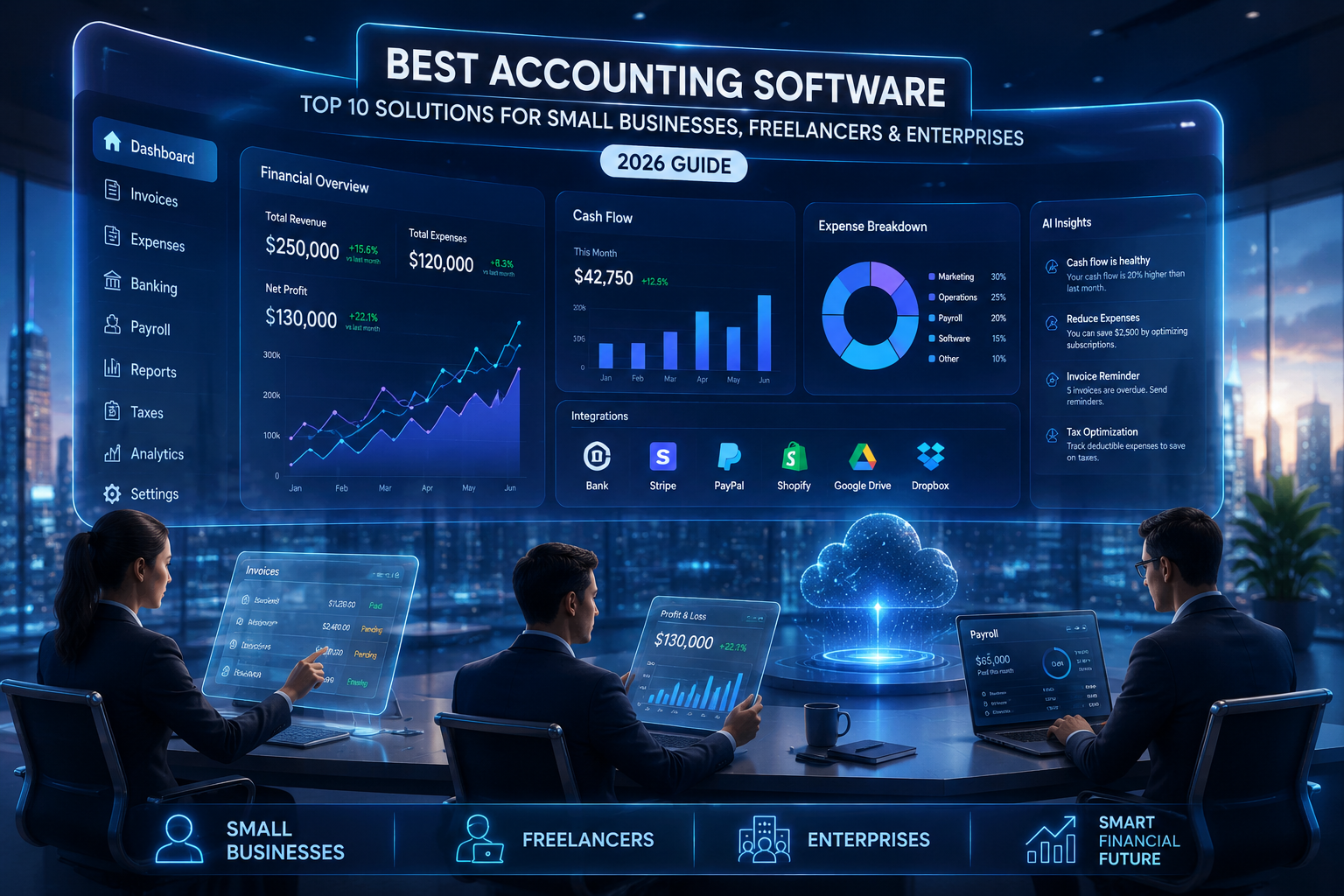
- Faster communication between teams
- Better project visibility
- Reduced email overload
- Improved accountability
- Centralized document management
- Higher productivity for remote employees
- Easier onboarding for new team members
The biggest improvement I consistently notice isn’t speed it’s clarity. Everyone knows who’s responsible for what, deadlines become visible, and important conversations stay attached to the relevant projects.
Key Features to Look for in Team Collaboration Software
Not every business requires the same features. A freelancer has different priorities than a 500-person software company. However, there are several capabilities I always recommend evaluating before choosing remote collaboration software.
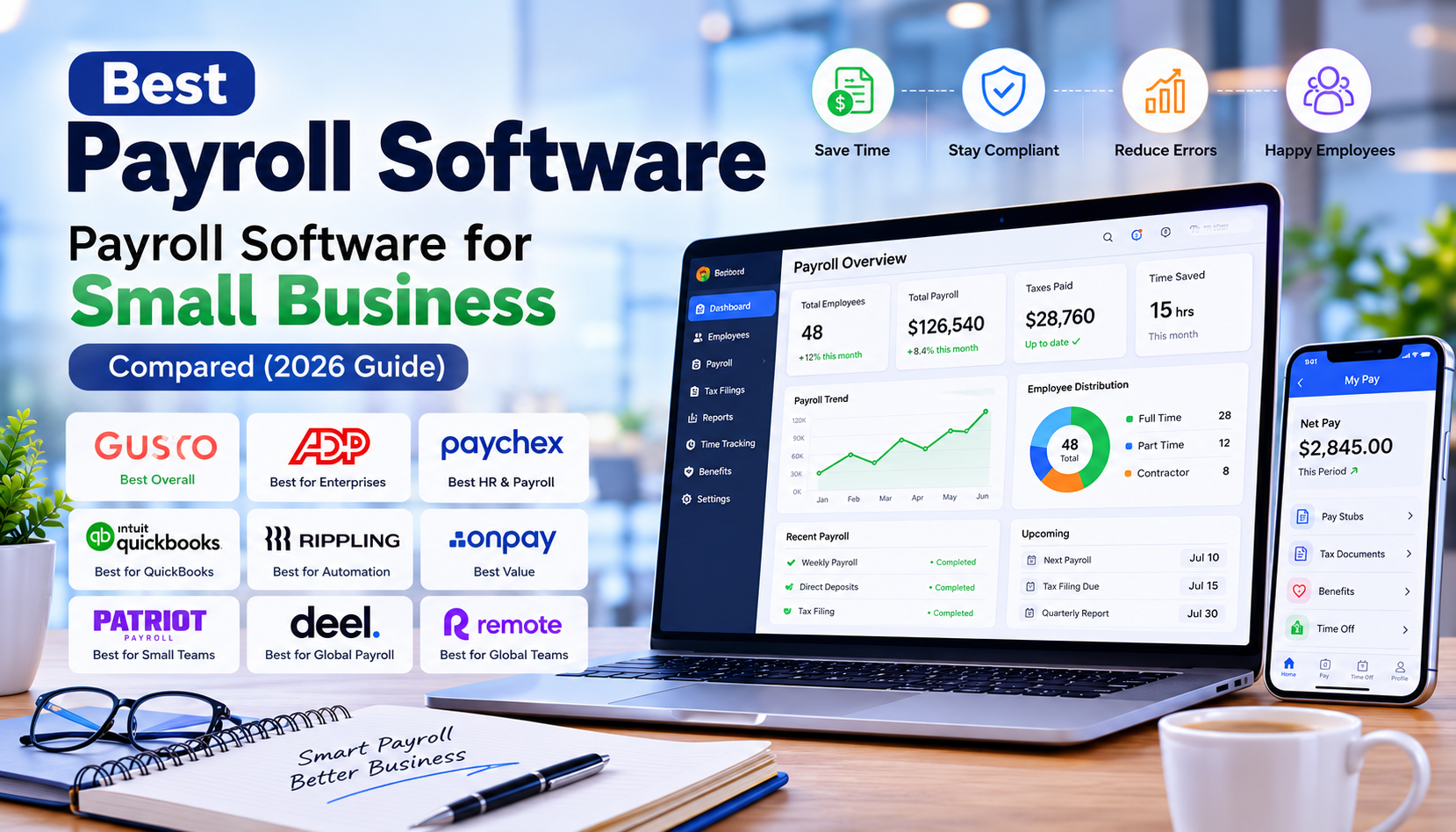
Real-Time Team Communication
Messaging should be instant, organized, and searchable.
The best collaboration tools allow teams to create dedicated channels, group discussions, direct messaging, and threaded conversations that eliminate unnecessary email exchanges.

Project & Task Management
Strong project collaboration tools include:
- Kanban boards
- Task assignments
- Due dates
- Milestones
- Dependencies
- Project timelines
- Progress tracking
Without these features, projects often lose momentum.
Document Collaboration
The best online collaboration tools allow multiple people to edit documents simultaneously while automatically saving changes.
Version history and permission controls are especially valuable for larger organizations.
Cloud File Storage
Reliable team collaboration software should integrate with cloud storage providers and make files accessible from anywhere.
This becomes critical for remote teams working across different locations.
Video Meetings
Many modern remote collaboration software platforms now include built-in video conferencing or integrate seamlessly with Microsoft Teams, Zoom, or Google Meet.
This reduces context switching and keeps meetings connected to project discussions.
Workflow Automation
Automation has become one of the biggest productivity improvements I’ve seen over the past few years.
Simple automations like:
- automatic notifications
- recurring tasks
- approval workflows
- status updates
save countless hours every month.
Third-Party Integrations
Look for integrations with:
- CRM platforms
- Help desk software
- Google Workspace
- Microsoft 365
- GitHub
- Dropbox
- OneDrive
- Slack
- Zapier
A collaboration platform becomes much more valuable when it connects with the tools your team already uses.

Best Online Collaboration Tools (Top Picks)
After evaluating dozens of platforms over the years, these are the solutions I most frequently recommend based on business size, industry, scalability, ease of use, and long-term value.
ClickUp
Overview
ClickUp has evolved into one of the most complete project collaboration tools available today. It combines project management, document collaboration, AI assistance, goals, dashboards, time tracking, and workflow automation into one platform.
Best For
- Growing businesses
- Marketing agencies
- Software teams
- Operations teams
- Remote organizations
Key Features
- Task management
- Whiteboards
- Docs
- AI assistant
- Dashboards
- Time tracking
- Automations
- Goal management
- Custom workflows
- Multiple project views
Pros
- Extremely feature-rich
- Highly customizable
- Excellent free plan
- Powerful automation
- Great reporting
Cons
- Learning curve for beginners
- Can feel overwhelming initially
Pricing
Free plan available
Paid plans start around $7/user/month.
My Experience
I’ve introduced ClickUp to several digital agencies that were previously using Trello, spreadsheets, and Slack independently. Consolidating everything into one workspace significantly reduced project delays and improved visibility across departments.
The flexibility makes ClickUp one of my favorite online collaboration tools for businesses expecting rapid growth.
Ideal Business Size
Small businesses, agencies, startups, and enterprises.
Asana
Overview
Asana remains one of the easiest team collaboration software platforms to adopt. Its clean interface encourages teams to focus on execution instead of learning complicated features.
Best For
- Marketing teams
- HR departments
- Creative agencies
- Operations teams
Key Features
- Timeline view
- Task management
- Portfolio management
- Workflow builder
- AI-powered recommendations
- Goals
- Reporting
Pros
- User-friendly interface
- Excellent project visualization
- Strong automation
- Easy onboarding
Cons
- Limited free plan
- Advanced reporting requires premium plans
Pricing
Free plan available.
Premium starts around $10–11/user/month.
My Experience
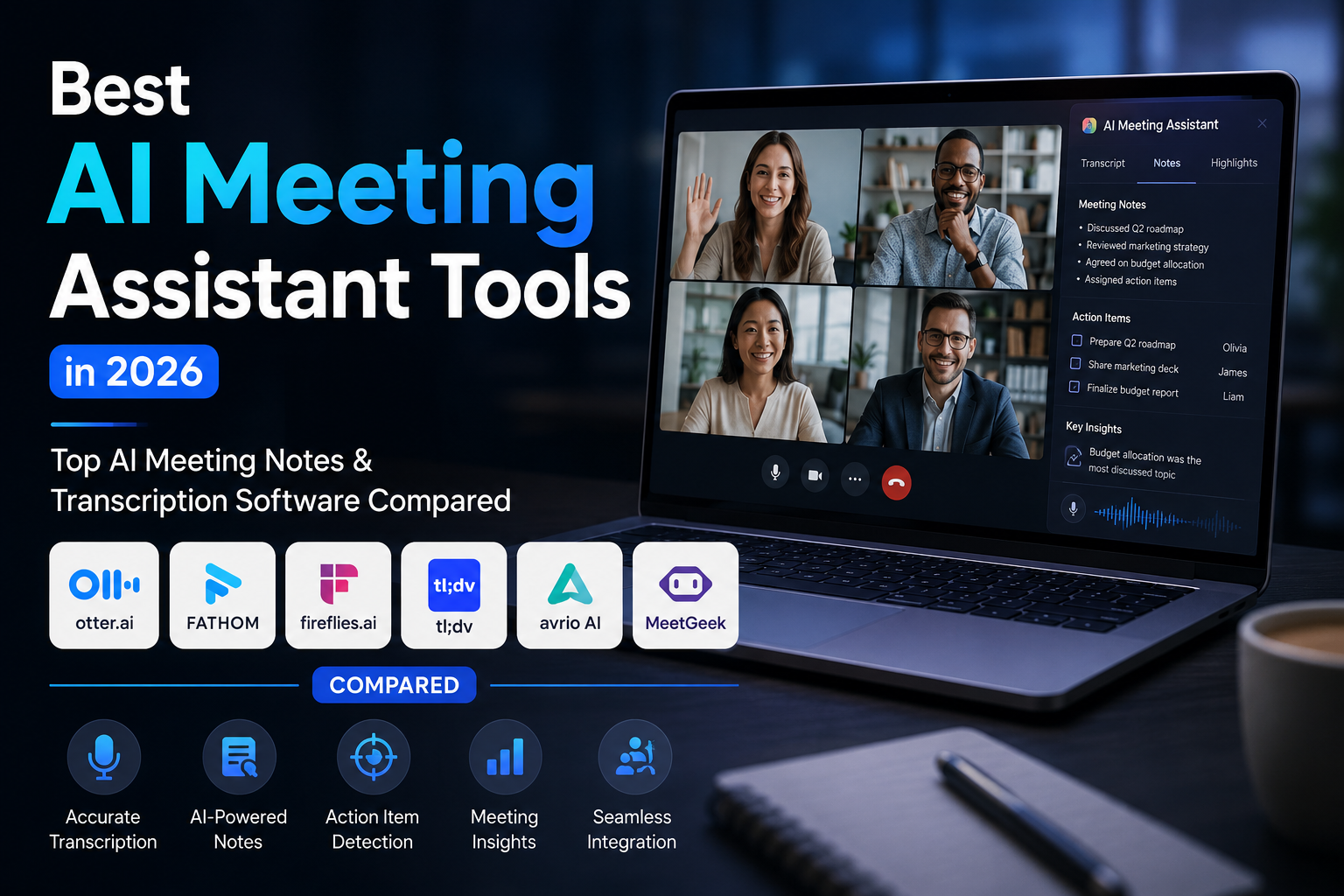
One manufacturing client struggled with project ownership because every department used different spreadsheets. Moving to Asana dramatically improved accountability. Managers finally had visibility into project progress without scheduling multiple status meetings.
Asana continues to be one of the most dependable collaboration tools for structured project management.
Ideal Business Size
Small to medium businesses and enterprise teams.
Microsoft Teams
Overview
Microsoft Teams has become much more than a video meeting platform. It now serves as comprehensive remote collaboration software integrated deeply with Microsoft 365.
Best For
- Enterprises
- Corporate environments
- Microsoft ecosystem users
- IT departments
Key Features
- Team chat
- Video conferencing
- File collaboration
- Shared calendars
- Microsoft 365 integration
- AI Copilot
- Enterprise security
Pros
- Excellent Microsoft integration
- Secure enterprise environment
- Reliable meetings
- Strong document collaboration
Cons
- Best experience requires Microsoft ecosystem
- Interface can become crowded
Pricing
Included with many Microsoft 365 Business subscriptions.
My Experience
Organizations already invested in Microsoft products rarely benefit from switching elsewhere. Teams integrates naturally with Outlook, Word, Excel, PowerPoint, and SharePoint, creating a seamless digital workplace.
For larger enterprises, it remains one of the strongest project collaboration tools available today.

Overview
When clients ask me for a platform that combines documentation, knowledge management, task tracking, and collaboration, Notion is usually one of my first recommendations. Unlike traditional project collaboration tools, Notion creates a centralized workspace where teams can build wikis, manage projects, document processes, and collaborate in real time.
Best For
- Startups
- Product teams
- Content marketing teams
- Design agencies
- Knowledge management
Key Features
- Collaborative documents
- AI writing assistant
- Wikis
- Databases
- Project management
- Templates
- Task tracking
- Team workspaces
Pros
- Extremely flexible
- Beautiful user interface
- Excellent documentation features
- Strong AI capabilities
- Great free plan
Cons
- Requires initial setup
- Advanced databases have a learning curve
Pricing
Free plan available.
Paid plans start at approximately $10/user/month.
My Experience
I introduced Notion to a software startup that had documentation spread across Google Docs, Word files, and internal emails. Within weeks, onboarding time for new employees dropped dramatically because every SOP, meeting note, roadmap, and project lived in one searchable workspace.
For knowledge-heavy organizations, it’s one of the smartest online collaboration tools available today.
Ideal Business Size
Startups, SMBs, agencies, and growing technology companies.
Slack
Overview
Slack transformed workplace communication by replacing endless email chains with organized conversations. While it’s primarily known as messaging software, its extensive integrations make it one of the most effective team collaboration software platforms.
Best For
- Remote teams
- Software development
- Customer support
- Marketing teams
- Cross-functional organizations
Key Features
- Channels
- Direct messaging
- Huddles
- File sharing
- Workflow Builder
- AI search
- Thousands of integrations
Pros
- Fast communication
- Outstanding integrations
- Easy to use
- Excellent mobile experience
Cons
- Can become noisy without proper channel management
- Premium plans unlock the best features
Pricing
Free plan available.
Paid plans start around $8–9/user/month.
My Experience
I’ve seen Slack eliminate hundreds of internal emails every week. However, I always advise clients to create clear channel naming conventions and communication policies. Without structure, even the best remote collaboration software can become overwhelming.
Ideal Business Size
Businesses of all sizes.
Monday.com
Overview
Monday.com offers a colorful, visual approach to managing projects and workflows. It works exceptionally well for organizations that want customizable boards without overwhelming complexity.
Best For
- Marketing agencies
- Operations teams
- HR departments
- Sales teams
- Client services
Key Features
- Visual dashboards
- Automations
- Time tracking
- Workload management
- CRM capabilities
- Reporting
- Project templates
Pros
- Highly visual interface
- Easy customization
- Powerful automations
- Excellent dashboards
Cons
- Costs increase with larger teams
- Advanced reporting requires higher plans
Pricing
Free plan for small teams.
Paid plans begin around $9/user/month.
My Experience
Several creative agencies I worked with preferred Monday.com because it simplified campaign planning and client approvals. Teams quickly understood project status through visual boards, reducing unnecessary meetings.
Ideal Business Size
Small businesses, agencies, and mid-sized organizations.
Trello
Overview
Trello remains one of the simplest project collaboration tools for teams that prefer Kanban boards over complex project management systems.
Best For
- Freelancers
- Small teams
- Startups
- Personal productivity
Key Features
- Kanban boards
- Checklists
- Labels
- Due dates
- Automation
- Templates
- Power-Ups
Pros
- Extremely easy to learn
- Clean interface
- Great free plan
- Quick setup
Cons
- Limited advanced reporting
- Less suitable for enterprise workflows
Pricing
Free plan available.
Premium plans start around $10/user/month.
My Experience
Whenever I work with businesses moving away from spreadsheets, Trello is often the easiest first step. Its simplicity helps teams embrace digital collaboration before transitioning to more advanced team collaboration software if needed.
Ideal Business Size
Freelancers, startups, and small businesses.
Google Workspace
Overview
Although many people don’t think of it as traditional online collaboration tools, Google Workspace remains one of the most widely used collaboration ecosystems worldwide.
Best For
- Businesses of every size
- Education
- Remote teams
- Agencies
Key Features
- Google Docs
- Sheets
- Slides
- Drive
- Meet
- Gmail
- Calendar
- Gemini AI
Pros
- Real-time collaboration
- Excellent cloud storage
- Familiar interface
- Reliable integrations
Cons
- Limited project management capabilities
- Best when paired with dedicated project collaboration tools
Pricing
Business plans begin around $7/user/month.
My Experience
Nearly every business I’ve worked with uses Google Workspace in some capacity. Pairing it with dedicated project collaboration tools like ClickUp or Asana creates an extremely productive digital workplace.

How to Choose the Right Project Collaboration Tools
After helping businesses select collaboration platforms for over 15 years, I always recommend evaluating these factors before making a decision:
- Team size and expected growth
- Budget
- Ease of adoption
- Integration with existing software
- Mobile accessibility
- Security and compliance
- Automation capabilities
- Reporting and analytics
- Customer support quality
- Scalability
Don’t choose software based on popularity alone. The best collaboration tools are the ones your team will actually use consistently.
Common Mistakes Businesses Make
Many organizations fail to maximize their investment in team collaboration software because they:
- Purchase overly complex platforms.
- Skip employee training.
- Ignore workflow automation.
- Create inconsistent naming conventions.
- Use too many collaboration apps simultaneously.
- Fail to define ownership and responsibilities.
- Don’t regularly review workflows.
Expert Tips From 15 Years of Experience
Across dozens of implementations, these practices consistently deliver the best results:
Keep Communication Centralized
Avoid splitting conversations across email, messaging apps, and spreadsheets.
Standardize Templates
Create reusable templates for recurring projects.
Automate Routine Tasks
Use automation for reminders, approvals, recurring assignments, and notifications.
Review Permissions Regularly
Protect sensitive information by maintaining role-based access.
Measure Adoption
The best remote collaboration software only delivers value if employees actively use it.

Conclusion
Choosing the right collaboration tools can have a significant impact on how your team communicates, manages projects, and delivers results. After working with businesses of all sizes for more than 15 years, I’ve found that the most successful teams aren’t necessarily using the most expensive software—they’re using the online collaboration tools that best match their workflows, business goals, and team size.
If you need an all-in-one solution, ClickUp is an excellent choice. Asana is ideal for structured project management, Microsoft Teams works exceptionally well for organizations using Microsoft 365, Slack excels in team communication, Notion is perfect for documentation and knowledge sharing, Monday.com offers highly visual workflow management, Trello is great for simple task tracking, and Google Workspace remains a reliable platform for real-time collaboration.
Before making your final decision, take advantage of free trials or free plans to see how each team collaboration software fits your daily operations. The best project collaboration tools are the ones your employees adopt quickly, integrate with your existing systems, and scale as your business grows. By investing in the right remote collaboration software, you can improve productivity, streamline communication, and build a more connected, efficient, and successful workplace.
Ready to boost your team’s productivity? Compare the tools reviewed above, choose the platform that aligns with your business needs, and start building a smarter, more collaborative workflow today.
Author

razakh6402@gmail.com
Related Posts

Lead Generation Software: 12 Best Lead Generation Tools for B2B Sales (2026 Guide)
- 0
- 2,300 words
If someone had asked me 15 years ago what the biggest challenge in sales was, my answer would have been simple: finding...

Survey Software: 12 Best Online Survey Tools & Feedback Software for Businesses (2026 Guide)
- 0
- 1,871 word
Whether I was helping a SaaS startup validate a new feature, assisting an HR team with employee engagement, or optimizing customer experience...
Read out all
Online Course Platform: 12 Best LMS Software & eLearning Platforms for Course Creators (2026 Guide)
- 0
- 1,900 word
The online education industry has changed dramatically over the last 15 years. When I built my first digital training portal, simply uploading...

Team Communication Software: 12 Best Business Messaging Apps for Modern Workplaces in 2026 (Expert Tested)
- 0
- 2,305 words
I’ve personally tested dozens of team communication software platforms while consulting for marketing agencies, software companies, HR departments, remote development teams, and...
Invoice Software: 12 Best Invoicing Software for Small Business in 2026 (Expert Tested)
- 0
- 2,493 words
I’ve worked with freelancers chasing late payments, agencies managing hundreds of monthly invoices, startups scaling internationally, and established businesses struggling with outdated...
Generate one SEO-optimized title thatdigital asset management software
- 6
- 2,632 words
One of the most memorable projects I led involved migrating nearly half a million digital assets from a traditional file server into...
3 comments