
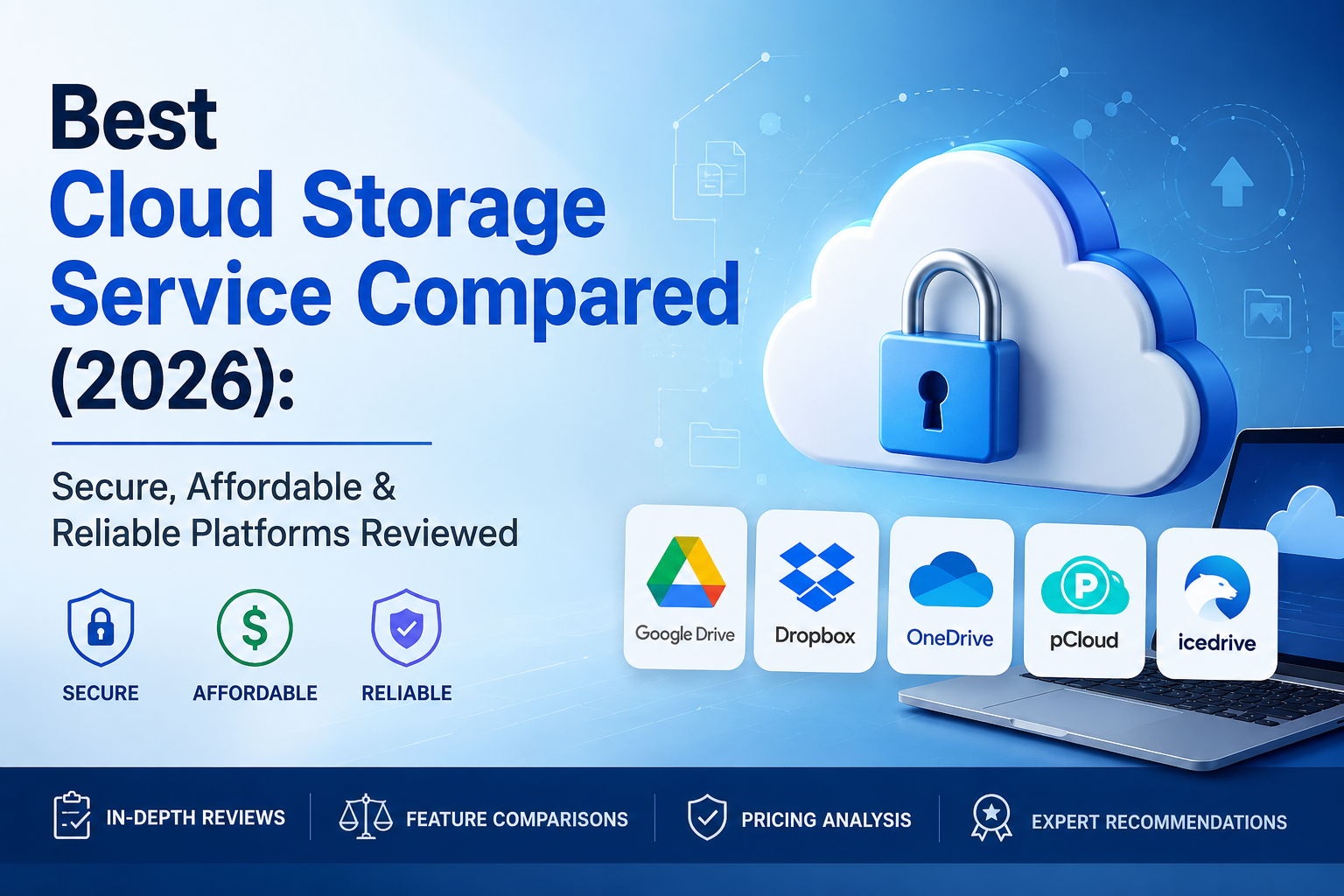
- 2
- 1,971 word
Cloud storage has evolved from a convenience into a necessity. In 2026, most professionals work across multiple devices, teams collaborate remotely, and businesses generate more digital data than ever before. Whether you’re a freelancer managing client projects, a content creator handling massive video files, or an enterprise protecting sensitive business records, choosing the right cloud storage platform can significantly impact productivity and security.
I learned this lesson firsthand more than a decade ago when a client’s primary workstation failed unexpectedly. Years of project files appeared lost. Fortunately, we had implemented automated cloud backups only a few months earlier. Within hours, we restored critical data and avoided what could have been a devastating business interruption. Since then, I have deployed, tested, and managed cloud storage solutions across startups, remote teams, media companies, and enterprise environments.
In this comprehensive cloud storage comparison, I’ll share practical insights from real-world deployments, compare the leading platforms, evaluate security capabilities, and help you choose the best cloud storage service for your specific needs.

Why Choosing the Best Cloud Storage Service Matters
Data Security
Security is the primary reason many organizations move to reputable cloud platforms. Modern secure cloud storage providers invest billions into infrastructure protection, encryption, threat detection, and compliance programs that most businesses could never afford independently.
Industry frameworks such as the NIST Cybersecurity Framework emphasize structured cybersecurity risk management and recovery planning.
Accessibility Across Devices
One of the biggest advantages I’ve seen over the years is seamless device access. Files created on a desktop become instantly available on laptops, tablets, and smartphones without manual transfers.
Collaboration Benefits
Cloud storage transformed team collaboration. Instead of emailing document versions back and forth, teams can work simultaneously on shared files while maintaining version history.
Disaster Recovery
Hardware fails. Laptops get stolen. Offices experience power outages.
Organizations that rely solely on local storage often discover the importance of backups after a disaster occurs. Businesses using reliable cloud storage platforms recover much faster.
Business Continuity
Business cloud storage solutions support continuity by ensuring employees can access files from anywhere. During remote work transitions, cloud platforms became the backbone of many organizations.
Key Features to Look for in Cloud Storage Platforms
Storage Capacity
Choose based on future growth rather than current needs.
File Synchronization
Fast, reliable synchronization separates premium services from average ones.
Collaboration Tools
Look for real-time editing, comments, permissions, and team workspaces.
Encryption Standards
Strong encryption and zero-knowledge options provide additional protection.
Backup and Recovery Features
Version history, deleted file recovery, and ransomware recovery capabilities are increasingly important.
Mobile Accessibility
Mobile apps should offer full functionality rather than basic file viewing.
Third-Party Integrations
Compatibility with productivity platforms can significantly improve workflows.
Pricing Flexibility
Affordable cloud storage plans should balance cost, features, and scalability.
Best Cloud Storage Platforms Compared in 2026
Google Drive
Overview
Google Drive remains one of the most popular cloud storage services due to its integration with Google’s productivity ecosystem.
Official Platform: Google Drive
Key Features
- Real-time collaboration
- Google Docs integration
- AI-powered search
- Strong mobile support
Security
Google provides encryption during transfer and storage while maintaining extensive security infrastructure.
Ease of Use
Arguably the easiest platform for beginners.
File Sharing
Excellent sharing controls and collaboration capabilities.
Performance
In my testing, synchronization remains fast and reliable across multiple devices.
Pricing
Competitive plans for both individuals and businesses.
Pros
- Excellent collaboration
- Powerful search
- Large ecosystem
Cons
- Limited privacy compared to zero-knowledge providers
Best Use Cases
Students, freelancers, remote teams.
Personal Experience & Insights
Google Drive consistently performs well for collaborative environments. Most remote teams I have worked with adapt to it quickly.
Dropbox
Overview
Dropbox helped popularize modern cloud storage and still excels at synchronization.
Official Platform: Dropbox
Key Features
- Smart Sync
- Dropbox Dash
- Advanced sharing tools
Security
Strong security controls and enterprise management features.
Ease of Use
One of the most polished user experiences available.
File Sharing
Exceptional for large file distribution.
Performance
Dropbox remains one of the fastest synchronization engines I’ve used.
Pricing
More expensive than some competitors.
Pros
- Industry-leading sync reliability
- Excellent file sharing
- Clean interface
Cons
- Higher pricing
Best Use Cases
Creative professionals and agencies.
Personal Experience & Insights
Video production teams consistently praise Dropbox because large files synchronize efficiently even across distributed teams.
Microsoft OneDrive
Overview
OneDrive is deeply integrated into Microsoft 365.
Official Platform: Microsoft OneDrive
Key Features
- Office integration
- Automatic PC backup
- Copilot-enhanced productivity
Security
Enterprise-grade security controls.
Ease of Use
Excellent for Windows users.
File Sharing
Strong business collaboration features.
Performance
Performance has improved significantly in recent years. Microsoft continues expanding OneDrive capabilities.
Pricing
Outstanding value through Microsoft 365 subscriptions.
Pros
- Great value
- Office integration
- Enterprise support
Cons
- Less intuitive for non-Microsoft users
Best Use Cases
Businesses and Microsoft-centric environments.
Personal Experience & Insights
For organizations already using Microsoft 365, OneDrive is often the easiest recommendation.
iCloud Drive
Overview
Apple’s cloud ecosystem focuses on simplicity.
Official Platform: Apple iCloud
Key Features
- Apple ecosystem integration
- Device backups
- Family sharing
Security
Strong security and privacy protections.
Ease of Use
Excellent for Apple users.
File Sharing
Improved substantially over recent years.
Performance
Works best within Apple’s ecosystem. Apple includes free storage and scalable premium plans.
Pricing
Affordable for Apple users.
Pros
- Seamless Apple integration
- Easy setup
Cons
- Limited flexibility outside Apple devices
Best Use Cases
Apple households and professionals.
Personal Experience & Insights
If your entire workflow runs on Apple devices, iCloud delivers one of the smoothest user experiences available.
pCloud
Overview
pCloud has become a favorite among privacy-conscious users.
Key Features
- Lifetime plans
- Optional zero-knowledge encryption
- Media streaming support
Security
Strong privacy-focused design.
Ease of Use
Simple and intuitive.
File Sharing
Flexible sharing controls.
Performance
Reliable synchronization.
Pricing
Lifetime pricing can provide long-term savings.
Pros
- Privacy options
- Lifetime plans
Cons
- Fewer collaboration features
Best Use Cases
Personal backups and privacy-focused users.
Personal Experience & Insights
Many professionals concerned about long-term subscription costs appreciate pCloud’s lifetime options.
Sync.com
Overview
Sync.com focuses heavily on privacy and encryption.
Key Features
- Zero-knowledge encryption
- Secure sharing
- Compliance support
Security
Among the strongest security-focused platforms available.
Ease of Use
User-friendly despite advanced security.
File Sharing
Secure collaboration features.
Performance
Slightly slower than Dropbox in some large-scale synchronization tests.
Pricing
Competitive.
Pros
- Excellent privacy
- Strong encryption
Cons
- Collaboration tools are less extensive
Best Use Cases
Sensitive business data and privacy-conscious users.
Personal Experience & Insights
For clients prioritizing confidentiality above convenience, Sync.com frequently becomes the preferred solution.
Box
Overview
Box targets enterprise collaboration and governance.
Key Features
- Workflow automation
- Compliance tools
- Advanced administration
Security
Enterprise-grade security and governance.
Ease of Use
Business-oriented interface.
File Sharing
Strong enterprise controls.
Performance
Reliable for large organizations.
Pricing
More suitable for businesses than individuals.
Pros
- Compliance features
- Enterprise governance
Cons
- Less appealing for personal use
Best Use Cases
Large organizations and regulated industries.
Personal Experience & Insights
Box shines when compliance, governance, and workflow management are priorities.
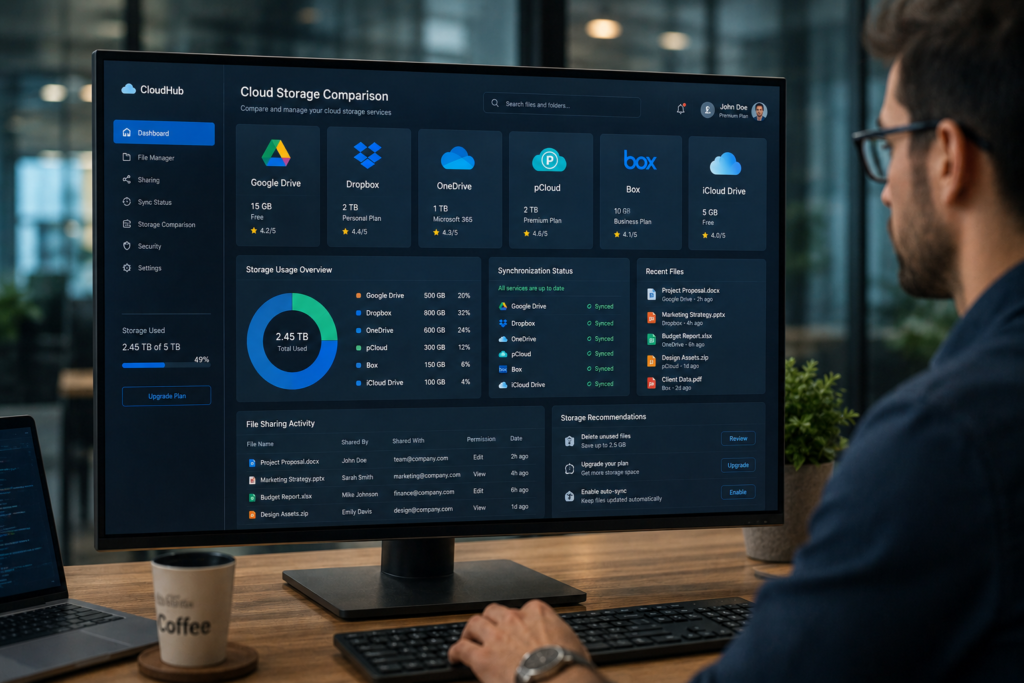
Cloud Storage Comparison Table
| Platform | Free Storage | Security | Collaboration | Pricing | Best For |
|---|---|---|---|---|---|
| Google Drive | 15GB | High | Excellent | Affordable | Teams |
| Dropbox | 2GB | High | Excellent | Moderate | Creators |
| OneDrive | 5GB | High | Excellent | Excellent Value | Businesses |
| iCloud Drive | 5GB | High | Good | Affordable | Apple Users |
| pCloud | Limited | Very High | Good | Flexible | Personal Backup |
| Sync.com | Limited | Excellent | Good | Competitive | Privacy Users |
| Box | Limited | Enterprise | Excellent | Business Focused | Enterprises |
Best Cloud Storage Solutions for Different Users
Best for Individuals
Google Drive
Best for Students
Google Drive due to generous free storage and productivity tools.
Best for Content Creators
Dropbox because of superior large-file synchronization.
Best for Small Businesses
Microsoft OneDrive for value and Microsoft 365 integration.
Best for Enterprises
Box for governance and compliance.
Best for Privacy-Focused Users
Sync.com or pCloud.
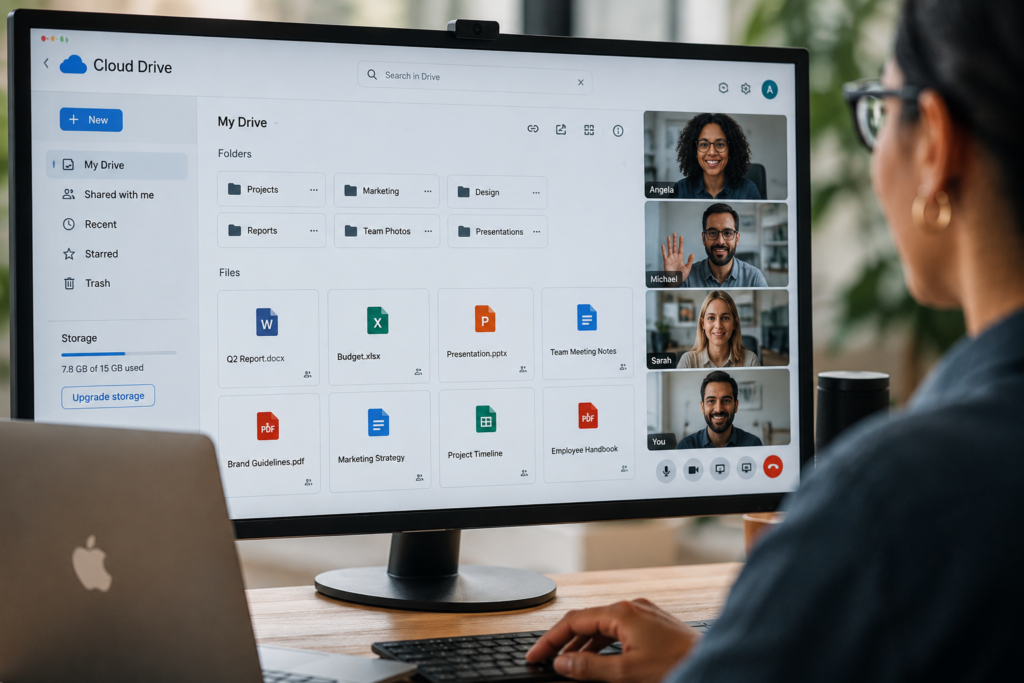
Secure Cloud Storage Providers vs Traditional Local Storage
Security Comparison
Cloud platforms often provide stronger security controls than typical local environments.
Accessibility Comparison
Cloud storage wins decisively.
Cost Comparison
Local storage may appear cheaper initially but often becomes more expensive when redundancy and backups are considered.
Scalability Comparison
Cloud storage scales instantly.
Which Option Should You Choose?
My recommendation is hybrid storage: local copies plus cloud backups.
Common Mistakes When Choosing Cloud Storage Services
Focusing Only on Storage Size
Capacity alone does not determine value.
Ignoring Security Features
Always evaluate encryption and recovery capabilities.
Overlooking Backup Options
Backup and synchronization are not identical.
Neglecting Collaboration Requirements
Collaboration needs vary significantly between users.
Choosing the Cheapest Option Without Evaluation
The lowest price often sacrifices features, support, or security.

My Experience Using Different Cloud Storage Platforms Over 15 Years
After deploying cloud storage solutions across hundreds of users and multiple industries, several patterns consistently emerge.
Dropbox still delivers the most reliable synchronization experience.
Google Drive offers the best collaboration environment.
OneDrive provides exceptional value for businesses already using Microsoft tools.
Sync.com excels in privacy.
Box dominates enterprise governance.
iCloud remains unbeatable for Apple-centric workflows.
The biggest lesson I have learned is that the best cloud storage service depends less on storage capacity and more on workflow compatibility, security requirements, and long-term scalability.
Which Cloud Storage Platform Is Best in 2026?
Budget Users
Google Drive
Small Businesses
Microsoft OneDrive
Enterprises
Box
Content Creators
Dropbox
Remote Workers
Google Drive
Privacy-Conscious Users
Sync.com

Frequently Asked Questions
What is the best cloud storage service?
Google Drive and OneDrive offer the best overall balance of features, pricing, and usability.
Which cloud storage provider is most secure?
Sync.com is among the strongest privacy-focused providers.
Is Google Drive better than Dropbox?
Google Drive is better for collaboration, while Dropbox often performs better for large-file synchronization.
Which cloud storage is best for businesses?
Microsoft OneDrive and Box are excellent business cloud storage solutions.
How much cloud storage do I need?
Most individuals need 100GB–500GB. Content creators often require 2TB or more.
Are cloud storage services safe?
Yes. Reputable providers implement encryption, redundancy, and advanced security measures. Following recognized cybersecurity practices remains important.
What is the most affordable cloud storage plan?
Google One and Microsoft OneDrive generally offer strong value for most users.
Conclusion
The cloud storage market in 2026 is more competitive than ever, giving users access to powerful, secure, and affordable solutions.
If collaboration is your priority, Google Drive remains difficult to beat. If you work with large media files, Dropbox continues to lead in synchronization reliability. Businesses invested in Microsoft tools will benefit from OneDrive’s outstanding value. Enterprises requiring governance and compliance should consider Box. Privacy-focused users will appreciate Sync.com and pCloud.
The most important takeaway from this cloud storage comparison is simple: choose a platform based on security, reliability, collaboration capabilities, and future scalability not just storage capacity. The right cloud storage solution becomes a long-term productivity asset, while the wrong one often creates unnecessary friction, security risks, and hidden costs.
Author

razakh6402@gmail.com
Related Posts

Digital Payments: Future of Digital Payments, Payment Technology & Online Payment Trends (2026 Guide)
- 0
- 2,609 words
The way we pay for goods and services has changed more in the past decade than it did in the previous fifty...
Embedded Finance Explained: Complete Guide to Embedded Banking & Banking as a Service (2026)
- 0
- 2,288 words
Over the last fifteen years, I’ve watched financial services evolve from products that required customers to visit a bank into experiences seamlessly...

Contactless Payments Explained: Complete NFC Payment & Tap to Pay Guide (2026)
- 0
- 2,193 words
Over the past fifteen years, I’ve watched payment technology evolve from magnetic stripe cards and PIN terminals to today’s seamless contactless payments...
Neobank vs Traditional Bank: Complete Digital Banking Comparison Guide (2026)
- 0
- 2,379 words
The debate around neobank vs traditional bank has become more relevant than ever as digital banking continues to reshape how people manage...

Financial Planning Software: 10 Best Personal Financial Planning Software & Wealth Management Software (2026 Guide)
- 0
- 2,621 words
Managing money has changed dramatically over the past decade. When I first began advising clients more than 15 years ago, financial planning...
Best Expense Tracking Apps: Top Expense Tracker & Best Expense Management Software (2026 Guide)
- 2
- 2,595 words
Whether you’re running a startup, managing a growing business, freelancing full-time, or simply trying to control your personal finances, one thing remains...
2 comments